

Expired
Giveaway: Vovsoft Hide Files (Lifetime) – Secures Your Files and Folders

 january
$0.0
$19
$0.0
$19
Table of Contents
What is Vovsoft Hide Files?
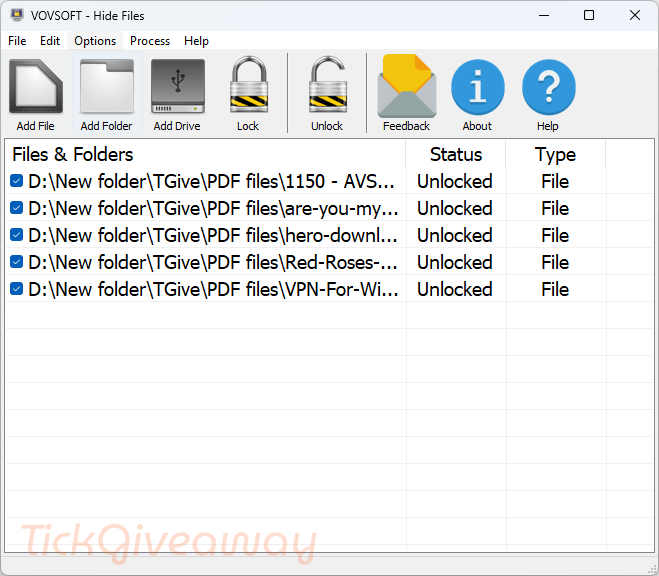
Vovsoft Hide Files is an encryption tool for Windows. With it, you can set a password to protect any secret or embarrassing files. This tool helps you hide your files and folders from prying eyes and set your master password and lock your files. Therefore, no one can access your files without your master password.
Key Features
- Encrypt and decrypt your sensitive files
- Set your master password and lock your files.
- Supports NTFS, FAT32, and FAT16 file system types, local hard drives, external hard drives, SSD drives, SD/MMC memory cards, and USB flash disks.
- Lock and unlock your gigabytes of data within seconds.
- Supports drag and drop from Windows Explorer and supports lost password recovery.
Supported OS: Windows 11/10/8.1/8/7/Vista/XP
Price: $19/lifetime
How to get the Vovsoft Hide Files license key for free?
Giveaway ended
Lifetime license
Non-commercial use
No free updates
No free tech support
This giveaway ended on .
The terms and product details above stay on record. Stay tuned - we publish new giveaways every day.
Special Offer
🏆🏆🏆Special Offer for You: Get up to 98% Off for Vovsoft products by using our Vovsoft Coupon Codes here!
30%Off
Vovsoft Hide Files
$13.30$19
•••PONShow Code
97%Off
Vovsoft Universal License lifetime
$69.3$2185
•••PONShow Code
Special Offer
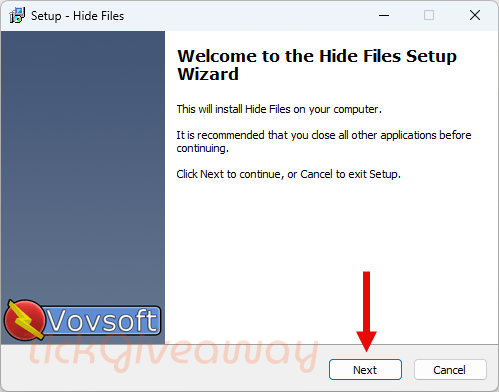
Step 1. Download the full version of the giveaway for Hide Files v10.0.
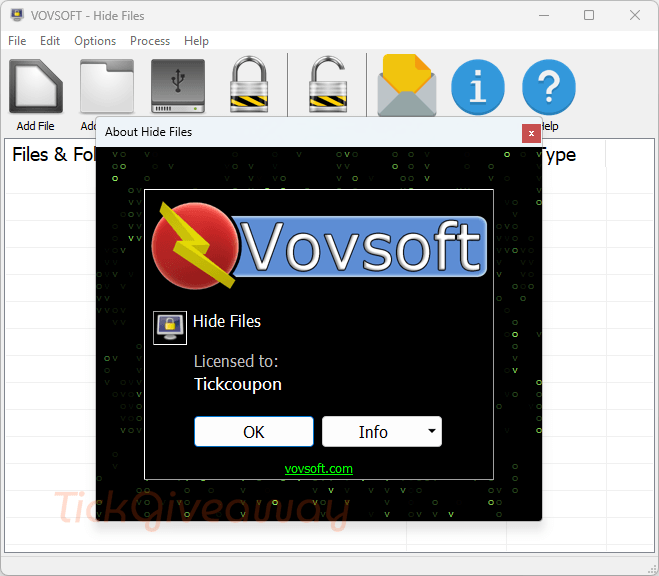
Step 2. Install it on your computer. The program will activate automatically; no need to enter the license code.
Step 3. Enjoy it!





Without encryption the hiding is superficial, once an item is locked a standard windows hidden attributed folder is created on the C: drive “C:\VVSFTFLDRHD” with security through obscurity a file is created for each hidden item N.db where N is a number that appears to increase sequentially. the file is NOT an sqlite database but the original file renamed… If one enables encryption then the *.db files contain the encrypted contents and not the plain text. As I said there is zero plausible deniability, even if stealth mode is enabled which for some reason just hides the GUI from view so you cannot do anything more with the program… not even exit normally… not sure it’s purpose as the C:\VVSFTFLDRHD folder with contents still remain and the process hidefiles.exe still shows in task manager details page and would have to be End tasked to return to normality. Ah just read on vovsofts product page CTRL + ALT + SHIFT + Z toggles stealth mode so now it kind of makes sense even if the stealthiness is superficial and proof of the programs activity remain. Oddly there is no portable edition of this even though that would make the most sense that the program not be installed on the host machine but just the obscure data files… renaming the appdata/roaming subfolder to be something more obscure would be advisable too. The use of fixed folder and file naming and installation on the host computer destroy the possible security through obscurity… One suggestion I can make is go a little deeper, most modern drives have multiple partitions to produce the EFI boot environment and that leaves often megabytes sometime hundreds of megabytes of slack space between GPT partitions that are free to hide away data if you compile in your own filesystem driver into your program to have an extended slack space partition table in the slack between the GPT/MBR records and boot sectors and the first partition which is often a megabyte later… to define the slack space partitions to be used for storing a few hundred megabytes of encrypted data in place that will not be touched by windows. I’m also concerned that the chosen password is shared and stored by vovsoft in association with the registered email address to enable the password recovery process to occur which is an unnecessary risk that one should be able to opt out of as vovsoft could get hacked and the password/email database stolen. Do you get a copy of SOS participants passwords even though they cannot use the recovery facility as no end user email is associated with the winningpc license? If so that is unfair data exposure for no potential benefits!
Today 17th septembre 2024 works fine this license
dead
good