
Giveaway: Vovsoft Compare Two Texts (Lifetime) – Compare text changes side by side

 Leona
What is Vovsoft Compare Two Texts?
Vovsoft Compare Two Texts is a Windows program for comparing two pieces of text side by side and finding differences quickly. It highlights added, deleted, and changed lines with clear color coding. You can load files, paste text from the clipboard, or drag files into the program. The app can ignore whitespace and letter case, switch between comparison methods, and open TXT, DOC, and DOCX files.
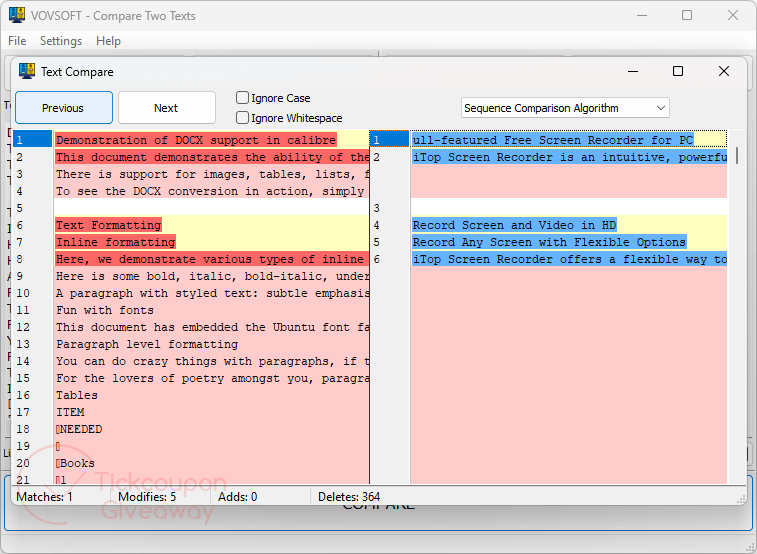
Table of Contents
Key Features
- Drag files from Windows Explorer directly into the comparison panes.
- Load files with built-in buttons or paste text from the clipboard.
- Color-code additions, deletions, and changed lines.
- Jump between detected changes with Previous and Next controls.
- Ignore whitespace or letter-case differences during comparison.
- Choose different comparison algorithms from the available menu.
- Open TXT, DOC, and DOCX files for comparison.
| Version | 1.5 (giveaway build) |
| Supported OS | Windows 11, 10, 8/8.1, 7, Vista (64-bit) |
| File size | 4.21 MB (Installer), 3.43 MB (Portable) |
| License type | Lifetime, personal use |
| Publisher | Vovsoft |
| Category | System Utilities – Text/Document Editors |
Our Quick Test
Based on the activation process, setup requires the giveaway build, installation, and registration with the supplied code. The license stays tied to the giveaway build, so installing later releases may require a new license. Keeping a copy of the giveaway installer is sensible if you need to reinstall later. Support is not included, so the supplied activation instructions become more important if registration fails. You should avoid replacing the licensed build unless you have another valid registration code. This giveaway suits personal users who need repeat text comparisons and can keep the licensed build unchanged.
How to Get the Free License Key
Special Offer
Vovsoft Compare Two Texts
Vovsoft Universal License lifetime
Instructions
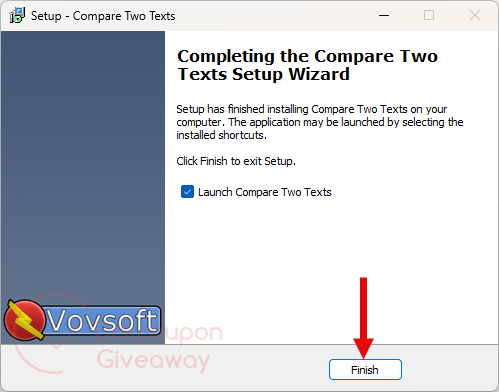
Step 1. Download and install version 1.5 of the software on your computer.
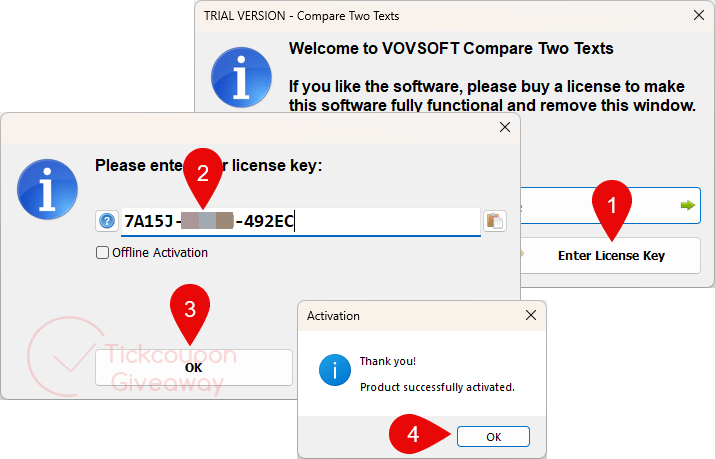
Step 2. Register the installed app with the free code supplied on this giveaway page.
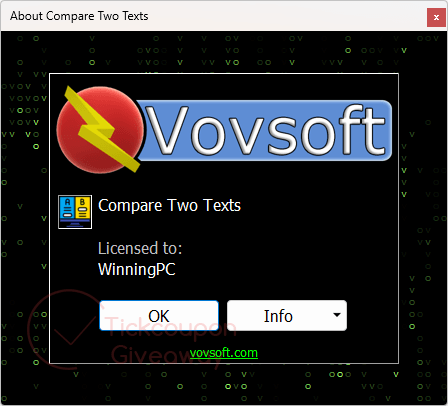
Step 3. Get it for free for life!
Troubleshooting
- The key is rejected. Use the installer linked in Step 1 rather than a package downloaded elsewhere. Giveaway registration codes can depend on the build provided for the promotion.
- The key is unavailable. Leave a comment on the giveaway page so the missing code can be checked. Do not substitute a retail key from another source.
If registration still fails, keep the original installation files and include the exact error in your comment.