


 january
 Table of Contents
What is the MiniTool MovieMaker?
Editing a video with MiniTool MovieMaker is simple if you don’t have much experience with video editing. This tool is designed to help you remake your video like Hollywood-style films with an intuitive interface and rich features. Upload your media files from the local disk, and then you can use transitions and effects to make your content shine.
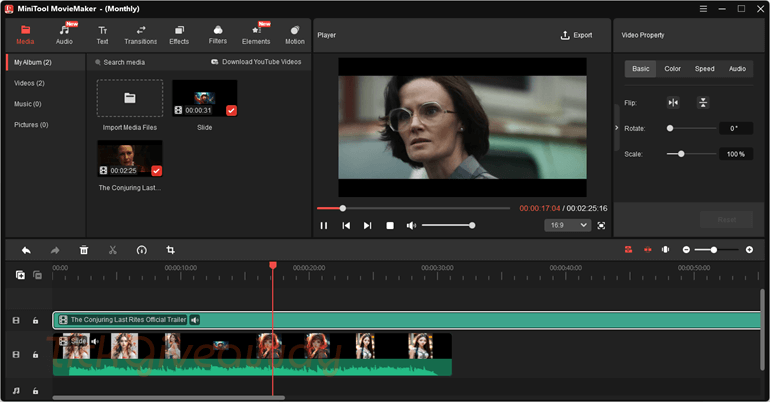
MiniTool MovieMaker simplifies the whole editing process and is especially user-friendly for beginners. You can freely export plenty of images and videos to create special, stylish videos. When you have done, you can save your videos in standard or HD quality without a watermark and even share them on popular social networks like YouTube, Facebook, etc.
Key Features
- Easy Video Editing Timeline: Edit videos by trimming, splitting, or arranging clips on a simple timeline without complicated tools.
- Ready-Made Video Templates: Create slideshows or short movies quickly using built-in templates for birthdays, travel, or other events.
- Drag-and-Drop Editing: Add videos, photos, music, and effects to your project by simply dragging them into the editing area.
- Add Text and Titles: Insert titles, captions, and credits with different fonts and styles to make your video clearer and more engaging.
- Transitions and Visual Effects: Apply transitions between clips and visual filters to improve the overall look of your video.
- Background Music Support: Import your own music or sound files and adjust them to match the video length.
- Export in Multiple Formats: Save finished videos in popular formats and choose different resolutions suitable for computers or online sharing.
Supported OS: Win 11/10 (64-bit)
Price: $59.99/year
How to get the MiniTool MovieMaker license key for free?
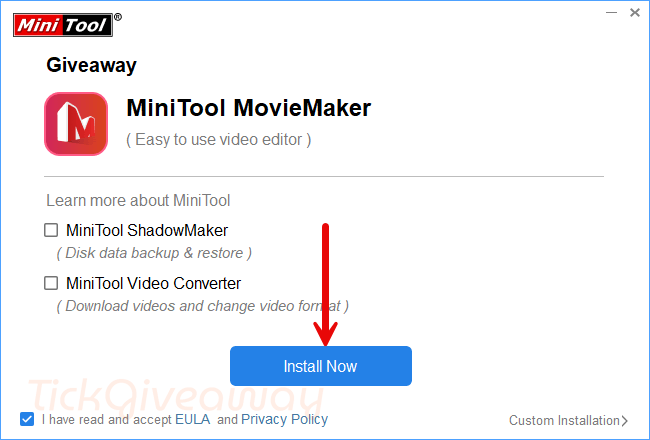
Step 1. Download the installer from the developer –> mmm-setup.exe
Install the software on your computer.
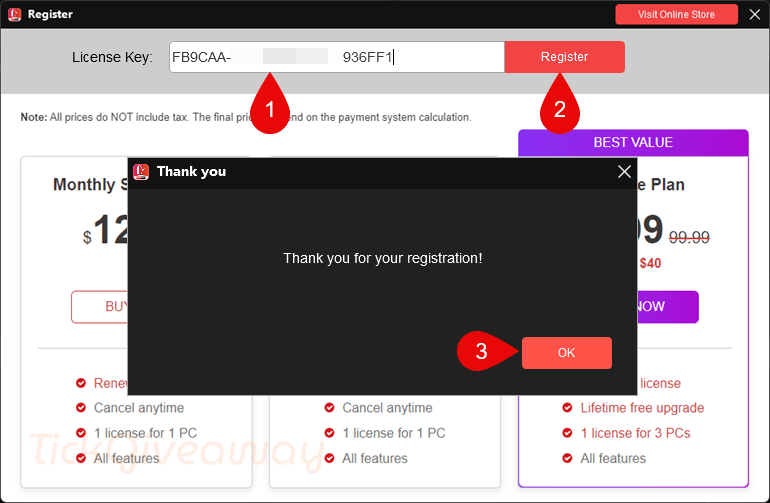
Step 2. Open it, click on the key icon on the main window software, and then insert the MiniTool MovieMaker license code to register it.
License Code
License Key #2: 23F791-8B1BFB-A8E310-77AD3C
15% Off MiniTool MovieMaker – Monthly Subscription Coupon
40% Off MiniTool MovieMaker - Annual Subscription Coupon Code
40% Off MiniTool MovieMaker - Ultimate Plan Coupon
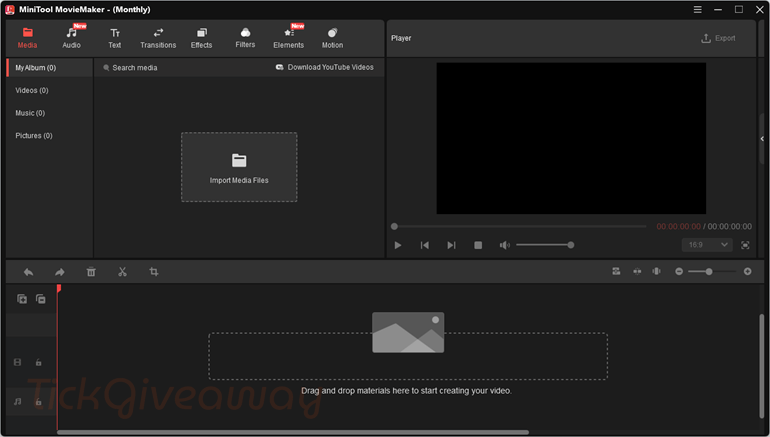
Step 3. Enjoy it for 6 months free!
Terms & Conditions
- This is a 6-month license version 8.8.0
- No free technical support
- No free upgrades to future versions
- Strictly non-commercial usage
- Please register before Aug 07, 2026, GMT+0 08:00


The program DOES NOT HONOUR YOUR SETUP CHOICE TO NOT PARTICIPATE IN THE CUSTOMER EXPERIENCE IMPROVEMENT PROGRAM. After installation experience.exe is spawned and makes MANY connection attempts that should be blocked if your firewall can be configured to block it. I advise you to delete or rename the experience.exe file to something else and replace it with a zero byte length file so the spawning of it by the main program will silently fail and your privacy and choice will be respected even if the developers don’t want to respect your choice to protect your privacy!
More Chinese pirate software developers illegally distributing pirated GPLv3 FFMPEG binaries to do all the decoding/encoding and trimming. Use legal software instead! Cannot communism work without stealing intellectual property from the world and selling it as if it’s your own.
I tried registering this today. converter seemed to be working, but I had to struggle with moviemaker…. I finally entered a summergiveaway code, and to my surprise it said it registered. It says monthly at the top. I’m not sure if I got the six month giveaway or not… Can anyone advise?
Thanks, Denny
This giveaway is such a gem—finally got my hands on MovieMaker thanks to you! Much appreciated!
program interface very wide! my monitor 1280×1024