

Giveaway: WinToUSB Professional (Lifetime) – Helps Create Portable Windows USB Drive!

 january
 Table of Contents
About WinToUSB Professional
WinToUSB Professional lets you install and run a fully functional Windows on an external hard drive, USB flash drive, or Thunderbolt drive. You can easily create your first portable Windows 10/8/7 directly from an ISO, WIM, ESD, SWM, VHD, VHDX image file or CD/DVD drive, or you can use it to clone existing Windows OS installation (Windows 7 or later) to USB or Thunderbolt drive as portable Windows with just a few simple steps. Besides, WinToUSB also supports creating Windows installation USB flash drives from Windows 10/8/7/2019/2016/2012/2010/2008 R2 installation ISO file, with it you can easily install Windows from the USB flash drive.
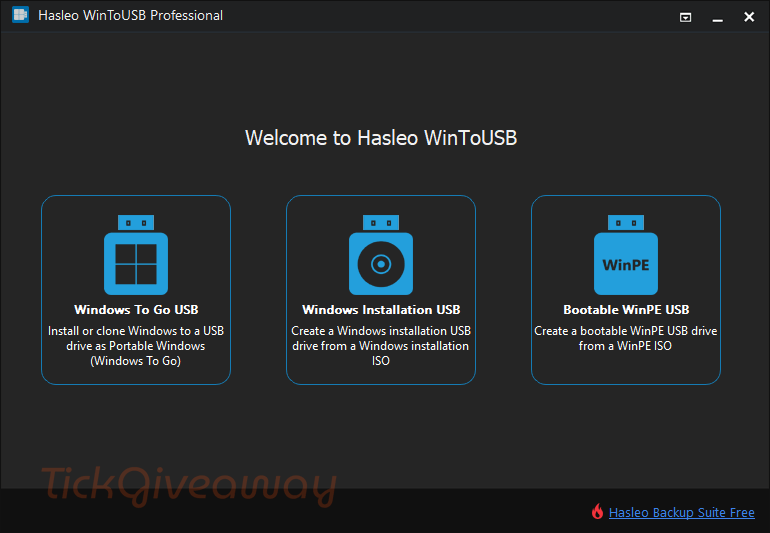
Key Features:
- Creation of Windows To Go directly from ISO, WIM, ESD, SWM, VHD, VHDX image file, or CD/DVD drive
- Clone existing Windows installation (Windows 10, 8.1, 8, 7, 2016, 2012, 2010, 2008 R2) to the USB drive as portable Windows
- Create a Windows installation USB drive from a Windows 10/8/7/vista/2016/2012/2008 installation ISO image file
- Also supports creating a bootable Windows PE USB drive
- Cloning speeds are impressive
Supported OS: Windows 11/10/8/8.1/7 (32-bit and 64-bit)
Price: $29.95/2PCs
How to get the WinToUSB Professional license key for free?
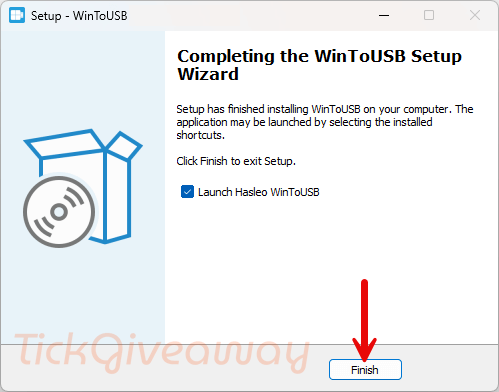
Step 1. Download the installer from the homepage. Install the software on your computer.
Step 2. Please use the license key below to upgrade to the Pro version.
WinToUSB Professional V10
WinToUSB Professional + Lifetime Free Upgrades
WinToUSB Enterprise V10
WinToUSB Enterprise + Lifetime Free Upgrades
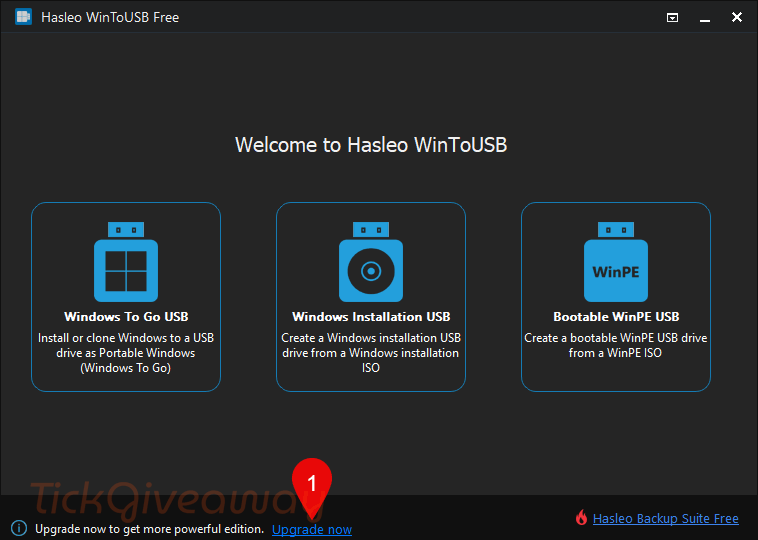
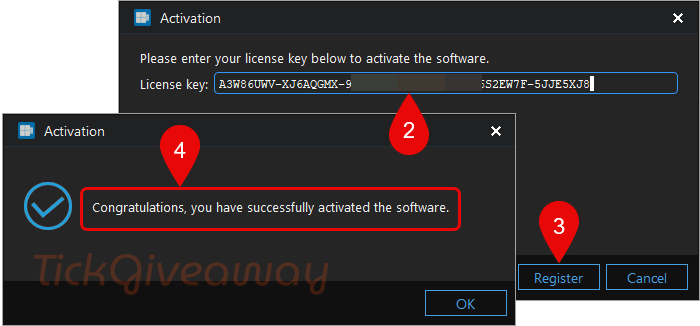
Step 3. Enjoy it!





I tried a previous giveaway of this and it offers to create a bootable windows 11 to go from a windows 10 system, I could not get it to work no matter what I tried. I found another products windows to go wizard worked perfectly so now have a USB enclosed SSD with Windows 11 on it… and my main system that has Windows 10 installed on it… My personal opinion I find Windows 11 a pain in the neck to use as I’m a regular context menu user and Windows 11 hides the vast majority of the context menu behind a further click on the context menu reducing my productivity significantly and no apparent way to restore conventional shell context menu operation.
The code has been disabled so it cannot be activated!
The giveaway is now available. Come and get your 1-year free license code!
Lisans Kodu olmuyor sağdan ikinci key eksik 7 tane 8 olması gerek ilgilenirseniniz sevinirim..
Thank you for your comment! The license code provided should work correctly for activation. Please double-check that you have entered the code exactly as shown, without any spaces or errors. If you continue to experience issues, feel free to contact our support team for further assistance. We’re here to help!
version 7.4 code please?
None of these keys are working 🙁
It’s not working. License key has been disabled(0x0000020501350000)
Please check this key: GR9PP76R-5K9D7GLV-QWLYCS6E-LNH46R37-KREK7R7Q-86J6JD98
I don’t know how many devices can use this key because I have activated it before.
Thanks
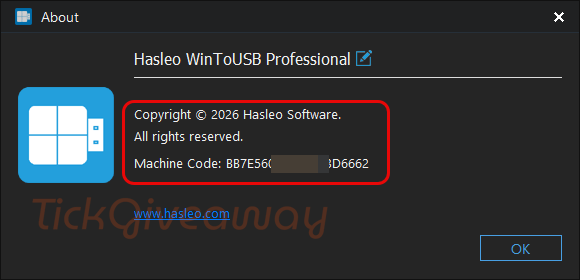
SOUMYADEEP980, you have to activate it. At the top right click on “About”, you’ll see where it has the activation.
But the product doesn’t need a key, it seems the setup already comes professional pre-activated, and there is no ‘activate license” key on the about section. ?????