
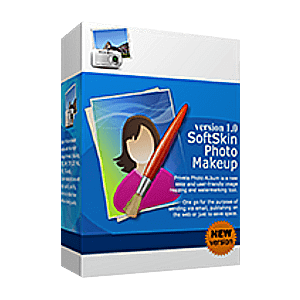
Giveaway: SoftOrbits SoftSkin Photo Makeup (Lifetime) – Professional Makeup Software

 january
 Table of Contents
What is the SoftOrbits SoftSkin Photo Makeup?
SoftOrbits SoftSkin Photo Makeup is photo editing software designed to help you remove red-eye, improve skin tone and texture, and add makeup to your subjects in a few simple steps. Additionally, the concealer brush helps you cover up blemishes, stains, and spots. It can be used as a powder, eye shadow, or toner.
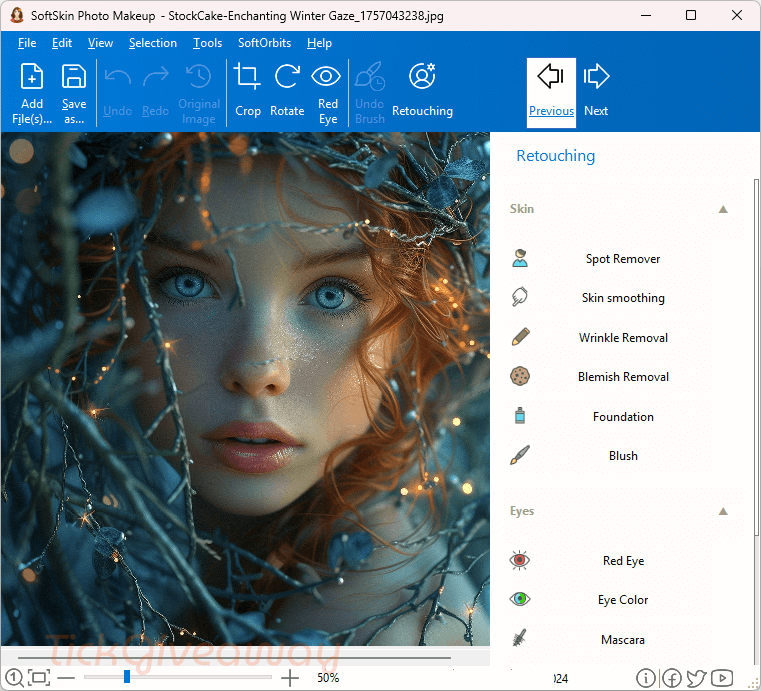
Key Features
- Touch up your photos, cover small imperfections, and more
- Can whiten the teeth of the subject
- Remove the red-eye effect, and add makeup to your subjects
- Soften the skin and remove any imperfections, such as wrinkles and blemishes, without altering the quality of your photos
- Eliminate hard shadows and soften highlights to make the photos look as though they were taken in a professional studio
- Create subjects with perfect skin without creating an artificial look through makeup
Supported OS: Windows 11/10/8.1/8/7 (32/64-bit)
Price: $39.99/month
How to get the SoftOrbits SoftSkin Photo Makeup license key for free?
Special Offer
Artistly Commercial - Lifetime
HitPaw FotorPea - Perpetual License
Aiarty Image Enhancer + 2 Bonus Gifts (Lifetime/3PCs)
Photoins Photo Enhancer - 1 Year
FliFlik KlearMax for Photo - Lifetime
Instruction
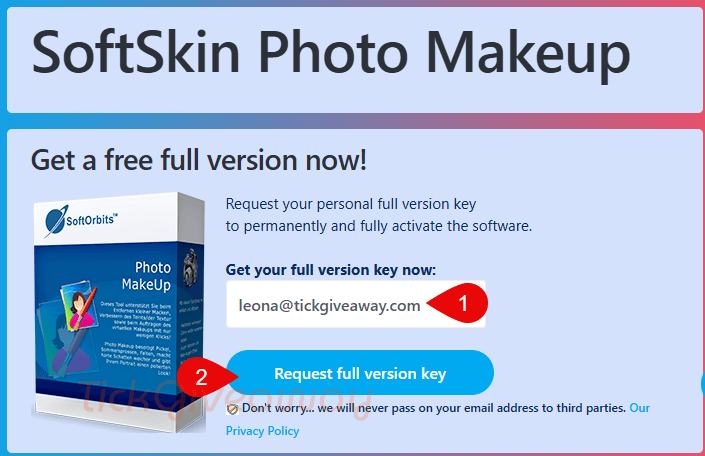
Step 1. Visit the SoftOrbits SoftSkin Photo Makeup giveaway page. Enter your email address, then click on the “Request full version key.” button.
Please fill in the blanks to complete your basic profile. You will get the license key for free:
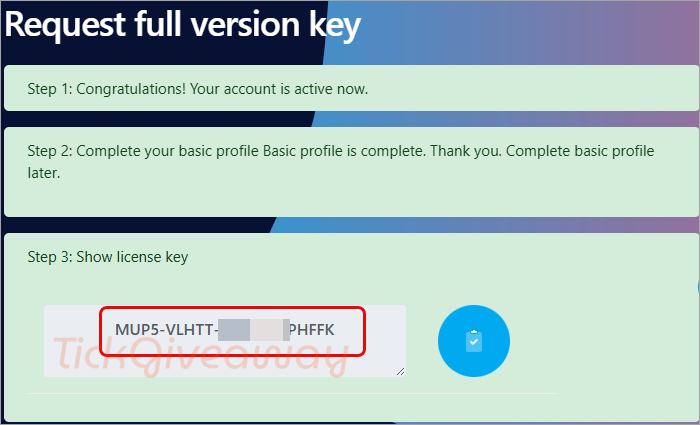
Step 2. Download and install SoftSkin Photo Makeup on your computer. Please enter your license key to proceed with the installation.


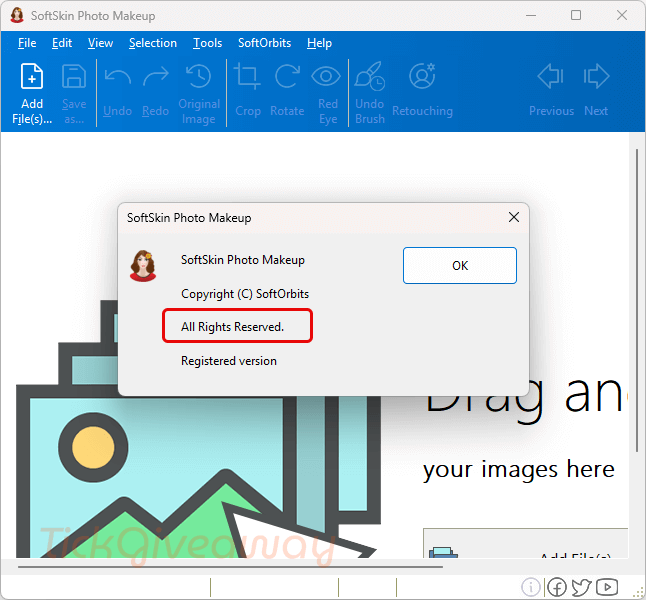
Step 3. Once the installation is complete, you can use SoftOrbits SoftSkin Photo Makeup’s full features for life, free!





WARNING Softorbits DO NOT RESPECT THE INTEGRITY OF YOUR SYSTEMS. They build their programs and installers to bypass admin protections on program installation to allow non-admins like children and employees to install programs when they are not authorised or allowed to install unauthorised programs. They FORCE installation to the system drive, and force installation into an insecure folder hierarchy in the user AppData folders subfolder which is not write protected against non-elevated malware. I do not recommend the installation of products by such a self-serving malicious developer on your machines.