

 Leona
Leona Table of Contents
What is Ashampoo Photo Converter?
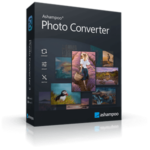
Ashampoo Photo Converter is a powerful image conversion tool that is designed to help you transform your photos quickly and efficiently. Using this tool, you can convert an image to multiple formats such as APCDOC, BMP, GIF, ICO, JPG, PDF, PIX, PNG, PPP, TIFF, WEBP, etc. This tool also helps you resize, align, and enhance color so you can manage your files with ease.
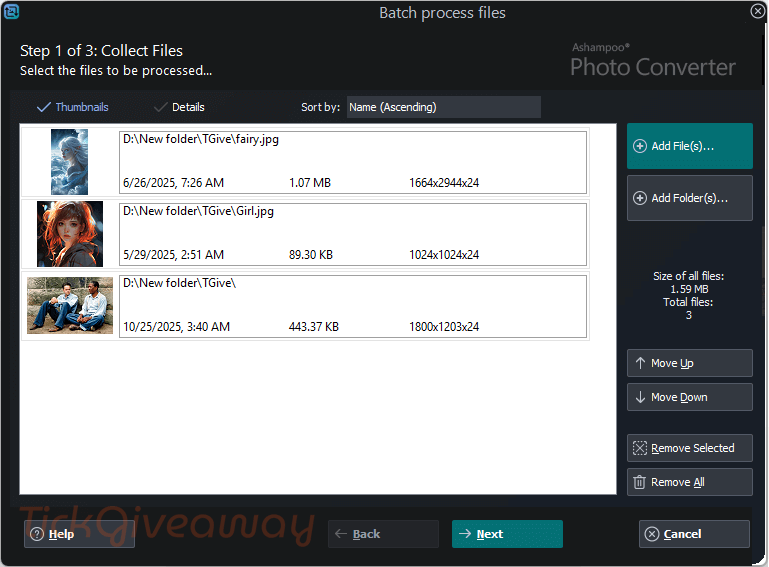
Ashampoo Photo Converter has the preview function to help you experiment confidently with edits. Additionally, the automatic optimization function and artistic effects will bring your images a polished and creative touch. From basic adjustments to batch processing with drag & drop and a sortable command list, you can easily convert your pictures without paying a lot of money for expensive software.
Key Features
- Convert images between all common formats, including JPG, PNG, BMP, TIFF, and WEBP.
- Batch convert multiple photos at once to save time and effort.
- Resize images precisely by pixels, percentages, or predefined dimensions.
- Rotate and flip photos automatically or manually during conversion.
- Adjust brightness, contrast, saturation, gamma, and color balance.
- Apply artistic effects and visual filters with live preview.
- Automatic image optimization for improved quality with minimal input.
- Preserve or remove EXIF and metadata information as needed.
- Live preview window to see changes before exporting.
- Simple, lightweight interface suitable for beginners and casual users.
- Fast processing with low system resource usage.
Supported OS: Windows 11, Windows 10 (x64)
Price: $15/lifetime
How to get the Ashampoo Photo Converter license key for free?
Special Offer
Ashampoo Photo Converter
Instruction
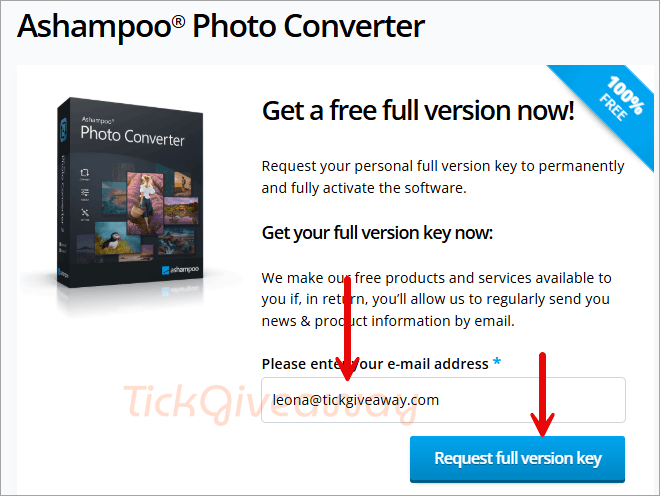
Step 1. Visit the Ashampoo Photo Converter giveaway page. Enter your email, then click on the “Request full version key” button
You need an Ashampoo account to register the license code and manage your subscription. If you already have an account, then you have to enter your password and click on the LOGIN button. ( Or click HERE to create a new one). Your license key will be shown after that.
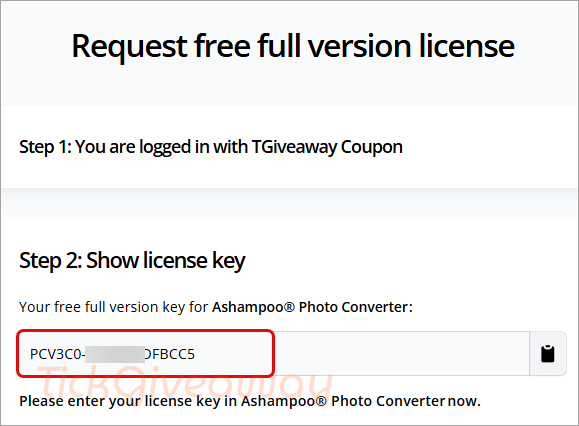
Step 3. Download the installer for version 3. Install the software on your computer. You will be asked to insert a license code to register the software.
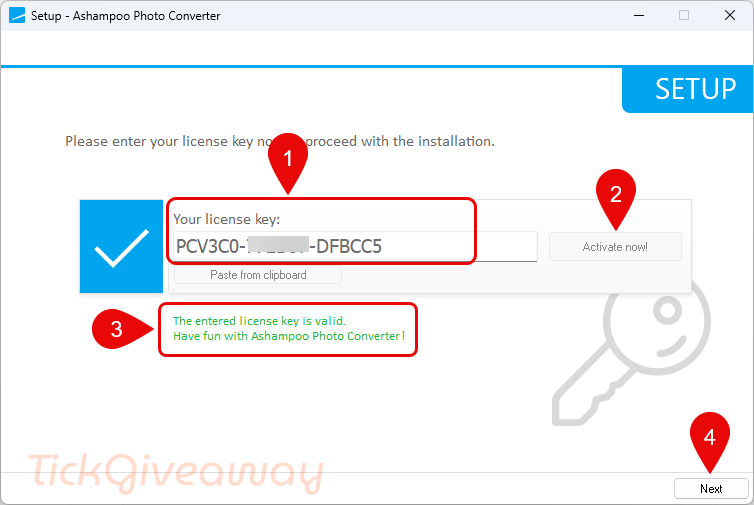
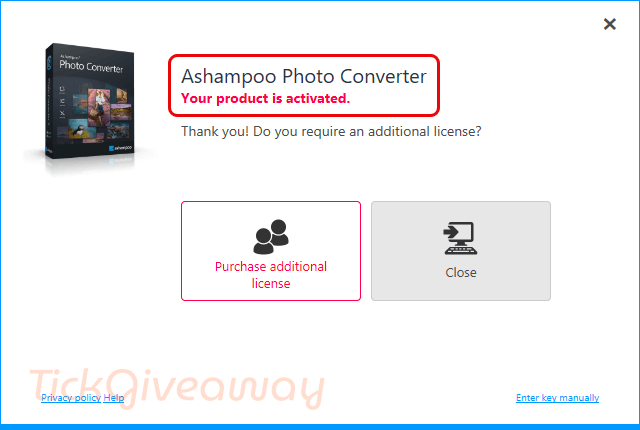
Step 4. Now you can use Ashampoo Photo Converter with full functions!



I’d always recommend Irfanview to convert image formats, it’s free and expandable to support other file types.