

Giveaway: Wise Video Converter Pro (Lifetime) – A Universal Video Converter

 january
 Table of Contents
About Wise Video Converter Pro
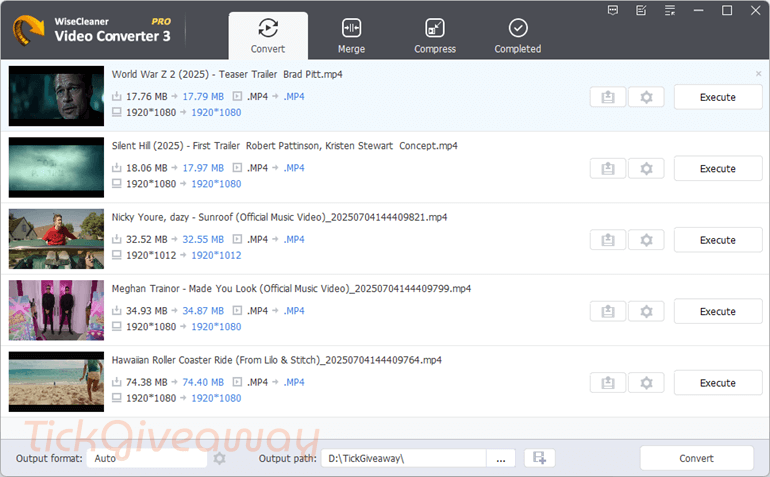
Wise Video Converter is an easy way to convert all formats of videos in a few minutes. This software helps you convert YouTube videos and all popular video formats to AVI, MP4, FLV, WMV, RMVB, MKV, WebM, and MPEG2. Besides, it helps you convert video to music. To protect your video from copy, this tool allows you to insert personalized pictures and text as a watermark onto your video. If you have many videos that need to be converted, Wise Video Converter will help you solve this issue. You add all your videos to a list and let the software handle the conversion work for you.
Key Features
- Wise Video Converter Pro is a powerful video converter application that converts YouTube videos and all video formats with one click or drag.
- It supports various video formats, including AVI, MP4, WMV, and MOV.
- You can also use it to convert MOV to MP3, M4V to MP3, MP4 to MP3, and AVI to MP3.
- This tool also provides a function to help you merge multiple videos of any format into one seamless video.
- Furthermore, 16 beneficial effects and filters are available with Wise Video Converter to improve your films further and make them more visually appealing and captivating.
- You can insert your picture or text into the converted videos to protect them from theft.
- You can adjust various settings, such as video encoding, format, resolution, and bitrate, to help you reduce video size while maintaining high-quality output.
- With Wise Video Converter Pro, users can convert multiple videos simultaneously, saving time and effort.
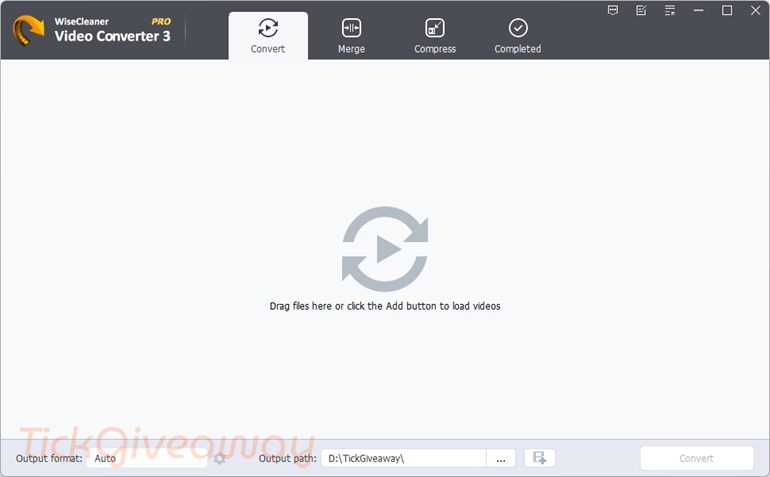
- This tool’s simple and user-friendly interface makes it easy for users to convert their videos with just a few clicks.
Supported OS: Windows 7, Windows 8, Windows 10, Windows 11, only 64-bit.
Price: $29.95/year
How to get the Wise Video Converter Pro for FREE?
Special Offer
Wise Video Converter Pro
Wise Care 365 Pro (Lifetime/ 1 PC)
Instruction
Step 1. Download the giveaway installer for Wise Video Converter Pro from the giveaway download link above.
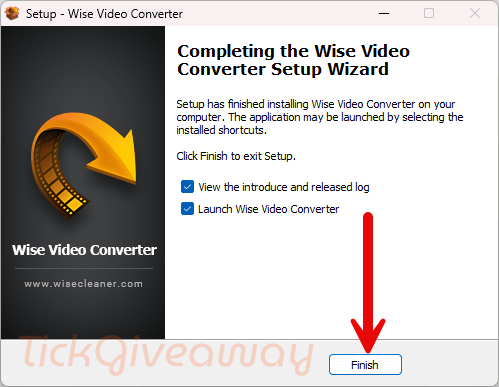
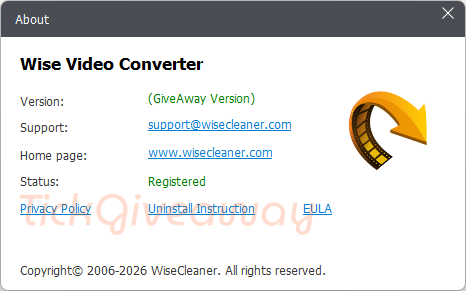
Step 2. Install the software on your PC. You do not need a license code to activate this pre-registered installer. Let’s have fun!





Has comments system broken or is every comment held back for secret censorship?
This is just old stolen GPLv3 build of FFMPEG.ORG libraries underneath a cheap illegal closed source GUI that limits you to just a subset of FFMPEG binaries functionality. It does not support modern GPU accelerations, only supporting ancient minimal cuda on maybe h264 encoding… It does NOT support modern codecs that is supported by modern legal builds of FFMPEG.ORG binaries.
The ability to convert several files at once streamlines the process and improves productivity. Whether you’re preparing videos for a presentation or just organizing your media library, batch conversion is a feature that enhances the overall utility of the software.
This converter converts very slow and has no options at all to use subtitles. It does support most important video and audio codecs. It´s useful to convert small videos.