

 january
 Table of Contents
What is the XenArmor Windows Defender Manager Pro?
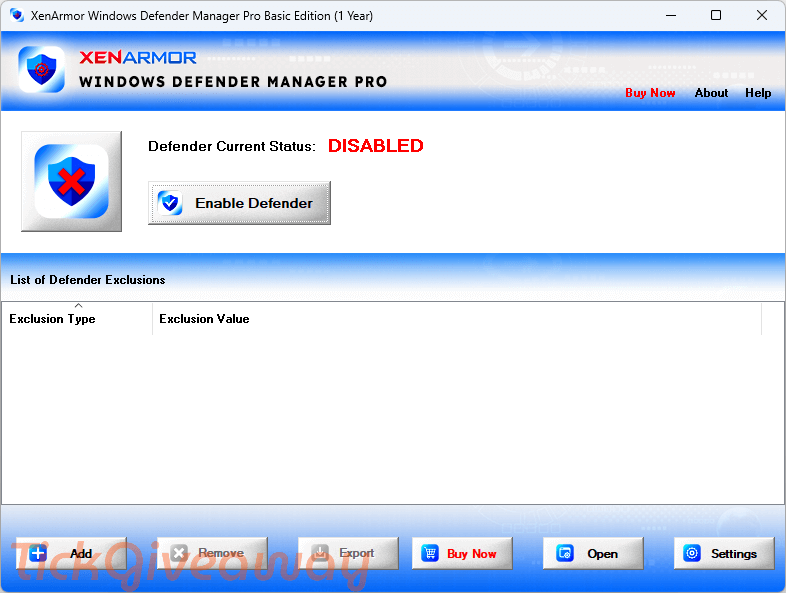
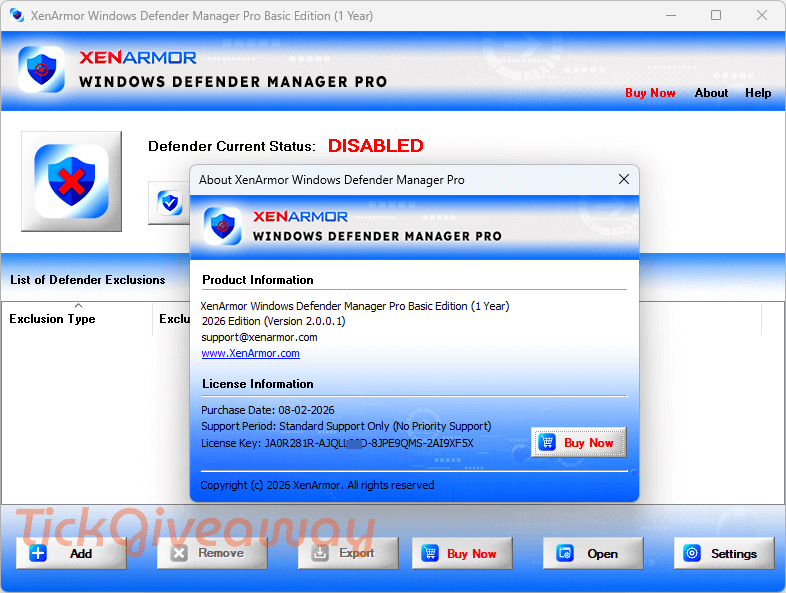
XenArmor Windows Defender Manager Pro lets you manage Windows Defender settings from one place. It allows you to control when Defender runs, adjust scan behavior, and change protection settings without navigating multiple Windows menus. It is useful for gamers, testers, and power users who want to reduce interruptions from background scans or avoid unnecessary detection of trusted files.
Key Features
- Turn Windows Defender on or off using a single action.
- Stop background scans that may slow down apps or games.
- Control which files, folders, or processes Defender ignores.
- Monitor Defender status and keep your chosen setting active.
- Review and clean up exclusions added without your knowledge.
How to get the XenArmor Windows Defender Manager key for free?
Special Offer
Xvirus Personal Firewall (Lifetime)
WinPatrol Firewall (formerly WinPrivacy PLUS)
ZoneAlarm Pro Antivirus + Firewall NextGen
Instruction
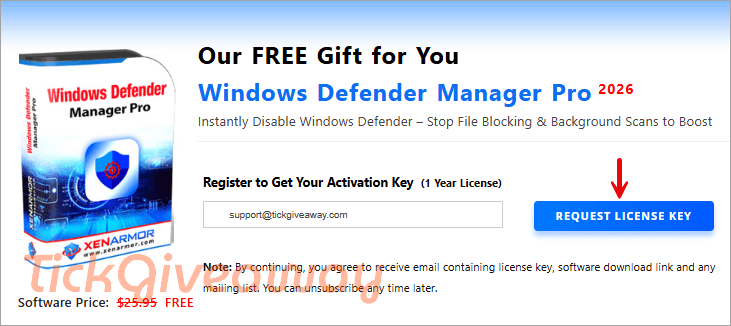
Step 1. Visit the official giveaway registration page provided by XenArmor. Enter a valid email address to register for the promotion.
Step 2. You will receive an email from XenArmor with the subject line “Verify your request for information….” Please click the confirmation link inside this email to complete your verification. After that, you will instantly receive an email with your license key.
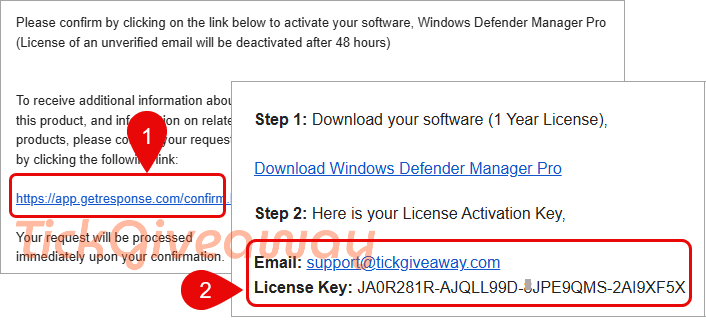
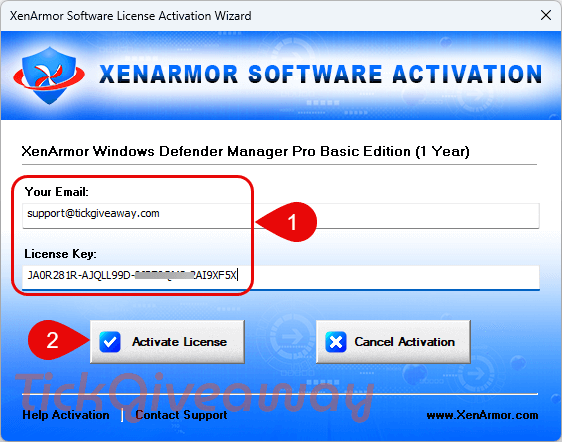
Step 3. Next, download and install the software using the link below. After installation, activate it using the received license key
Step 4. Enjoy!
Who Is This Giveaway Most Useful For?
- Gamers who want to prevent Defender scans from affecting performance
- Developers or testers working with scripts or tools that get blocked
- IT users who need quick access to Defender exclusions and status
- Advanced home users who prefer centralized control over security behavior
Common Questions About This Giveaway
Is this a full version or a trial?
The giveaway provides a time-limited license for the Pro Basic Edition, not a trial.
Do I need to enter payment details to join?
No payment information is required to participate in this giveaway.
Can I use the license on multiple computers?
The giveaway license is intended for single-user use, unless stated otherwise by the developer.
Where do I get the license key?
After registration, the license key is sent directly to your email by XenArmor.




Odd program… I’ve NEVER had a problem with Windows defender … the settings it has out of the box were adequate for me to customise it to suit my needs. How odd to have a commercial rented program to manage a free program that should not need managing if set up correctly!