


 january
 Table of Contents
WonderFox Document Manager Coupon Code
🏆🏆🏆 Special Offer for You: Get up to 76% OFF for WonderFox Document Manager by using the WonderFox Coupon Codes here!
76%Off
WonderFox Document Manager Coupon Code
$11.96$49.95
•••0LHShow Code
What is the WonderFox Document Manager?
By using the WonderFox Document Manager, you can list, manage, and back up documents with a few clicks instead of searching and backing them up one by one. You can protect your office document content by using the “Lock,” “Hide,” and “Encrypt” features.

Key Features
- Manage, Backup, Encrypt Document File
- Document Manager Overview
- Index Document Files from Your Hard Disk
- Easily Classify Documents
- One-Click to Backup Document Files
- Protect Document Content Privacy
- Advanced Search
Supported OS: Windows 11/10/8.1/8/7
Price: $49.95/lifetime
How to get the WonderFox Document Manager license key for free?
The giveaway has ended!
Official giveaway
Lifetime license v1.2
Non-commercial usage
No free updates
No tech support
VC-DMMB-3682A0078C-3148A5C254-515136FC3D
document-manager.exe
4.8 MB
Download ↓
Instruction
Step 1. Download the installation software from the homepage. Install the program on your computer and access the registration window.
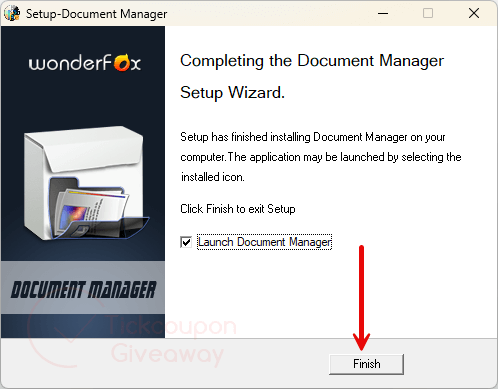
Step 2. Register with the free license code. Use the license key above.

Step 3. Got it!

Old Giveaway
Step 1. Visit the GIVEAWAY PAGE
Roll down and click on the “Get it Now” button to get your free license code.






Shame it’s so tightly tied to Microsoft Office documents subset… they could make the document types user definable for preferred word processors, spreadsheets and presentations etc etc
NICE !!! Very good program !
license code expired
expired plz add a new license
License code expired
🙁
I can’t activate
Please try again, a new license code is added.
is the free key a lifetime key ?
Good program with a very annoying bug. When opening Word or Xcel files, the Document Manager program defaults to front of screen. You cannot see the document unless you manually minimize Document Manager. Nothing major but definitely annoying. Oddly this does not happen with PPT or PDF files.
As far as the program itself, I am impressed. Layout is good, excellent array of functions, and visually appealing. If they could fix the problem I described it would be perfect.
Thanks very much for your review.
Very good program … The best.