

Giveaway: Vovsoft Text to PDF Converter (Lifetime) – Convert Text Files to PDF

 Leona
Leona What is Vovsoft Text to PDF Converter?
Vovsoft Text to PDF Converter turns plain text files into PDF documents and can process multiple files in one batch. It can combine selected text files into a single PDF or create a separate PDF for each file. You can choose the font, page orientation, and paper size before export. Vovsoft Text to PDF Converter also supports UTF-8 text, making it useful for notes, reports, project files, and other plain text documents.
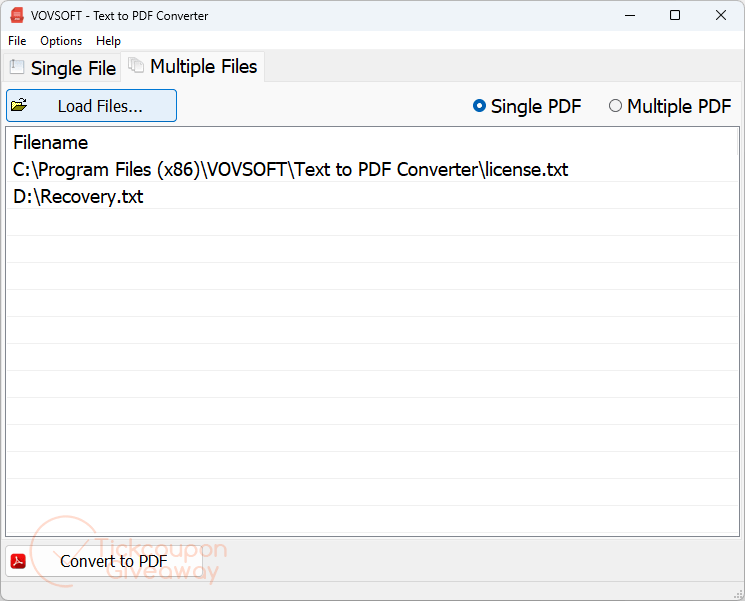
Table of Contents
Key Features
- Convert several text files in one batch.
- Merge selected text files into one PDF.
- Create separate PDF files from each source document.
- Change the font used in exported documents.
- Switch output between vertical and horizontal page orientation.
- Choose standard paper sizes from A5 through A0, Letter, or Legal.
- Process UTF-8 text files.
| Version | v1.2 (giveaway build) |
| Supported OS | Windows 11, 10, 8/8.1, 7, Vista (32-bit & 64-bit) |
| File size | 3.62 MB (Installer), 2.34 MB (Portable) |
| License type | Lifetime, non-commercial use |
| Publisher | Vovsoft |
| Category | Document Conversion |
Our Quick Test
Based on the activation process, request the key by email, install the app, then enter the code. No editor test notes were supplied, so we cannot claim a tested install time or activation result. Registration requires an emailed code rather than a public key printed in the article. Keep that email until activation is complete. Future releases are outside this giveaway license, so the supplied build is the covered copy. Vendor help is also excluded under these terms. Business use falls outside the giveaway terms, so keep this copy for personal tasks. This deal best fits home users who only need occasional text-to-PDF conversion.
How to Get the Free License Key
Vovsoft Text to PDF Converter
Turn plain text documents into PDF files.
Still want this product?
Grab it at a special discounted price.
Need help with an existing license? Contact support
Instructions
Step 1. Enter your email address on the giveaway form to receive the free key.
Step 2. Download the v1.2 installer or portable from the official product page: Installer, Portable
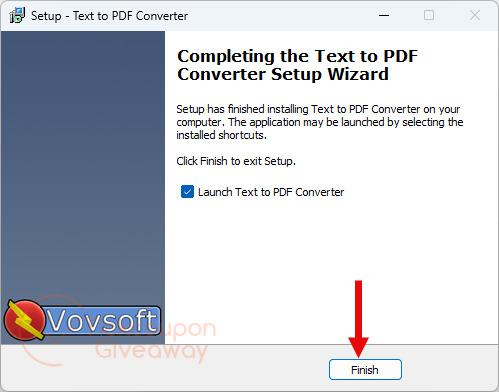
Step 3. Install the program on your computer. Enter your license code in the registration window.
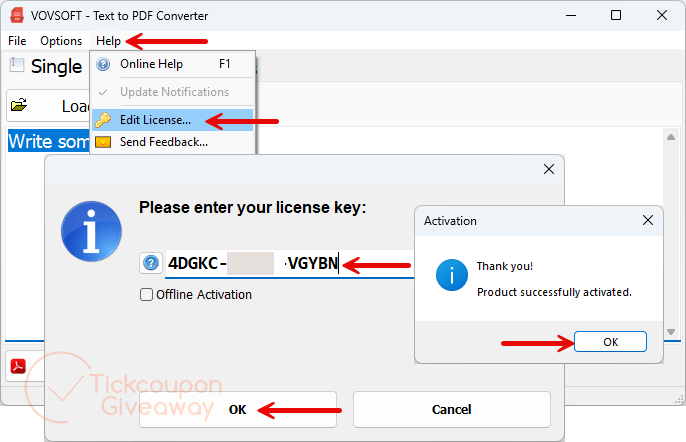
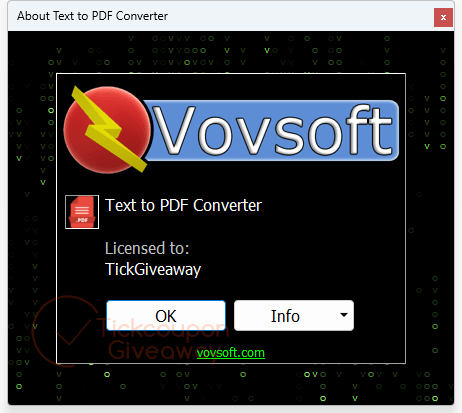
Step 4. Got it for a lifetime free!
Troubleshooting
- The key says invalid. Use the exact giveaway installer linked above, then enter the code again.
- The giveaway form has no keys left. Leave a comment to request another key. The paid-license coupon is below.

Does not handle adding USER and OWNER password and digital signing protection… can do everything this does using a right click print to Save as PDF virtual printer.
Does not handle adding USER and OWNER password and digital signing protection… can do everything this does using a right click print to Save as PDF virtual printer.