


 Leona
Leona Table of Contents
What is the Vovsoft Network Alarmer?
Vovsoft Network Alarmer is a small and useful activity monitoring software for anyone who needs to watch over servers, websites, or network devices. It helps you check if a host is online or offline by sending ping or HTTP requests at regular times. When something goes wrong, the program gives you a clear alert so you can react quickly.
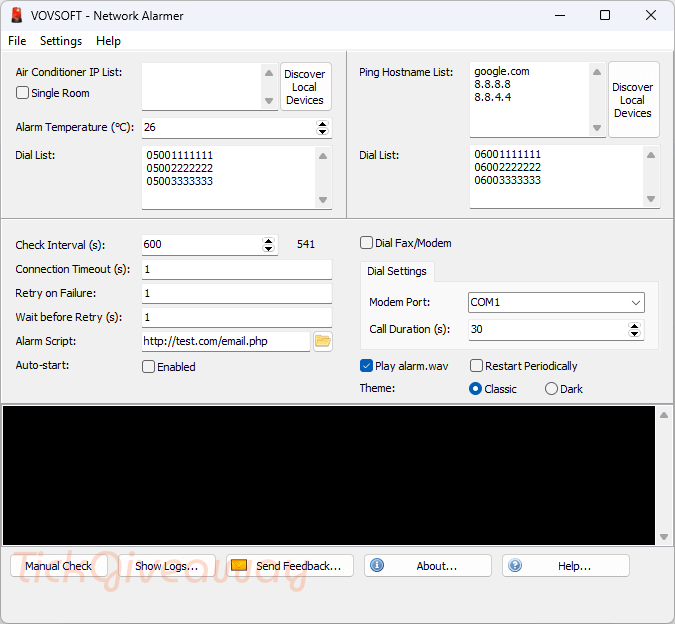
This software is helpful for system admins, office users, or even home users who want to make sure their network stays stable. It runs quietly in the background and does not slow down your computer. With a simple layout and easy setup, Vovsoft Network Alarmer makes network monitoring straightforward and stress-free.
Key Features
- Monitor Multiple Hosts: check several servers, websites, or IP addresses at the same time.
- Ping and HTTP Monitoring: track devices using ping requests or monitor websites through HTTP checks.
- Instant Alerts: receive notifications when a host becomes unreachable or goes offline.
- Custom Alarm Sounds: set your own alert sound to quickly notice network issues.
- Email Notifications: get email alerts when a connection problem is detected.
- Continuous Background Monitoring: run the program quietly in the background while it keeps checking network status.
- Simple Host Management: easily add, edit, or remove hosts from the monitoring list.
- Adjustable Check Interval: set how often the software checks the connection status.
- Lightweight and Fast: uses very little system resources and works smoothly on Windows.
- Clear Status Display: view connection results in a clean and easy-to-read interface.
Supported OS: Windows 11/10/8.1/8/7/Vista/XP (32-bit and 64-bit)
Price: $19/lifetime
How to get the Vovsoft Network Alarmer license key for free?
Step 1. Please enter your email address into the giveaway form below to get your free license code.
The giveaway has ended!
30% Off VovSoft Network Alarmer Coupon Code
98% Off Vovsoft Universal License lifetime coupon
Step 2. Download the installer software for version 5.0 –> network-alarmer.exe network-alarmer-portable.zip
Install this software on your computer.
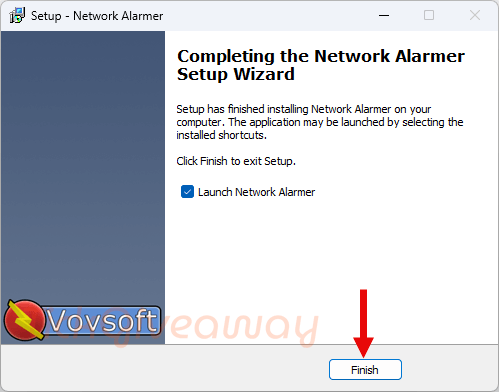
Please use the license code above to activate the software
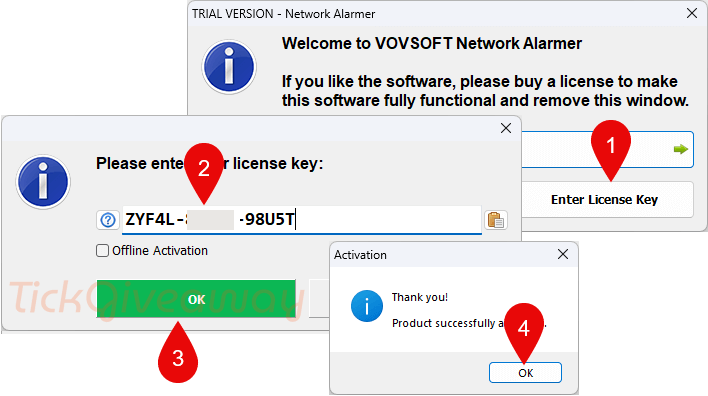
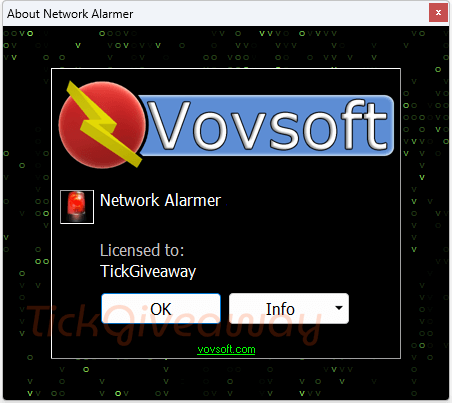
Step 3. Got it for a lifetime free!
Terms & Conditions
- This is a lifetime license for Vovsoft Network Alarmer v5.0
- Non-commercial usage
- No free updates and tech support
- Register before Mar 10, 2025, GMT+0 08:00.




Jotti Malware Scan and Virus Total says the exe file has viruses.
Jotti Malware Scan
W32/PossibleThreat
TScope.Trojan.Delf
Trojan.PWS.Lumma.801
Trojan.SuspectCRC
Virus Total
Win32:Malware-gen
W32.AIDetectMalware
W32/PossibleThreat
Trojan.SuspectCRC
Trojan.Lazzzy!yHINs72xvdo
Win32:Malware-gen
Trojan.PWS.Lumma.801
TScope.Trojan.Delf
Only uses PING to detect IPv4 device presence does not handle IPv6 devices and always creates a log file whether you want it or not. LAN IP discovery does not work properly under MY Win10 system even with windows firewall completely disabled but did mostly work under My windows Vista server. But if I discover under Vista it works under Win10 to PING the discovered under Vista IP numbers though one discovered IP number does not respond to PING which is not surprising as not all LAN devices do respond to PING anyway!