Leona
Leona Applications that run continuously, such as servers, background tools, or automation scripts, can gradually slow down or stop responding altogether. This often leads to interruptions that require manual restarts, which can be inconvenient if you’re not always monitoring the system. A simple way to reduce these interruptions is to automate the restart process. Vov Stop Start is designed for users who need a straightforward method to stop and relaunch applications at set intervals. It can be especially helpful for maintaining stability on long-running systems. Right now, a limited-time Vov Stop Start giveaway allows eligible users to access a free license of this tool.
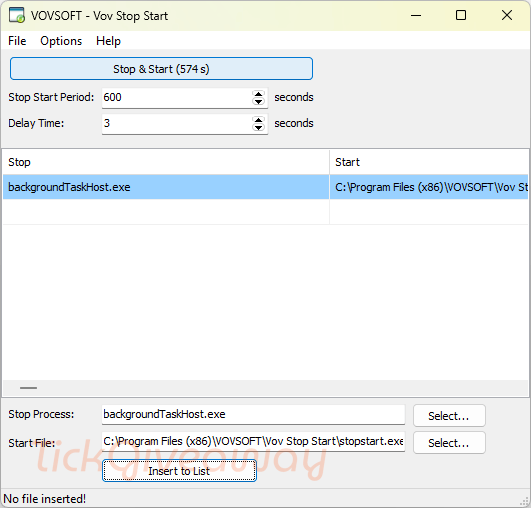
Table of Contents
What Does Vov Stop Start Help You Do?
- Automatically restart selected applications at defined time intervals.
- Reduce system slowdowns caused by long-running processes.
- Keep services running without constant manual monitoring.
- Restart programs or scripts using executable or batch files.
- Manage unstable applications that frequently freeze or crash.
Vov Stop Start Giveaway Details & How to Join
Giveaway Overview
| Version included | v2.0 |
| License type | 1-computer license |
| License duration | Lifetime (as specified for this promotion) |
| Supported platform | Windows 11, 10, 8/8.1, 7, Vista, XP (32-bit & 64-bit) |
| Original price | $19 |
How to Join
Step 1. Download the installer for Vov Stop Start version 2.0 —> vov-stop-start.exe vov-stop-start-portable.zip
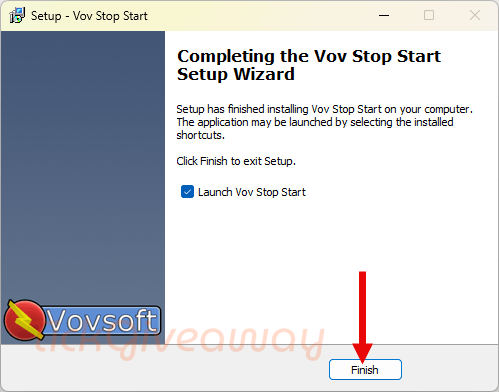
Install the software on your computer.
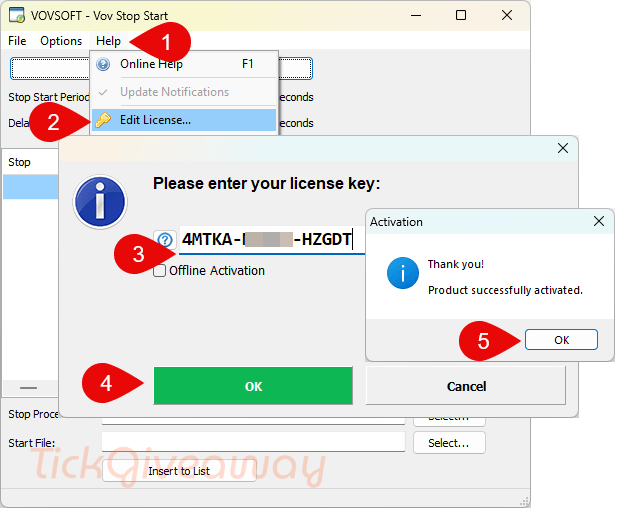
Step 2. Register the software with your free license code below:
Get 30% Off Vov Stop Start Discount Code
98% Off Vovsoft Universal License lifetime coupon
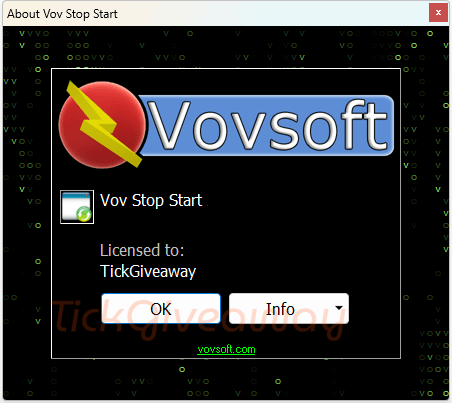
Step 3. Launch the Vov Stop Start and enjoy it!
Terms of use
- This is a 1-computer lifetime license for noncommercial use
- No free updates; if you update the giveaway, it may become unregistered
- No free tech support
- You must download and install the program before May 25, 2026.