
Giveaway: ThunderSoft Quick Video Encryptor – Encrypt Video Files with Fast Speed

 Leona
Leona Table of Contents
What is the ThunderSoft Quick Video Encryptor?
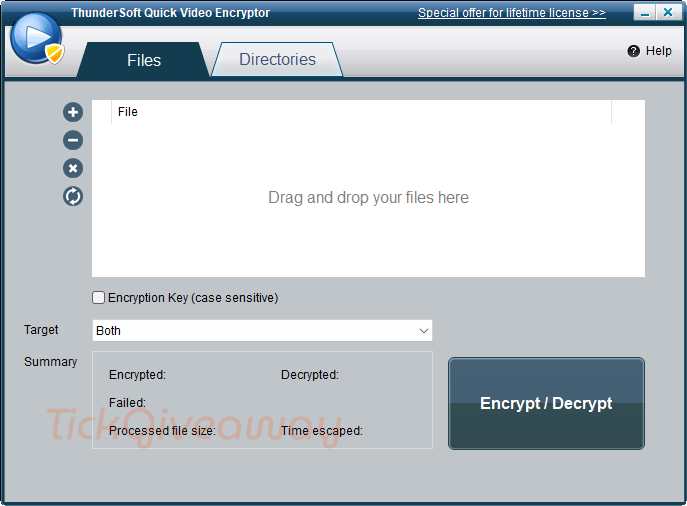
Keeping personal videos private can be difficult once they are stored on a shared computer, moved between devices, or uploaded to cloud platforms. Many people want a simple way to lock video files so other users cannot open them casually. ThunderSoft Quick Video Encryptor is built for that purpose, helping users protect video and audio files by encrypting them and later restoring them when needed. It can also handle large groups of files at once, which is useful for anyone managing personal media libraries or private work materials. This limited ThunderSoft Quick Video Encryptor giveaway offers a free lifetime license for one Windows computer.
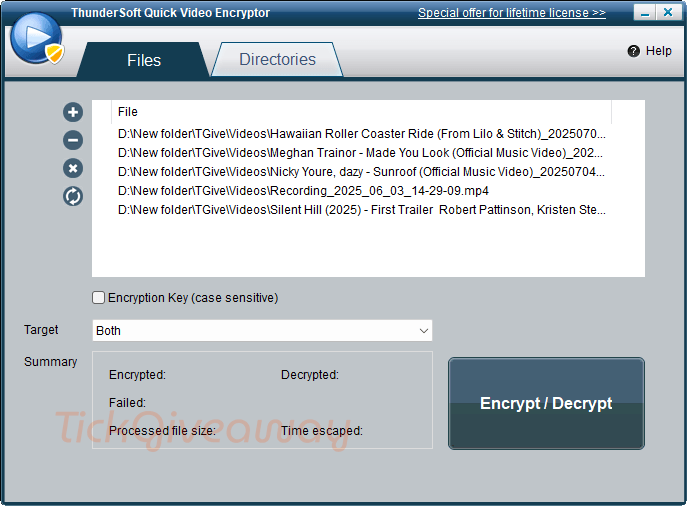
Key Features
- Protect private video files so other people cannot open them without permission.
- Encrypt large batches of video or audio files instead of handling them one by one.
- Add an encryption key to control access to your media content.
- Restore encrypted files back to their original form when needed.
- Organize protection for entire folders of media files more efficiently.
ThunderSoft Quick Video Encryptor Giveaway Details & How to Join
ThunderSoft Quick Video Encryptor
Encrypt and decrypt thousands of video files with a fast speed.
Still want this product?
Grab it at a special discounted price.
Need help with an existing license? Contact support
Special offers
Video Encryption SDK - One Developer
Instructions
Step 1. Download the giveaway installation for ThunderSoft Quick Video Encryptor —> QVESetup_giveaway.zip
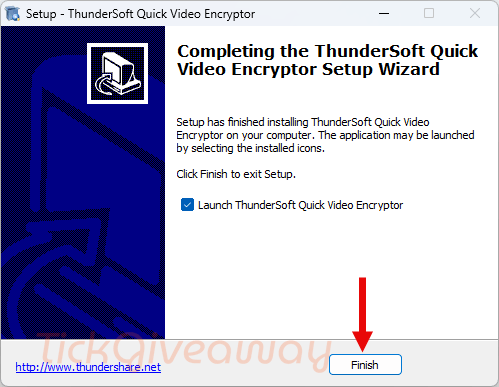
Open the setup file and complete the installation on your Windows PC.
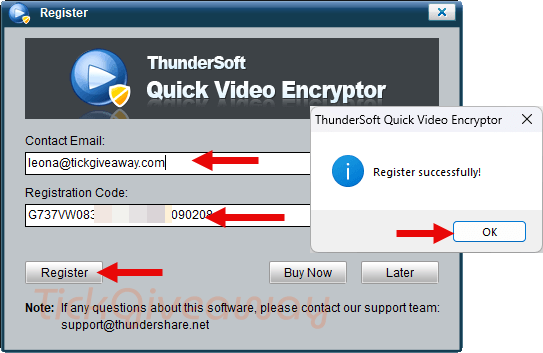
Step 2. Launch the program after installation. Register the software with the license key below to unlock the full version on one computer.
Step 3. Got it for a lifetime for free!
Who Is This Giveaway Most Useful For?
This giveaway may be useful for people who store personal videos on a home or family computer and want an extra layer of privacy. It can also fit users who regularly archive video collections and do not want to protect files one at a time.
Another practical use case is for people who keep private recordings, training materials, or internal media on local storage and want restricted access on a single PC. It may also help users who handle many media files in folders and need a straightforward way to encrypt and later restore them without learning a more advanced security tool.





This is absolute garbage, it DOES NOT ENCRYPT THE ENTIRE VIDEO!!!!!!! it just encrypts a few random blocks of undisclosed length and position in an effort to get the player to abort playback! Of course fault tolerant players like VLC play the so called “encrypted videos” without issue with the encrypted blocks showing up as decoding error squares on the rendering… still perfectly watchable, sometimes get more error artifacts of DTV broadcasts! It is a waste of space, time and electricity and is a scam product built on lies.