

 Leona
Leona Many Windows users are unaware of how much background data their system and installed software may transmit every day. Telemetry from the operating system, browsers, antivirus tools, and even games can quietly collect usage information without clear explanations or easy controls. Tools designed to limit this behavior can help users regain visibility and choice over what gets shared. Spybot Anti-Beacon Home focuses on reducing unwanted data transmissions by letting users block or permit specific telemetry sources. This approach is especially helpful for home users who value privacy but want simple controls. To make it easier to try, a limited-time giveaway is available that provides a free license for Spybot Anti-Beacon Home.
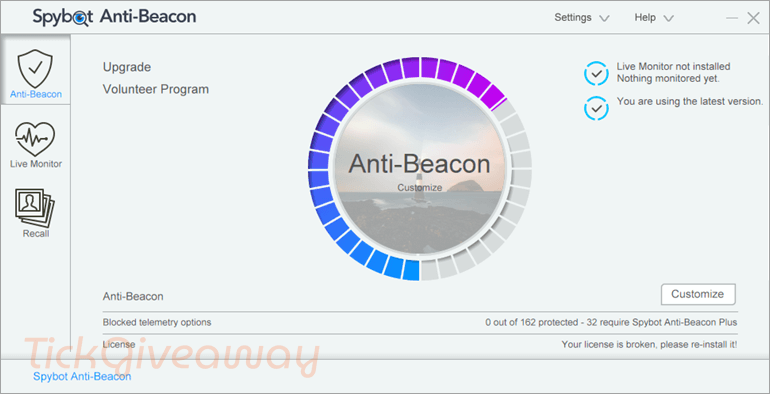
Table of Contents
What Does Spybot Anti-Beacon Home Help You Do?
- Reduce background data transmissions from Windows and installed software.
- Control which applications are allowed to send telemetry information.
- View attempted telemetry connections in real time.
- Reapply privacy settings automatically after system restarts or updates.
- Understand which services are linked to specific data-sharing activity.
Spybot Anti-Beacon Home Giveaway Details & How to Join
Giveaway Overview
| Version included | v5.1 |
| License type | Home (non-commercial) use |
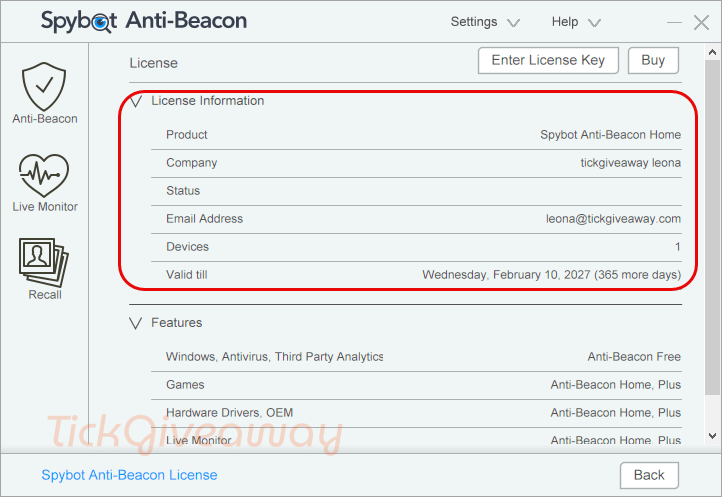
| License duration | 1 year |
| Device limit | 1 computer |
| Supported platform | Windows (latest updates supported) |
| Original price | $9.99 |
How to Join
Step 1. Visit the official Spybot Anti-Beacon Home giveaway landing page and submit your name and a valid email address.
Spybot Anti-Beacon Plus
20% off coupon code
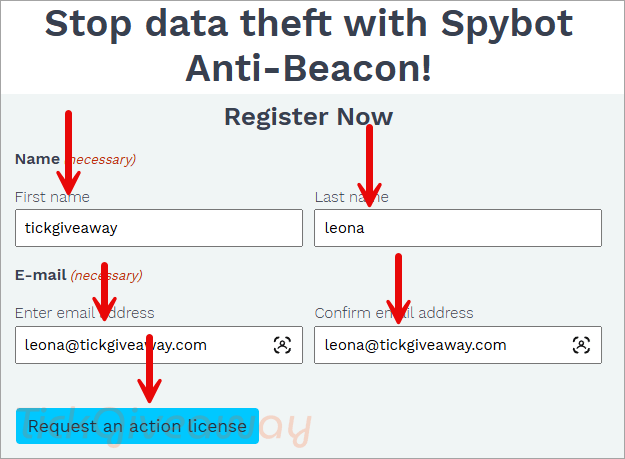
Step 2. Confirm your subscription using the link sent to your inbox. Look for a follow-up email containing your unique license key.
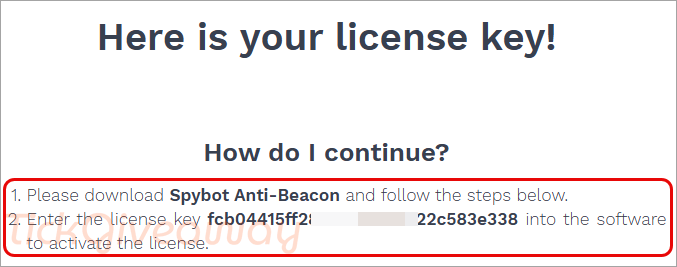
Step 3. Install the software on your computer —> spybot-anti-beacon/download/
Enter the license key during installation to activate the software, then click “Next” to continue.
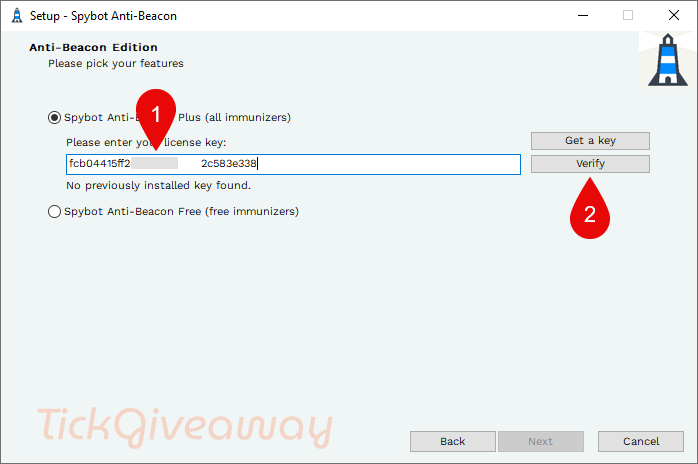
Step 4. Got it for 1-year free!
Who Is This Giveaway Most Useful For?
- Home users who want more control over Windows data sharing.
- Privacy-conscious individuals use multiple everyday applications.
- Users who reinstall or update Windows frequently want their settings restored.
- Anyone curious about how often software attempts to transmit telemetry.
Terms & Conditions
- Valid for home, non-commercial use only
- The license applies to one computer
- License duration is limited to one year
- Activation must be completed during the giveaway period
- Free technical support is not included
- Software updates are provided as specified by the organiser
- The license cannot be transferred or resold
Common Questions About This Giveaway
Is this a lifetime license?
No. The giveaway provides a one-year license for one computer.
Can I use this license for business purposes?
No. The license is restricted to home and non-commercial use.
Do I need to activate immediately?
Yes. The license key must be activated during the promotional period.
Will the software keep working after Windows updates?
The software includes a refresh option that can reapply settings after updates, as described by the developer.



I’ve installed it three times (twice I entered the serial number, once I didn’t), selecting Traditional Chinese, and each time it says there’s an authorization error and I need to reinstall.
I’ve given up…