Giveaway: SoftOrbits BatchPrint (Lifetime) – Print File Batches Without Opening Each Document

 Leona
Leona What is SoftOrbits BatchPrint?
SoftOrbits BatchPrint lets you print many files in one job without opening each document first. You can add individual files, whole folders, or ZIP archives, arrange the print order, and set copies, page ranges, duplex mode, scaling, trays, and collation. It supports PDFs, images, Word and Excel files, email messages, and other common formats. SoftOrbits BatchPrint can also continue past damaged or unsupported files and show which items were skipped after printing.
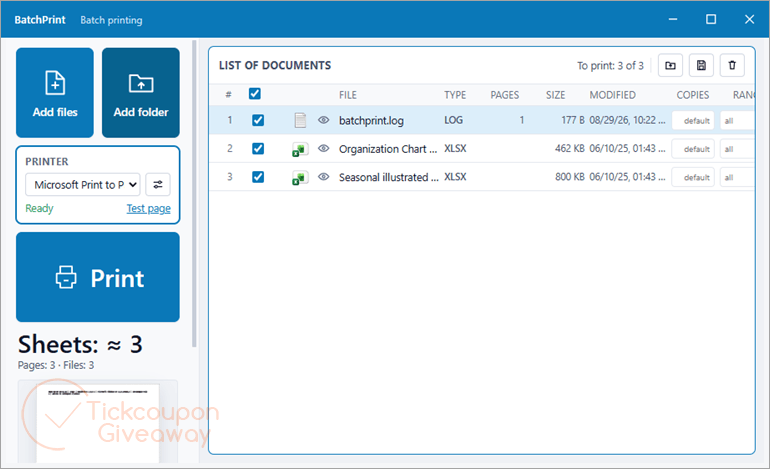
Table of Contents
Key Features
- One-click batch printing of an entire folder – no opening files one by one.
- 50+ formats in one queue: PDF, Word, Excel, PowerPoint, images, XPS, TXT, EML/MSG e-mails, ZIP archives.
- Full print control: copies, ranges, duplex, multiple pages per sheet, tray, orientation, scaling – per batch or per file.
- Live sheet-count estimate before you print, so there are no surprises on paper.
- Fault-tolerant queue: bad files are skipped and logged in a printed/skipped report.
- Save and reload document lists for recurring print jobs.
| Version | 1.x (giveaway build) |
| Supported OS | Windows 11/10/8.1/8/7 (32/64-bit) |
| File size | 1.70 MB |
| License type | Lifetime, non-commercial use |
| Publisher | SoftOrbits |
| Category | Printing |
Our Quick Test
Based on the activation process, setup needs more than a single key paste. You download the installer, submit an email, complete a basic profile, then paste the issued code under Register. The key request also depends on finishing the profile before registration can begin. The main trade-off is staying with the covered giveaway branch rather than expecting later releases at no charge. Support is also excluded, so activation problems may require self-service troubleshooting. The flow includes a profile step before activation, so it is not just an in-app registration. This deal makes the most sense for home users who often print large file queues.
How to Get the Free License Key
Instructions
Step 1. Download the giveaway installer for version 1.0 from the giveaway form above. Enter your email address during installation to open the giveaway page.
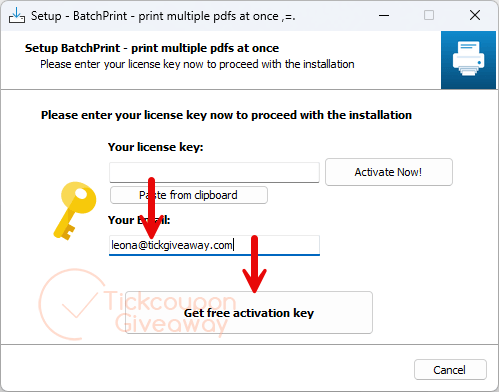
Step 2. Complete the basic profile on the giveaway page to receive your license key.
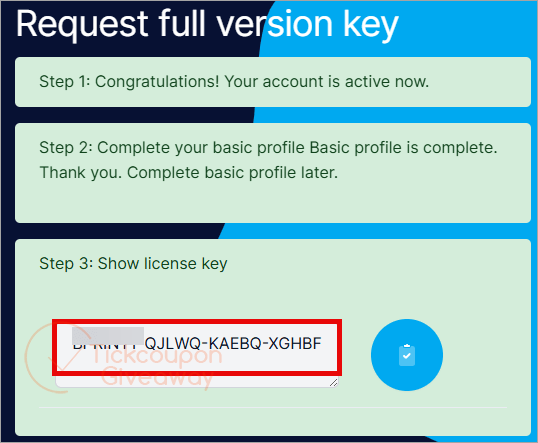
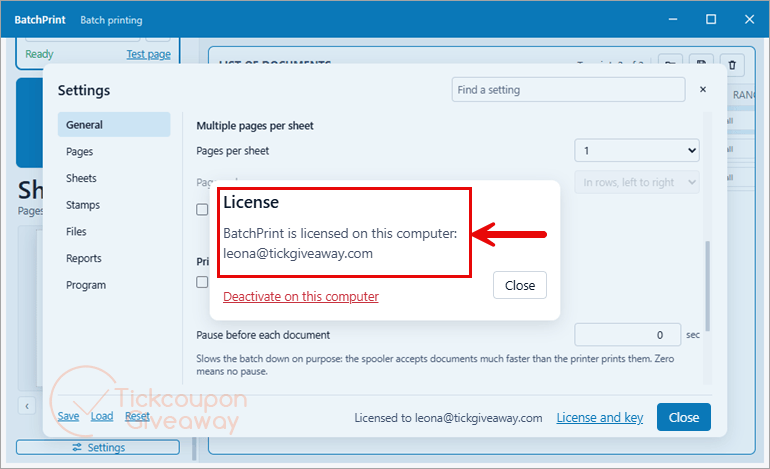
Step 3. Activate the installed app by pasting the license code into its Register window.
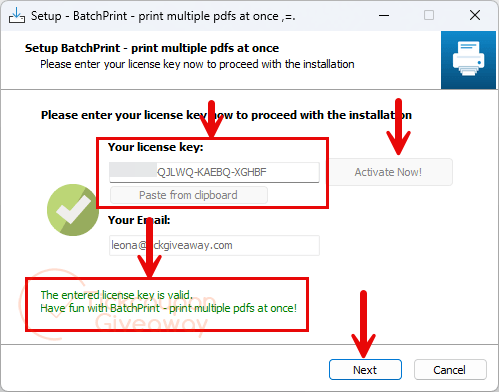
Step 4. Got it for free for life!
Troubleshooting
- Invalid key? Use the giveaway installer listed above. A different installer may reject the issued code.
- Registration page not opening? Re-enter your email during setup. The supplied process uses that step to redirect you.
- No keys available? Leave a comment on the giveaway post if the giveaway page stops issuing codes.