


 Leona
Leona What is Smart File Renamer?
Smart File Renamer helps you rename large groups of files with custom rules instead of editing each name manually. You can add or remove text, change letter case, use regular expressions, insert dates, and add sequential numbers. The app supports multiple rules in one renaming task and shows a live preview before changes are applied. Smart File Renamer also detects naming conflicts, saves reusable presets, processes subfolders, and lets you restore original filenames with session-based undo.
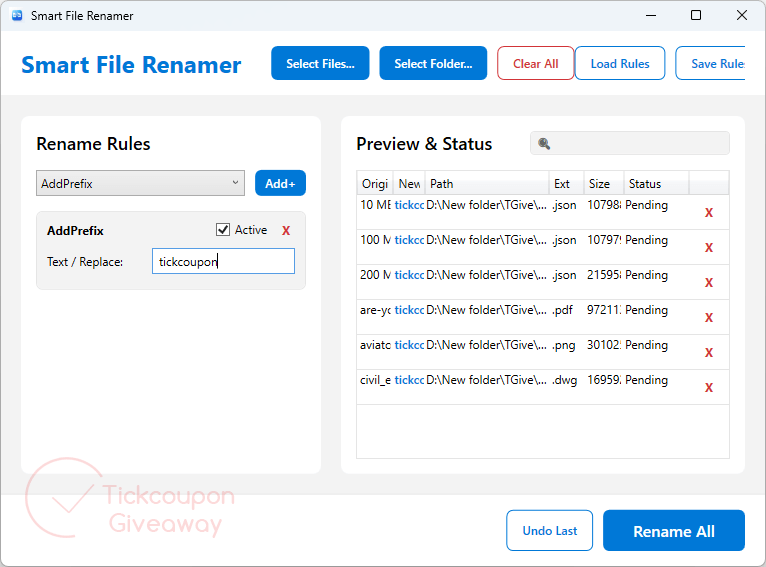
Table of Contents
Key Features
- Add prefixes or suffixes to many filenames in one pass.
- Replace, remove, or trim text with configurable naming rules.
- Apply regex patterns for more specific filename changes.
- Convert filename text between uppercase, lowercase, and Title Case.
- Insert dates or sequential numbering into renamed files.
- Combine several rename rules and preview their final order.
- Save rule presets and restore previous filenames through session history.
| Version | 1.0.0.0 (giveaway build) |
| Supported OS | Windows 11/10 |
| File size | 59.8 MB |
| License type | Lifetime, personal use |
| Publisher | GoGrowTools |
| Category | File Rename |
Our Quick Test
Based on the activation process, you first claim the giveaway through GoGrowTools and complete the free order form. Your account is created automatically, and the license key appears after you sign in. The giveaway is limited to personal use and two PCs, so it does not cover business use. The terms include future updates and customer support by email and chat. This is worth claiming if you regularly rename large batches and want reusable rules with rollback support.
How to Get the Free License Key
Instructions
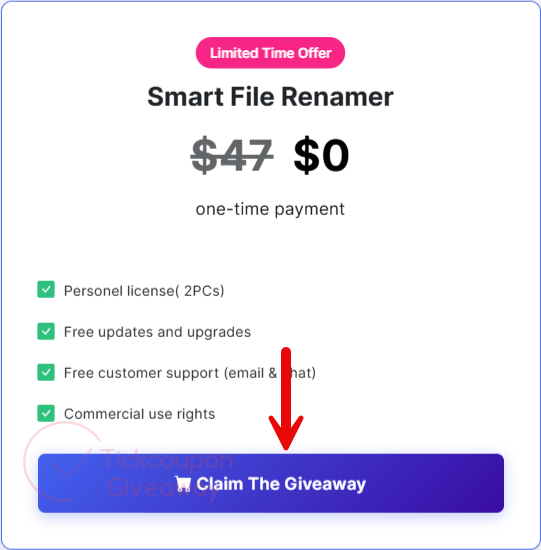
Step 1. Click on the “Claim the Giveaway” button on the official Smart File Renamer page.
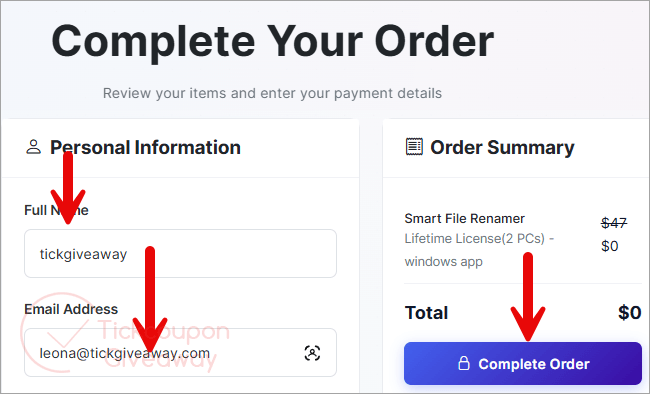
Step 2. Submit your name and email through “Complete Order” without payment.
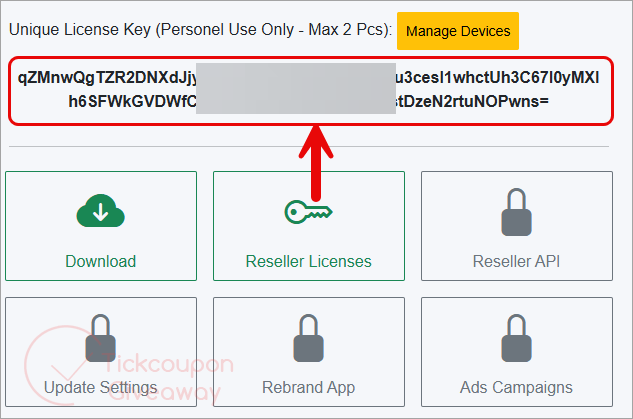
Step 3. Sign in to your account, open Apps, choose Smart File Renamer, and then select Manage App to copy the code.
Step 4. Run the installer and activate it with the license key shown in your account.
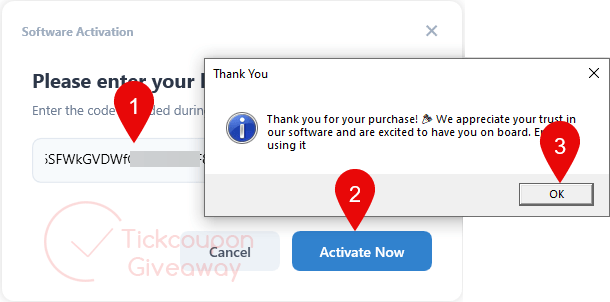
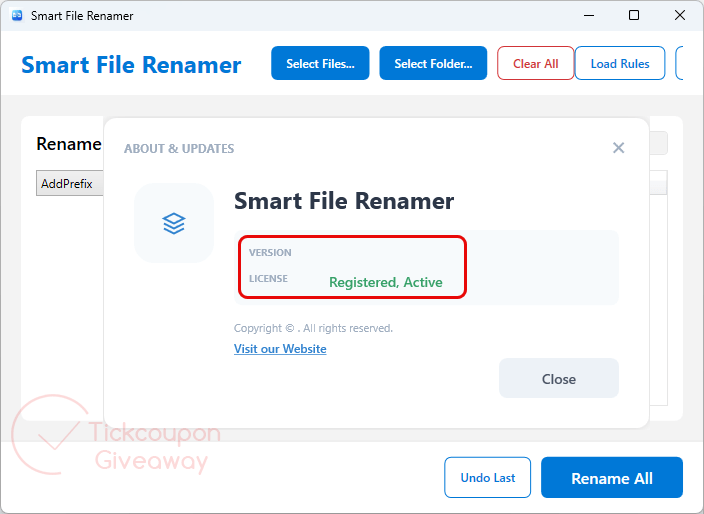
Step 5. Got it for a lifetime for free!
Troubleshooting
- The key shows as invalid. Use the giveaway installer listed above and enter the account key again.
- You have no activations left. Comment on the giveaway page for help. For another license option, see the deal below.




This site is a scam. It is a fraudulent site that tricks people into paying exorbitant amounts of money under the guise of a giveaway.
Wah… baru nemu aplikasi keren untuk rename file. Bisa beberapa file sekaligus dan bisa sendiri-sendiri. Cocok banget untuk keperluan saya yang sering memanajemen file di PC saya. Terima kasih gogrowtools.com Mantap, luar biasa!