

Giveaway: MiniTool ShadowMaker Pro – Data Protection and Disaster Recovery Solution

 jasmine
 Table of Contents
What is MiniTool ShadowMaker Pro?
MiniTool ShadowMaker Pro is a professional data backup software that supports users in creating, managing, and restoring backup data of computer drives or external drives. With its help, you can sync the open files and folders to other locations to keep your data safe. It also helps you back up files and folders to restore them in case the files get lost/deleted.
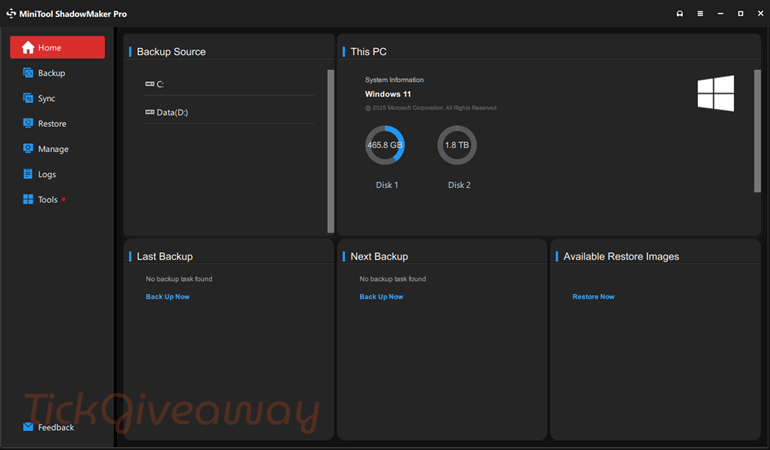
Besides, MiniTool ShadowMaker Pro offers full, differential, incremental, and scheduled backups that really make it easy to customize your backup plan. You are allowed to set up to back up daily, weekly, monthly, or when a user signs in or signs out of the operating system.
Key Features
- MiniTool ShadowMaker Pro provides a comprehensive backup option to help you easily back up individual files and folders.
- With its help, you can create a complete backup of your operating system.
- This tool also allows you to back up entire disks or specific partitions.
- It provides flexible backup schemes, including full backup, incremental backup, and differential backup.
- You can also use this tool to set up automatic backups on a daily, weekly, or monthly basis.
- It also triggers backups based on specific events, such as system startup or user logon.
- It has the ability to create bootable media to restore your system in case of failure.
- With the restore function, you can restore your system to different hardware without compatibility issues.
- Furthermore, you can clone system disks, non-system disks, and dynamic disks (simple volume).
System Requirement: Windows 7/8/8.1/10/11
Price: $120/year
How to get the MiniTool ShadowMaker Pro for free?
Special offers
MiniTool Disk Utilities Ultimate Bundle: 50% Off
MiniTool is offering discounts of up to 50% on their Disk Utilities Ultimate Bundle through their Special Deals event, allowing for easy disk management, data recovery, and backups.
MiniTool ShadowMaker Pro - Monthly
MiniTool ShadowMaker Pro - Annual
MiniTool ShadowMaker Pro Ultimate - Perpetual License
Instructions
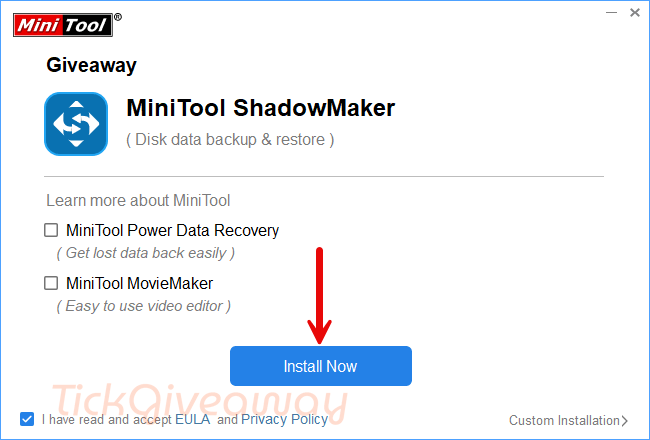
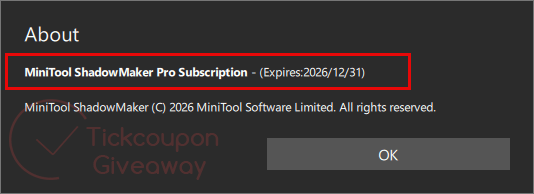
Step 1. Download the giveaway installer MiniTool ShadowMaker Pro for free. Install the software on your computer.
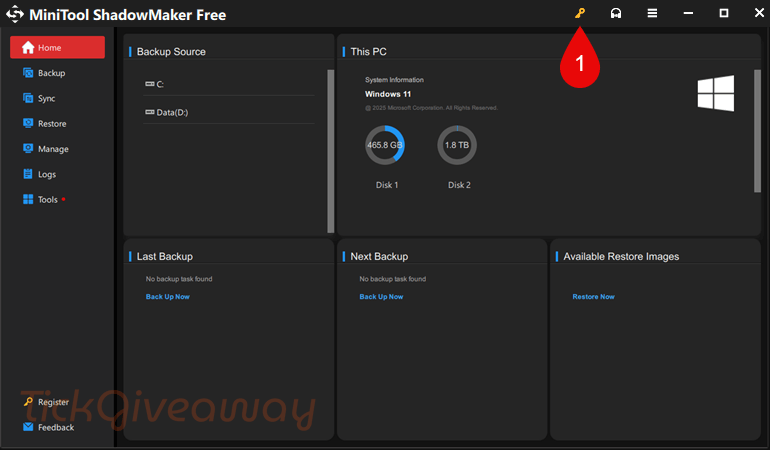
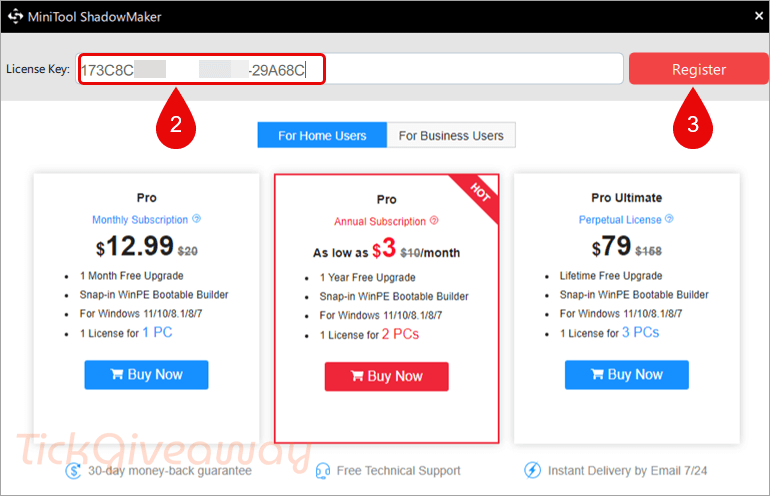
Step 2. Please copy and paste the free license code to register the software.
Step 3. Now you can enjoy it for free!




Do you have a key for EaseUS Partition Master Pro ?
You forgot to mention in the “CONS” section the giveaway license is ONLY 6 months which is a pretty big “CONS” in my opinion.
I agree with SUPURPAN.
You can, however, get O@O Diskimage 19 Pro and ATI 2021 (No SSD needed) completely free.
Myself, I use Drive Snapshot on my main laptop. Creating a USB MSDOS rescue disk is not difficult.
A backup-solution with restricted runtime?
What happens after the half year for the registered version is over – can we still recover from backups with the trial or will it completely refuse work?
I’ll stay with really free programs like Ashampoo Backup or the Acronis True Image that came with my SSD.
Not a big deal!
Can’t work?
buggy loading
Thanks