

Giveaway: iReaShare Screen Recorder – Record Screen on Computer Easily

 Leona
Leona iReaShare Screen Recorder is a desktop screen recording utility engineered for localized video and audio capture without rendering watermarks, enforcing duration limits, or transmitting media to external servers. The software performs full-screen and custom-area desktop coordinate tracking, aggregates simultaneous system audio and microphone audio streams, and integrates a direct screenshot annotation module for adding text and geometric shapes. All processing and storage operations are contained strictly within the local hardware architecture. TickGiveaway currently provisions a free 1-year commercial license giveaway for iReaShare Screen Recorder.
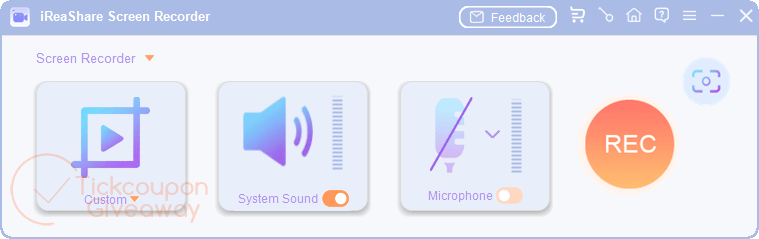
Table of Contents
What Does iReaShare Screen Recorder Help You Do?
- Record your full desktop or a selected part of the screen.
- Capture gameplay sessions, tutorials, online meetings, or presentations.
- Save videos in MP4 format for easier playback and sharing.
- Take screenshots and save them as PNG, JPG, JPEG, or BMP files.
- Add arrows, text, and shapes to screenshots for explanations or notes.
- Record system audio, microphone input, or silent videos depending on your needs.
iReaShare Screen Recorder Giveaway Details & How to Join
iReaShare Screen Recorder
Record your entire screen or chosen sections with high quality.
Special offers
iTop Screen Recorder PRO - 1 Year/3 PCs
EaseUS RecExperts (Lifetime Upgrades)
HitPaw Edimakor Screen Recorder - Lifetime/1 PC
Fast Screen Recorder - 1 year/1 PC
Instructions
Step 1. Enter your email address in the giveaway form above to receive your free license code.
Step 2. Download and install iReaShare Screen Recorder on your Windows computer —> ireashare-screen-recorder.exe
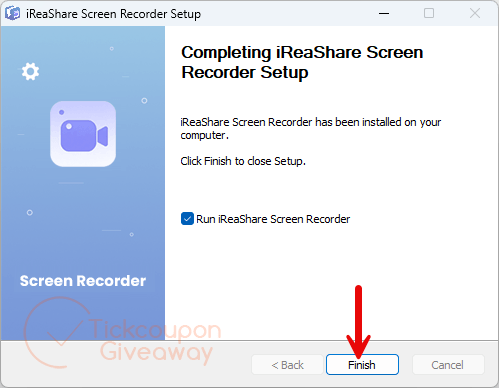
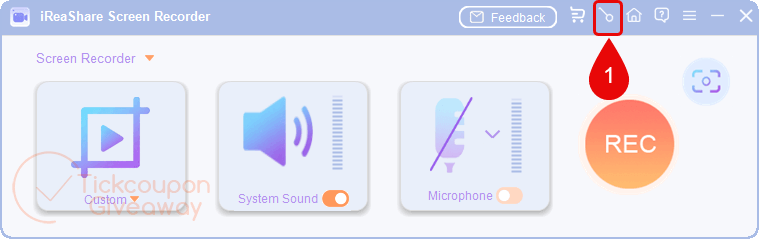
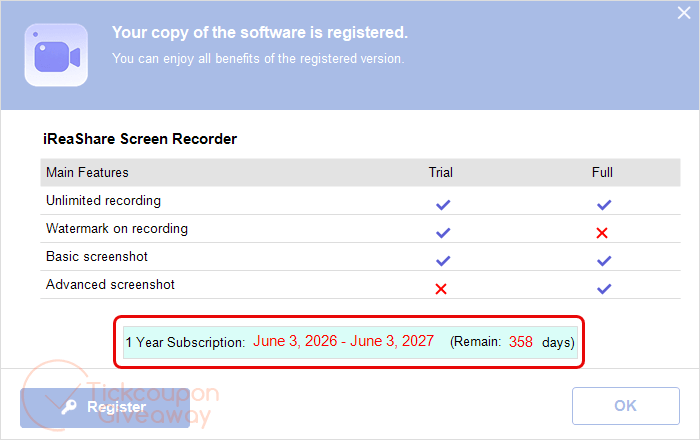
Step 3. After installation, open the software, click the key icon in the main interface, and enter the provided license code.
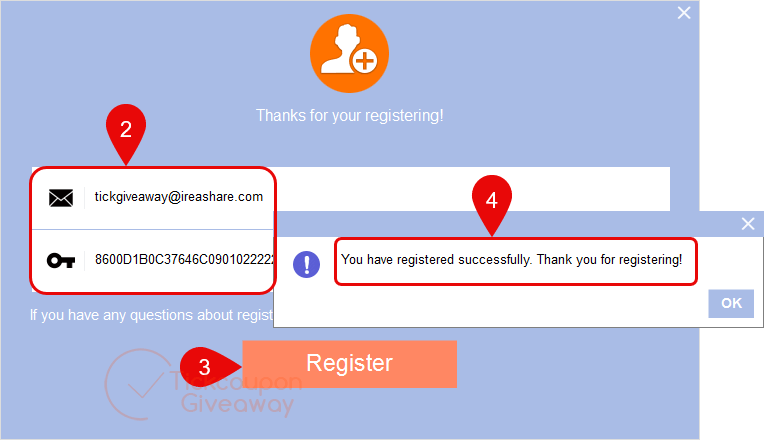
Step 4. Complete the registration process and use the software for free for one year.


When I installed this and pressed REC, the PC appeared to freeze. It wasn’t, instead this app had taken a screenshot and kept it topmost, so I couldn’t view e.g. Task manager to kill this app. So I rebooted the PC and uninstalled this xxxx.
I don’t recommend.
As opposite to normal FFMPEG based screen recorders this developer has chosen to build the LGPLv3 license build of FFMPEG DLLs and included the license.txt file in the “ffmpeg” subfolder of “license” folder that means this is the first mostly LEGAL distribution of FFMPEG I’ve seen in such a screen recorder! Well done. only mostly legal as FFMPEG.ORG is not attributed in the programs main license.txt file in the installer where it should be but at least they are going in the right direction.