
 Leona
Leona What is Bulk URL Checker?
Bulk URL Checker is a Windows tool for checking large lists of URLs without opening each link manually. It detects HTTP status codes, follows redirects, shows final URLs, and measures response times. The software can also collect page titles, meta descriptions, and content types during a scan. You can paste URLs or import TXT and CSV files, filter the results, then export reports for SEO audits, broken-link checks, or website maintenance.
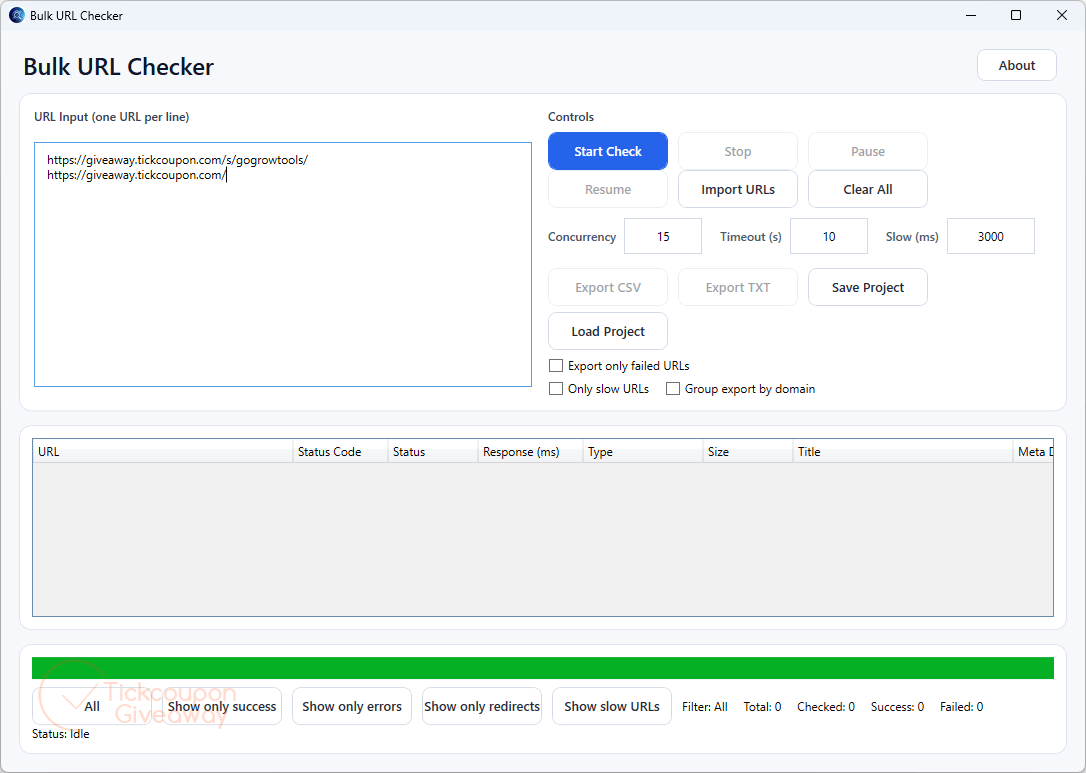
Table of Contents
Key Features
- Paste or import your list: drop in URLs directly or load a TXT or CSV file, with no cleanup needed first.
- Status codes across 2xx to 5xx: spot 200s, 301s, 404s, and 500s at a glance, so dead pages and server errors stand out.
- Redirect tracking: see where every redirect finally lands, which makes it easy to fix chains and update outdated links.
- Speed and content type per URL: response times flag slow pages, and content-type detection tells you whether a URL serves HTML, an image, a PDF, or something else.
- Filters, exports, and saved projects: filter by successes, errors, redirects, or slow URLs; export to CSV or TXT for clients; and reload a saved project to pick up where you left off.
| Version | 5.x (giveaway build) |
| Supported OS | Windows 11/10 |
| File size | 68.6 MB |
| License type | Lifetime License (2 PCs) |
| Publisher | GoGrowTools |
| Category | SEO / Keyword |
How to Get the Free License Key
- License
- Lifetime · 2 PCs
- Version
- 1.0
- Availability
- Available
Instructions
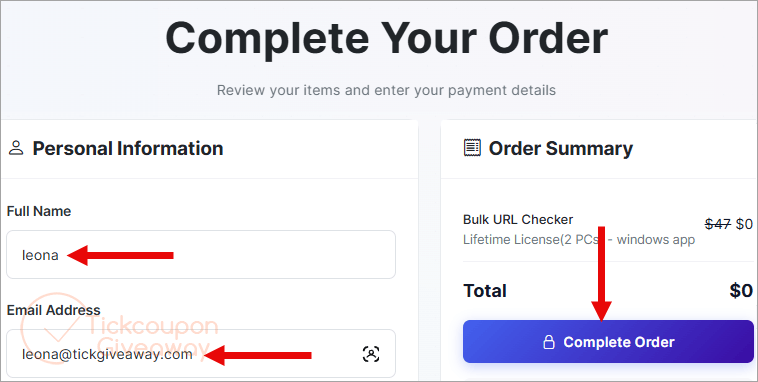
Step 1. Open the Bulk URL Checker giveaway link on this page and fill in your name and email on the GoGrowTools order form. The order totals $0, so just complete it.
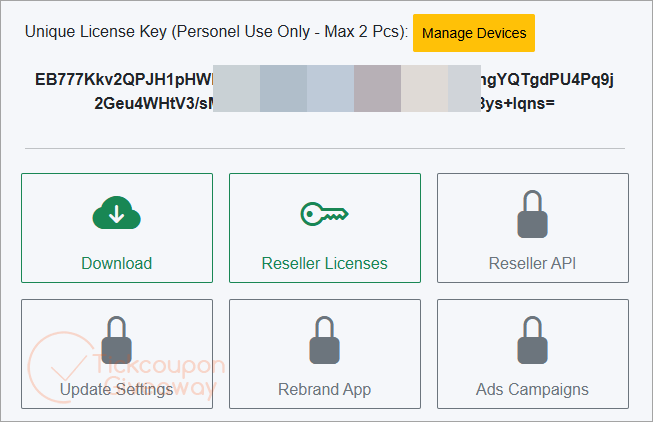
Step 2. Sign in at app.gogrowtools.com and open your dashboard. Your license code and the Windows installer are both waiting there.
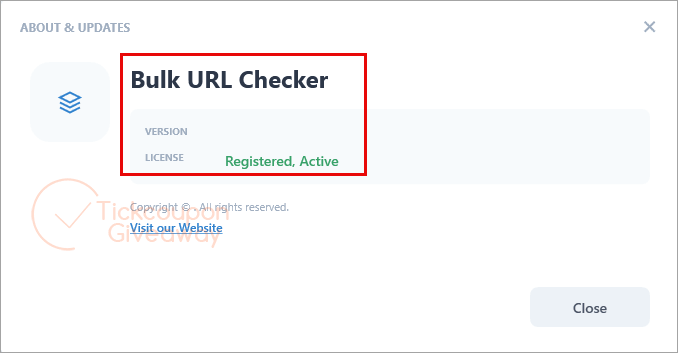
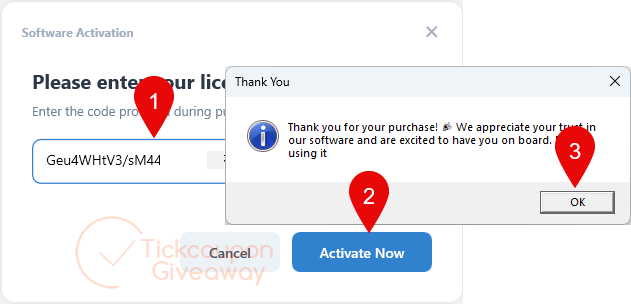
Step 3. Download the installer and set it up on your Windows 10 or 11 PC. Launch Bulk URL Checker and paste in the license code from your GoGrowTools dashboard to activate it.
Step 4. Got it for a lifetime free!