
 Leona
Leona Table of Contents
What is Ashampoo Photo Recovery?
Ashampoo Photo Recovery is a powerful photo recovery application designed to help you quickly and effectively restore lost, deleted, or corrupted photos. It allows you to recover valuable memories in various situations, such as accidental deletion, memory card formatting, or data loss caused by system crashes.
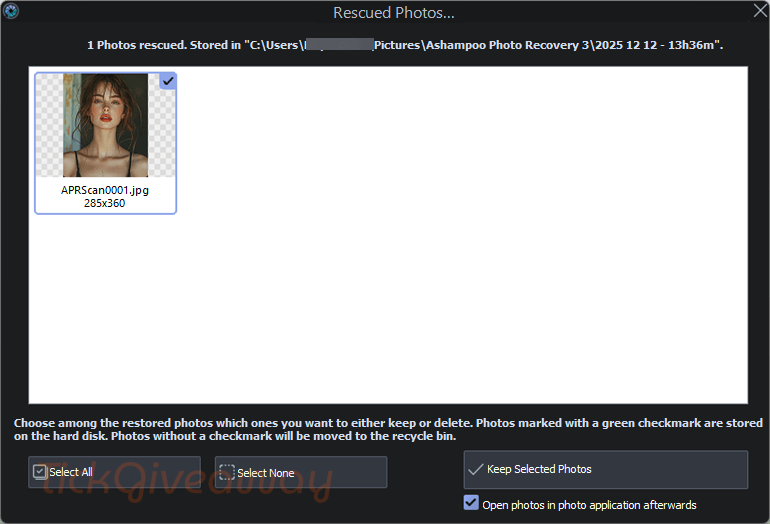
Ashampoo Photo Recovery supports a wide range of image formats, including JPG, PNG, GIF, and more, as well as multiple storage devices. Its built-in preview function lets you check recoverable images before restoring them, helping you save time and avoid unnecessary recovery attempts. The software works seamlessly with hard drives, SSDs, USB flash drives, SD cards, and camera storage, ensuring broad compatibility across different recovery scenarios.
Key Features
- Restore photos that were accidentally deleted, lost after formatting, or removed due to system errors or crashes.
- Uses intelligent scanning algorithms to find recoverable images even when file structures are damaged or missing.
- Recovers popular photo formats such as JPG, PNG, BMP, TIFF, RAW, and many camera-specific image files.
- Works with hard drives, SSDs, USB flash drives, SD cards, memory cards, and digital camera storage.
- View recoverable images in advance to ensure accuracy and avoid restoring unnecessary files.
- Retrieves photos from formatted or corrupted storage devices with a high success rate.
- User-friendly design guides you through scanning, previewing, and recovering photos without technical knowledge.
- Quickly analyzes storage devices to save time, even when dealing with large volumes of photos.
- Ensures original data remains untouched during the recovery process for maximum safety.
- Suitable for everyday users and professionals who need reliable photo recovery from cameras and memory cards.
Supported OS: Windows 11, 10 (x64)
Price: $40/lifetime
How to get the Ashampoo Photo Recovery license key for free?
Special Offer
Ashampoo Photo Recovery Coupon Code
Instruction
Step 1. Visit the Ashampoo Photo Recovery giveaway page to get the free license code
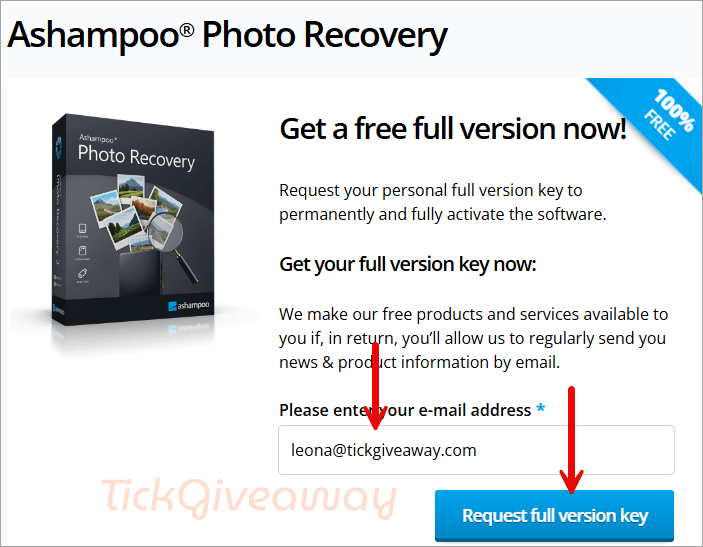
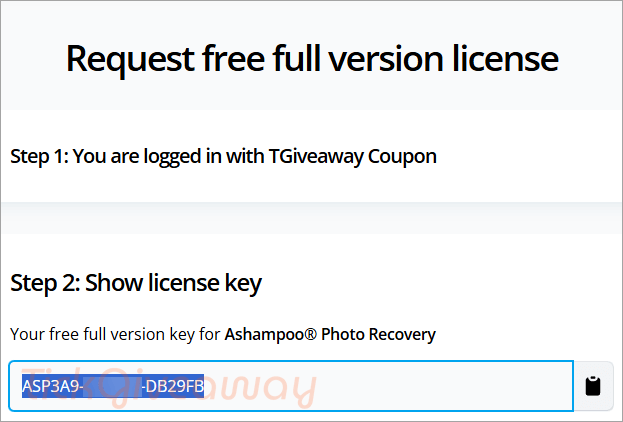
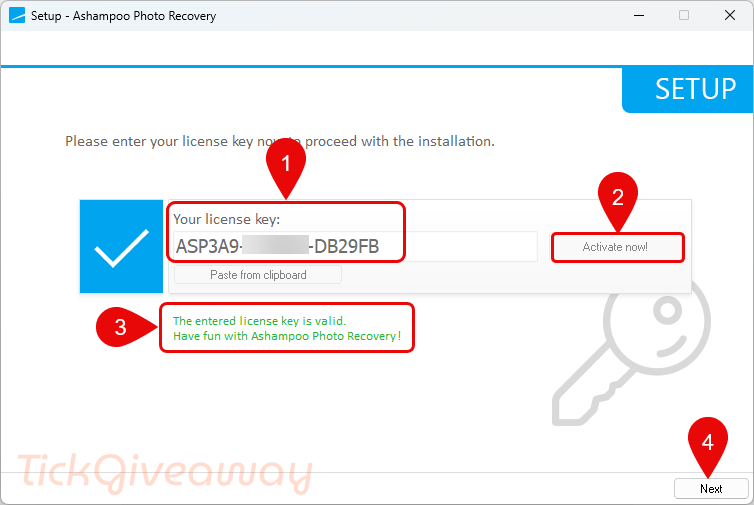
Step 2. Download and install Ashampoo Photo Recovery on your computer. Please enter your license key to proceed with the installation.
Step 3. Launch the software and use it for a lifetime for free!
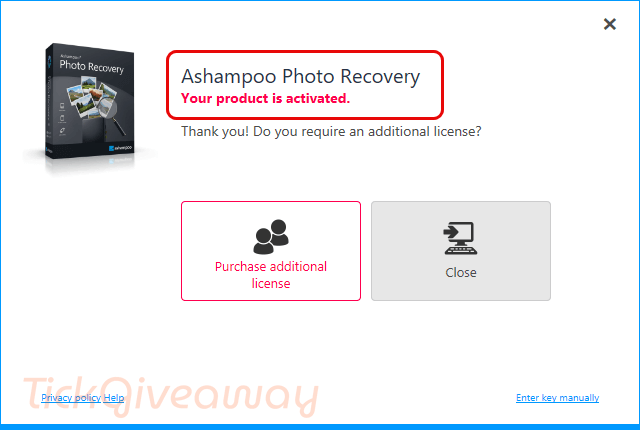
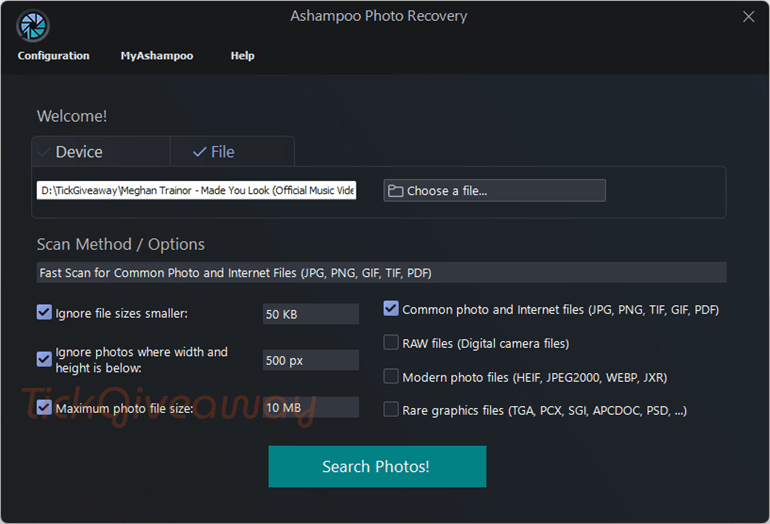
Ashampoo Photo Recovery main screenshot!