

 Leona
Leona Table of Contents
What is Ashampoo Net Watcher?
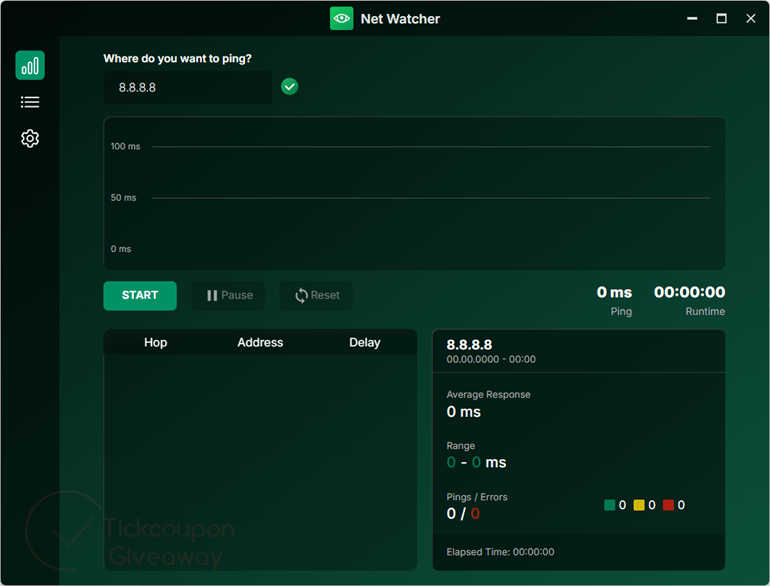
Instead of guessing why video calls lag or file downloads are slow, Ashampoo Net Watcher gives you a clear window into your internet connection’s health and stability, right down to the last detail. This internet monitoring tool displays real-time performance metrics, including minimum, maximum, and average ping values, on clean, readable graphs.
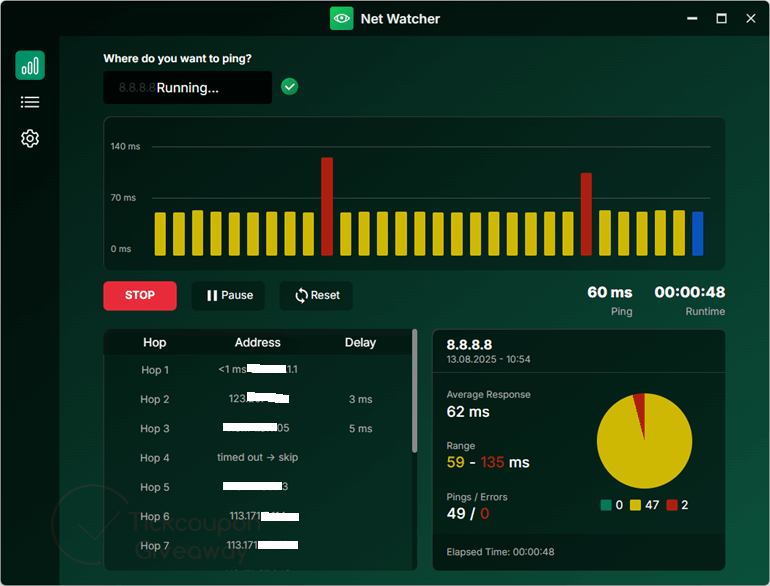
With its help, you not only know the speed but also identify the stability of your connection over time, including any interruptions and count errors, and even map the exact route your data takes to reach its destination. Ashampoo Net Watcher supports multiple languages, is compatible with Windows 10 and 11, and includes visual tools such as bar and pie charts to deliver the insight you need.
Key Features
- Provides real-time monitoring of internet connection stability and detects outages instantly.
- Records minimum, maximum, and average ping values.
- Displays results on an easy-to-read graph for quick interpretation.
- Monitors your connection over time to detect drops, interruptions, or lag spikes.
- Helps determine if the slowdown or outage is within your home network, your ISP, or further down the route.
- Counts connection errors to give a realistic picture of network reliability.
- User-friendly interface suitable for both casual users and IT professionals.
Supported OS: Windows 11, Windows 10 (x64)
Price: Freeware
How to get the Ashampoo Net Watcher license key for free?
Step 1. Download the giveaway installer
Ashampoo Summer Sale: Up to 91% Off
Welcome summer with Ashampoo's biggest savings of the season. Save up to 91% on your purchase for a limited time and enjoy premium software at an unbeatable price.
Install the software on your computer. Before you continue, please log in or register first – it is free!
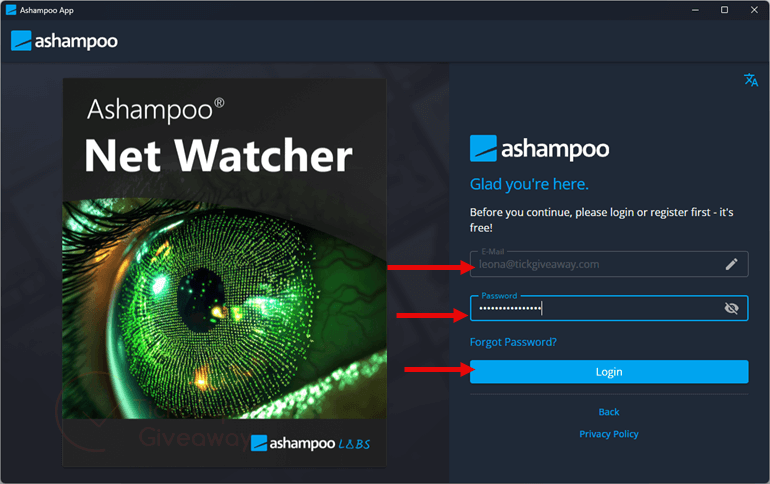
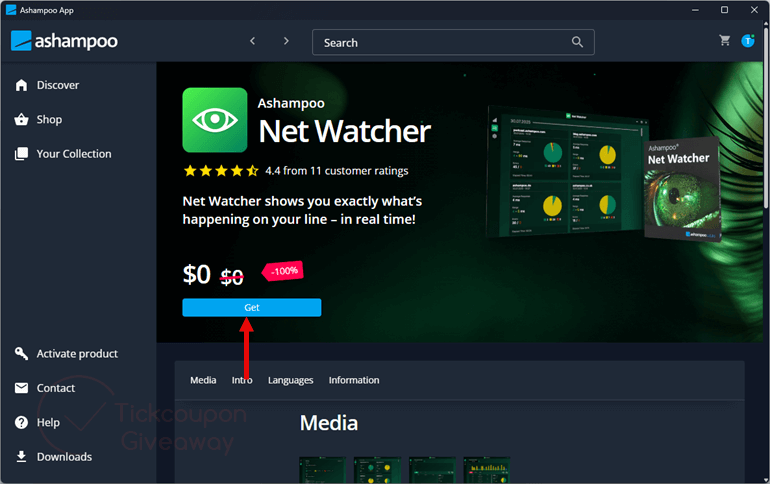
Step 2. When the login is successful, please click on the “Get” to install the software.
and the “LAUNCH” button to start using the software.
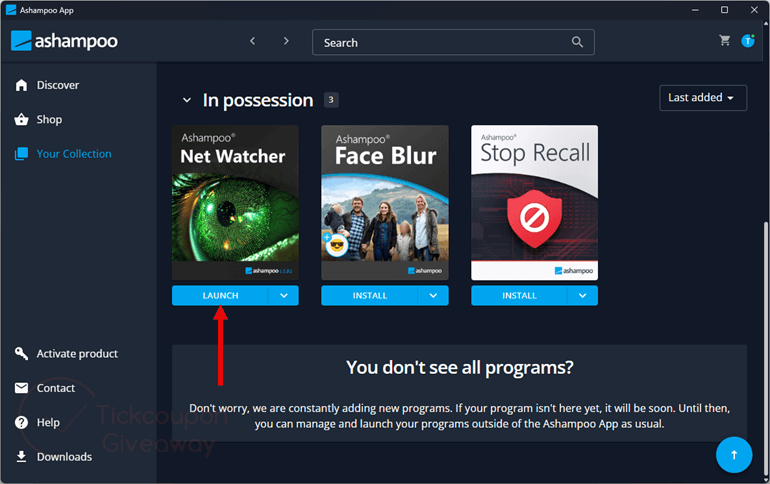
Step 3. Got it for a lifetime free!
Terms & Conditions
- This is a lifetime license for Ashampoo Net Watcher
- No free update
- No free tech support