


 Leona
Leona What is Ashampoo AI Filter #1?
Ashampoo AI Filter #1 uses artificial intelligence to create custom photo filters from before-and-after image pairs. The photo editing software learns editing changes and applies saved filters to new images, helping users reuse their preferred styles. It includes tools to train AI filters, manage filter collections, and adjust training settings. The program also supports RAW images from many camera formats for flexible photo editing.
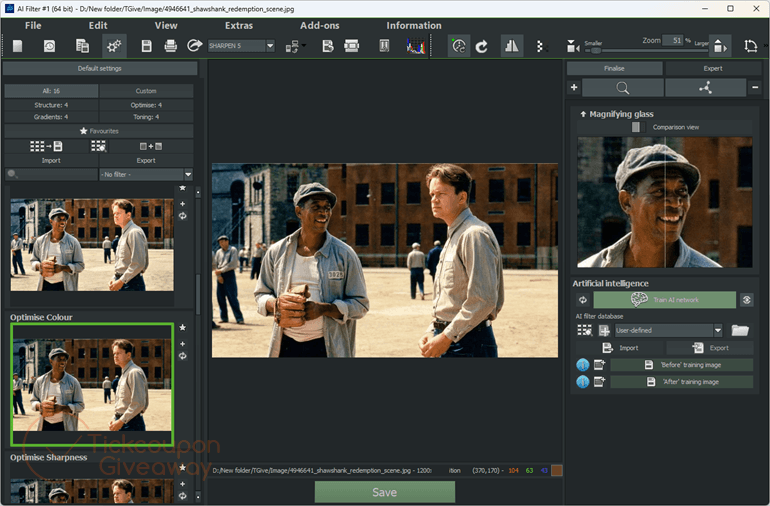
Table of Contents
Key Features
- Train AI filters from before-and-after image pairs.
- Store custom filters in the built-in database.
- Import and export AI filters for sharing.
- Adjust training iterations and network settings.
- Reproduce sharpening, denoising, gradients, and tone mapping.
- Create filters with expert mode editing tools.
- Process images from 1,296 RAW camera formats.
| Supported OS | Windows 11, Windows 10 (x64) |
| File size | 1.55 MB |
| License type | Lifetime |
| Publisher | Ashampoo |
| Category | Photo Editing |
Our Quick Test
Based on the activation process, the giveaway requires the Ashampoo app, an account login, and the provided installer before the software starts. The installed version stays tied to this giveaway license, so users should keep the current build. This offer does not include support. It is a good pick for users who want to create reusable photo filters with their own editing examples.
How to Get the Free License Key
Instructions
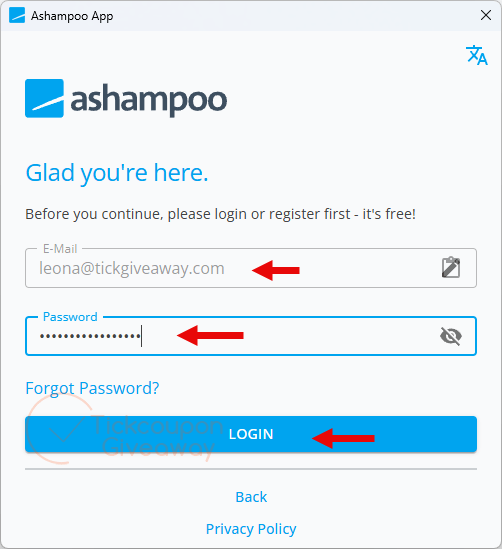
Step 1. Download the Ashampoo App and sign in with an Ashampoo account.
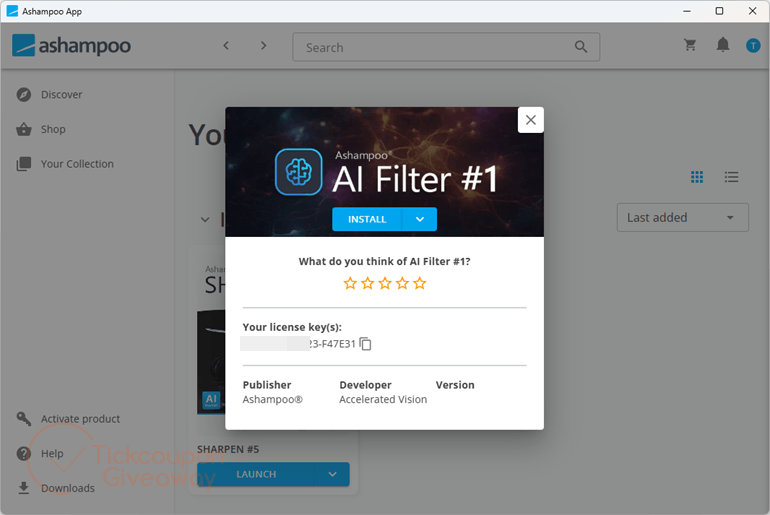
Step 2. Click the giveaway download link above, then download & install the software on your computer.
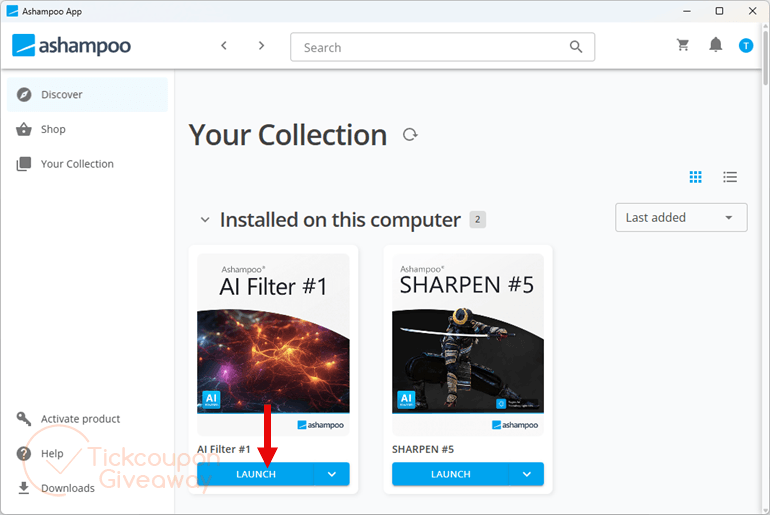
Step 3. Launch the software after installation is complete and enjoy it for life for free.





Don’t forget this is a more modern Ashampoo giveaway so forces you to install via the inefficient adware environment Ashampoo App instead of a stand alone installer. Assuming they ever fix the download link.
Error on install:
This XML file does not appear to have any style information associated with it. The document tree is shown below.
ExpiredRequestRequest has expired
Fake giveaway