
Giveaway: SayOnce – Voice Dictation Software (Lifetime) – Dictate Text Into Any App

 Leona
Leona What is SayOnce – Voice Dictation Software?
SayOnce – Voice Dictation Software turns your speech into text directly in the active Windows app. Hold the hotkey, speak, and release it to place the recognized text at your cursor. The software processes speech locally and can work offline after the speech model is downloaded. It also includes presets for prose, code, and email, plus snippets, a personal dictionary, and batch transcription for supported audio and video files.
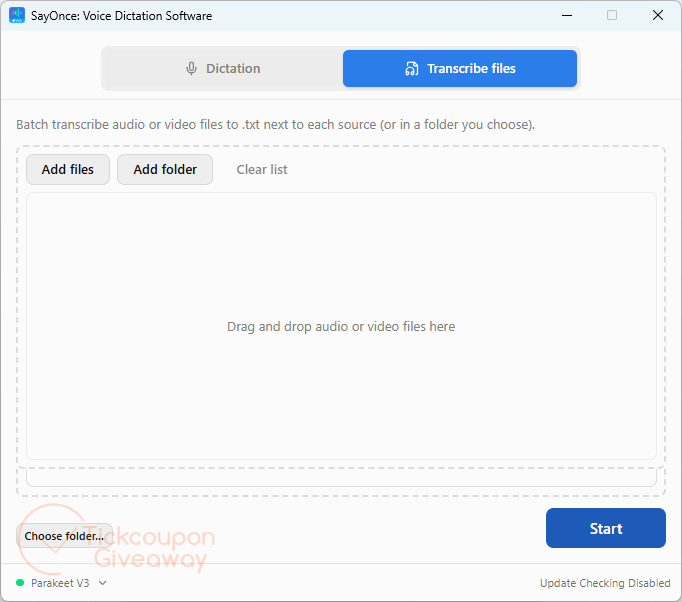
Table of Contents
Key Features
- Insert dictated speech at the current cursor with a global hotkey.
- Process speech locally after the recognition model is downloaded.
- Choose Prose, Code, or Email text-processing presets.
- Add spoken snippets that expand into stored text blocks.
- Teach names and specialist terms through a personal dictionary.
- Queue supported audio or video files for batch transcription.
- Save file transcripts as plain text beside the source media.
| Version | 1.5 (giveaway build) |
| Supported OS | Windows 11/10 |
| File size | 1,478 KB |
| License type | Lifetime, noncommercial use |
| Publisher | SoftOrbits |
| Category | Speech to Text Converter, Audio Converter |
Our Quick Test
Based on the activation process, setup requires installing the giveaway build and entering the supplied license key. The license applies to one computer, so plan to keep it on the machine where you activate it. Updating this giveaway build can make the program unregistered, so avoid replacing it with a newer build. Technical help is not part of the deal, which makes self-service troubleshooting more important. This giveaway is most useful for home users who want local dictation and file transcription without a recurring license charge.
How to Get the Free License Key
Instructions
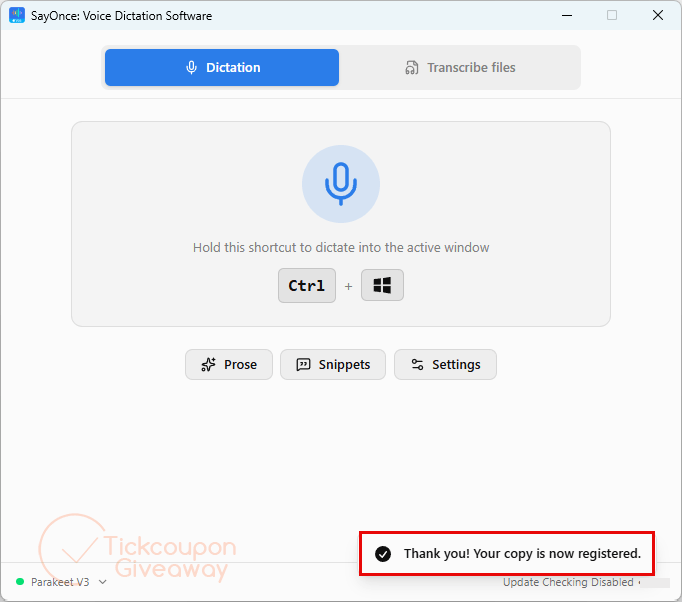
Step 1. Visit the SayOnce giveaway page and complete the basic profile to receive your license code.
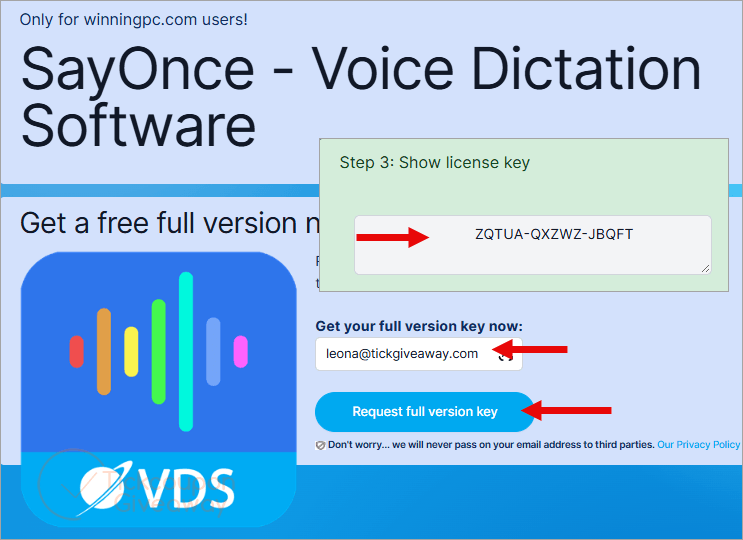
Step 2. Download version 1.5. Run the installer and finish the installation. Open registration and enter the giveaway license key.
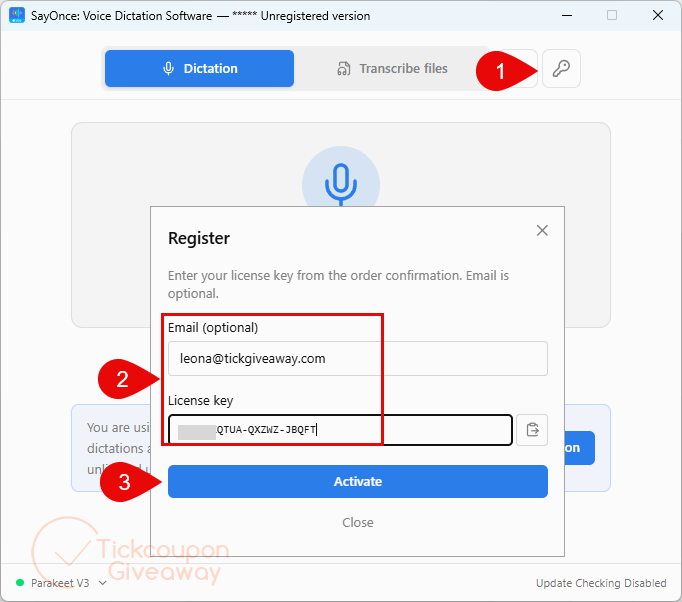
Step 3. Got it for a lifetime free!
Troubleshooting
- Invalid key: Check that you installed the version 1.5 giveaway build. A different build may reject the giveaway code. Reopen registration and enter the code exactly as issued.
- No keys left: Leave a comment so the giveaway team can check whether another key is available. Do not install another build while waiting for a replacement code.


Don’t forget softorbits force installation into an unprotected folder on the system drive reducing your systems security defences… it’s just using open source AI inferences developed by someone else who’s not given attribution pretending they did the work, which of course they are not capable of.