

 Leona
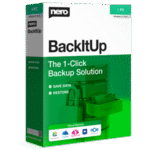
Leona What is Nero BackItUp 2026?
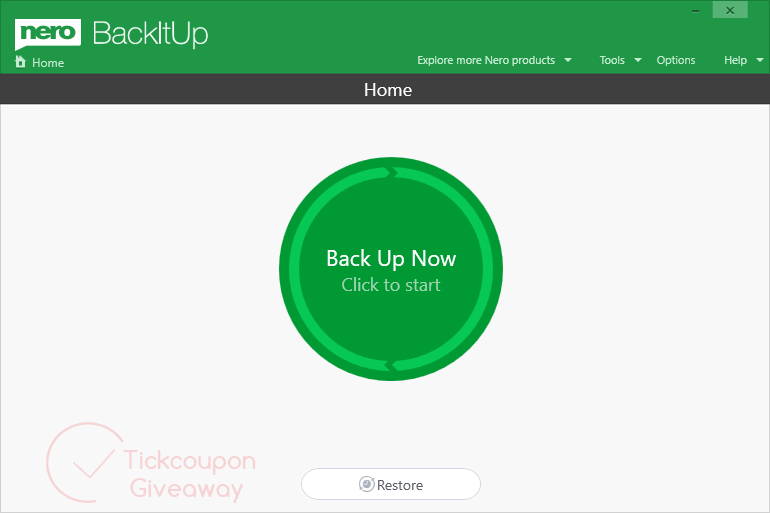
Nero BackItUp 2026 helps you create automatic backups of important files to local drives, external USB storage, NAS devices, optical media, OneDrive, or Google Drive. You can schedule backups daily, weekly, or monthly, or keep selected files backed up as they change. The software also retains older file versions, supports password protection, uses AES-256 encryption, and can compress backup data to reduce storage usage. Restoring files from local or cloud backups is also supported.
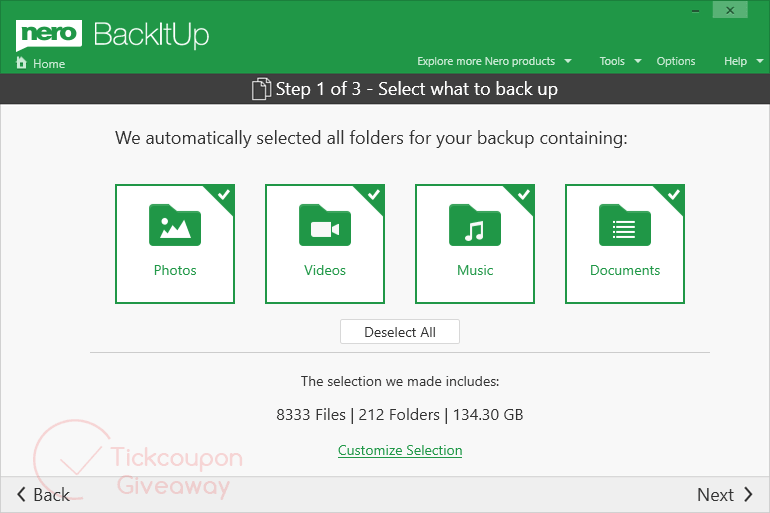
Table of Contents
Key Features
- Schedule backups daily, weekly, monthly, or at a chosen time.
- Keep continuous backups when selected files change.
- Save backups to hard disks, USB drives, NAS, optical media, OneDrive, or Google Drive.
- Restore cloud-stored backup data online.
- Keep earlier local file versions after changes.
- Protect backup archives with hardware-accelerated AES 256-bit encryption and a password.
- Compress files stored on USB media to reduce disk use.
| Version | 2026 (giveaway build) |
| Supported OS | Windows 11, Windows 10 (32/64-bit) |
| License type | 1-Year, personal non-commercial use |
| Publisher | NERO |
| Category | Backup/Restore |
Our Quick Test
Based on the activation process, this giveaway depends on the Nero promotion page and the Microsoft Store. The supplied instructions contain three actions and do not describe a separate key-entry form. You click Free, install the app, and then launch it to receive the giveaway license. A household with more than 10 PCs will need an additional license. Business computers are outside the permitted usage. Free support is absent, so troubleshooting falls to the user. Updates are covered only during the license year. The Microsoft Store step is part of the supplied giveaway route. Another download path is not covered by these instructions. No hands-on editor results were supplied. This deal fits home users who want scheduled backups across several personal PCs.
How to Get the Free License Key
Instructions
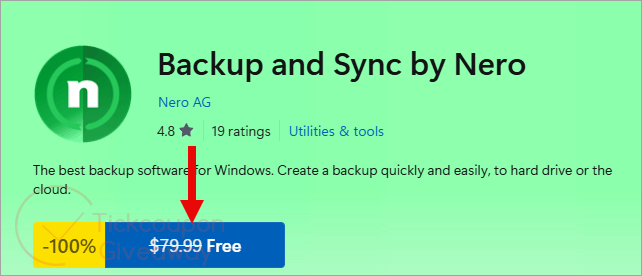
Step 1. Go to the Nero BackItUp 2026 giveaway page and click Free.
Step 2. Open the Microsoft Store and click Installer to download the Nero BackItUp 2026 installer.
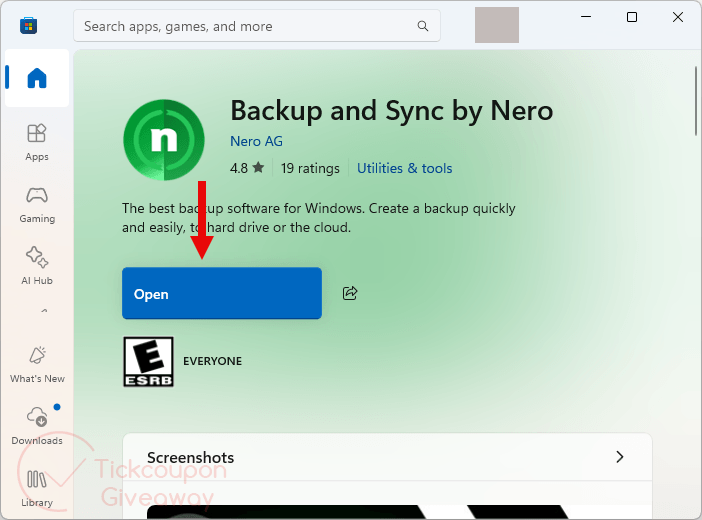
Step 3. Launch the app after installation and enjoy the software for a 1-year free!.
Troubleshooting
- The giveaway license does not appear after launch. Use the 2026 giveaway installer listed above. Relaunch the app after installation. Start again from the giveaway page if needed. Do not substitute another build during activation.
- The promotion is no longer available. Comment on the giveaway page to ask about another available license allocation. Availability is not guaranteed.



far better off with ashampoo backup pro 26 lifetime license and supports far more cloud providers than just the big two and is not bloatware like nero software installing lots of other ancillary programs to create their own control environment.