

Giveaway: Vovsoft Speech to Subtitle Converter (Lifetime) – Create Timed Subtitles Offline

 Leona
Leona What is Vovsoft Speech to Subtitle Converter?
Vovsoft Speech to Subtitle Converter helps you turn spoken audio from recordings and videos into timed subtitle files on Windows. It runs the transcription process locally with offline Whisper support, so your media does not need to be uploaded to a cloud service. The app can export results as SRT, VTT, JSON, or TXT, making it useful for videos, meetings, interviews, lectures, and podcasts. It suits users captioning interviews, lectures, meetings, podcasts, voice recordings, or saved videos.
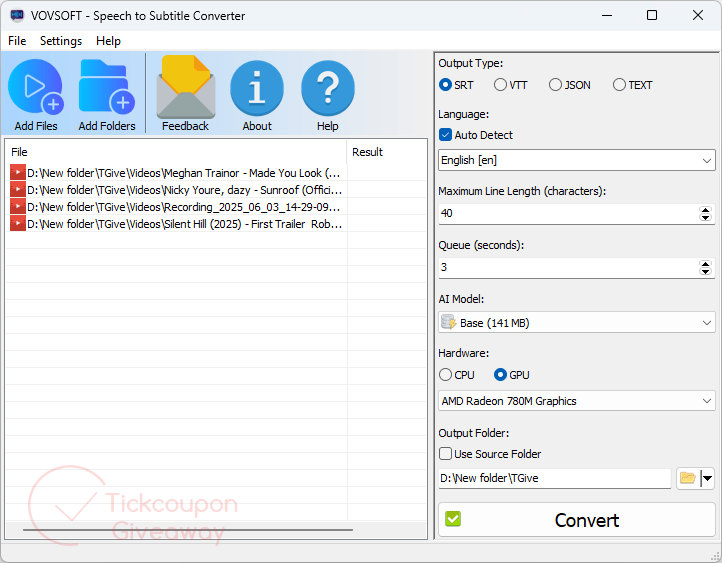
Table of Contents
Key Features
- Process speech locally without uploading private recordings.
- Use offline Whisper models through FFmpeg.
- Create synchronized subtitles with timestamps.
- Export results as SRT, VTT, JSON, or TXT.
- Import common audio and video file types.
- Select the spoken language before transcription.
- Use premium AI models without ads or nag screens.
| Version | 2.2 (giveaway build) |
| Supported OS | Windows 11, Windows 10 (32-bit and 64-bit) |
| File size | 146.82 MB (Installer), 166.63 MB (Portable) |
| License type | Lifetime, personal use |
| Publisher | Vovsoft |
| Category | Speech to Text Converter |
Our Quick Test
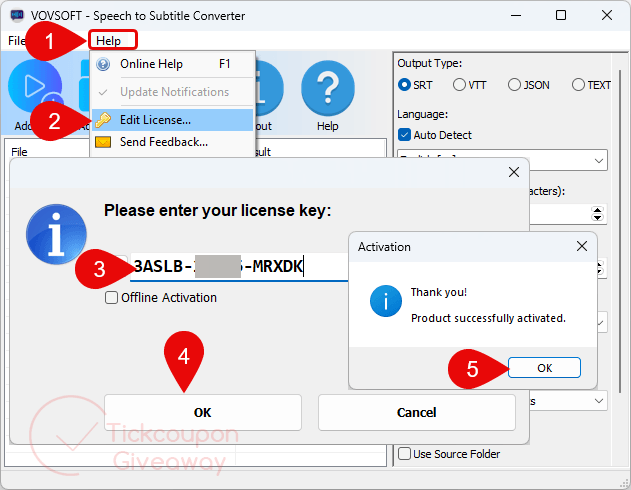
Based on the activation process, setup requires installing the app and entering the key through Help > Edit License. The license remains valid for the installed build, but later releases are not included. Avoid replacing this build with a newer installer because the giveaway key may stop working. Technical help is also excluded, so activation problems must be handled using the steps below. This deal fits home users who regularly create captions and do not need update coverage.
How to Get the Free License Key
This giveaway has ended.
Stay tuned - we publish new giveaways every day.
Instructions
Step 1. Download the version 2.2 installer or portable package. Run the downloaded file and complete the installation.
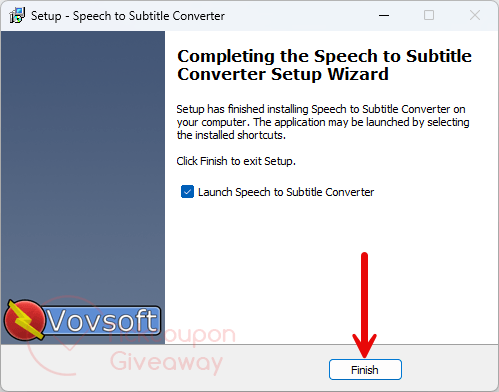
Step 2. Open the app, then select Help > Edit License. Paste the free license key and confirm activation.
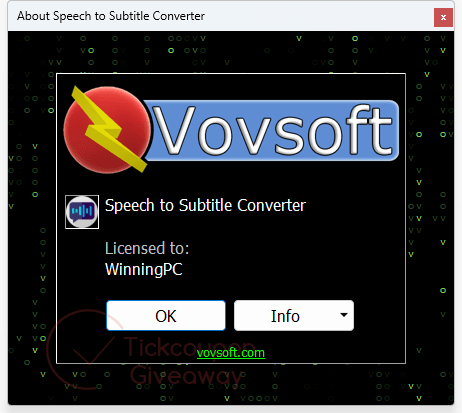
Step 3. Got it for a lifetime free!
Troubleshooting
- The key shows as invalid.
Remove any other build, then reinstall version 2.2 using the download link above. Enter the key again without extra spaces. - The available keys have been claimed.
Leave a comment requesting another key. The paid license is also available with the coupon listed below.



requires professional like recording of sound track, add hock mobile device recording will produce unreliable and unusable results even if you manually select the correct language and use the largest training data module.