Expired
Giveaway: Vovsoft Audio to Lyrics Converter – Offline AI tool to transcribe audio

 Leona
Leona
$0.0
$19
$0.0
$19
Table of Contents
What is Vovsoft Audio to Lyrics Converter?
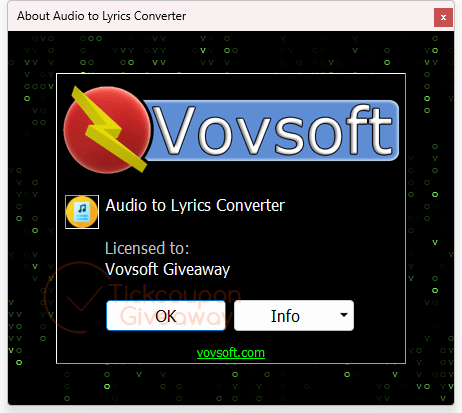
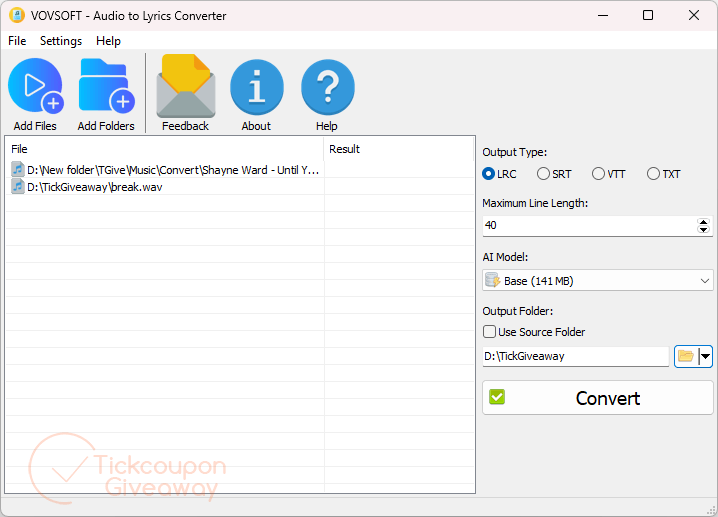
Vovsoft Audio to Lyrics Converter converts spoken audio and songs into text transcripts and synchronized lyric files. It can be used to create video subtitles, transcribe podcasts and interviews, document lectures, or organize song lyrics in a music library. The program automates audio-to-text conversion, reducing the need for manual typing when working with recorded speech or music.
Key Features
- Convert spoken audio into readable text files.
- Create synchronized lyric files for music collections and karaoke use.
- Generate subtitle files for videos and online content.
- Process multiple audio recordings in a single workflow.
- Turn lectures, interviews, and podcasts into searchable transcripts.
- Export transcription results in several commonly used formats.
Supported OS: Windows 11, Windows (64-bit)
Price: $19/lifetime
How to get the Vovsoft Audio to Lyrics Converter license key for free?
Official giveaway
Lifetime license
Personal use only
No free updates
No technical support
License Code
R4X75-DLKBF-NTMXL
Special offers
🏆🏆🏆 Special Offers for You: If this giveaway product doesn’t meet your needs or has expired, you may also consider the following alternatives that offer discounted pricing.
30%Off
Vovsoft Audio to Lyrics Converter
$13.30$19
•••PONShow Code
97%Off
Vovsoft Universal Lifetime License
$69.3$2185
•••PONShow Code
Instructions
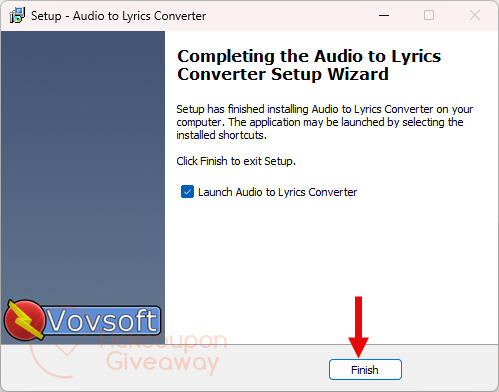
Step 1. Download and install Vovsoft Audio to Lyrics Converter on your Windows computer.
Launch the software after installation.
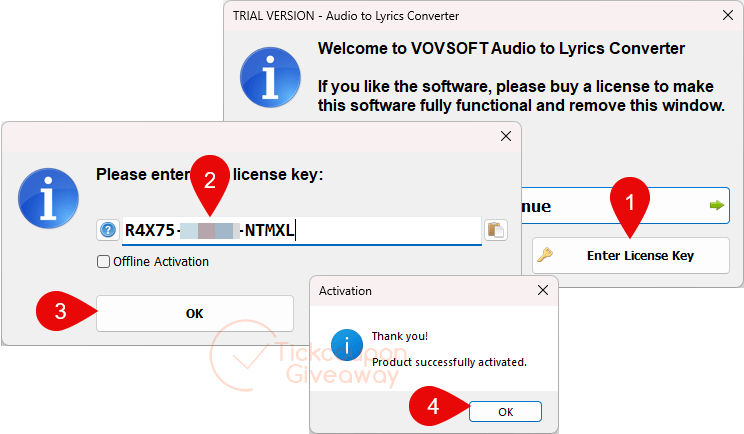
Step 2. Register the program using the giveaway license code provided by the organizer.
Step 3. Enjoy it for a lifetime for free!