

Giveaway: Coolmuster Screen Recorder (1-Year) – 2-in-1 Screen Recording & Capture for Windows

 Leona
Leona Table of Contents
What is Coolmuster Screen Recorder?
Coolmuster Screen Recorder records screen activity on Windows and saves videos directly to your computer. It can capture tutorials, online meetings, gameplay, presentations, and other on-screen content. The software also includes screenshot capture for saving images from your screen. Recordings are processed and stored locally without requiring cloud-based uploading.
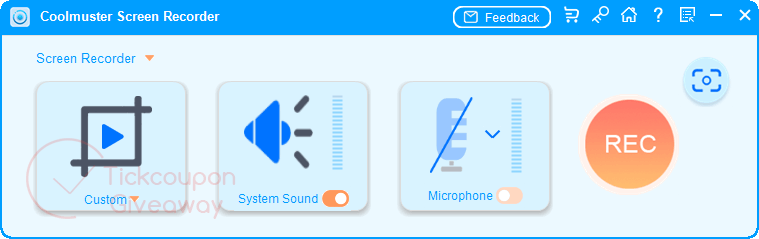
Key Features
- Record your entire screen or a selected area as an MP4 video.
- Capture tutorials, presentations, online classes, or software demonstrations.
- Record system audio or microphone input during screen capture.
- Take screenshots of full screens or custom regions.
- Add annotations such as text, arrows, and shapes to screenshots.
- Save recordings and images locally while keeping files under your control.
Supported OS: Windows 11/10/8/7
Price: $25.95/ year
How to get the Coolmuster Screen Recorder license key for free?
Special offers
Coolmuster Screen Recorder - 1 Year License(1 PC)
Coolmuster Screen Recorder - 1 Year License(5 PCs)
Coolmuster Screen Recorder - 1 Year License(10 PCs)
Coolmuster Screen Recorder - Lifetime License(1 PC)
Coolmuster Screen Recorder - Lifetime License(5 PCs)
Coolmuster Screen Recorder - Lifetime License(10 PCs)
Instructions
Step 1. To obtain a free license code, go to the Coolmuster Screen Recorder giveaway section and fill out the registration form with your personal information.
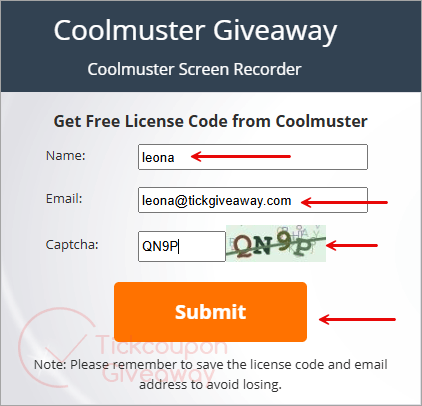
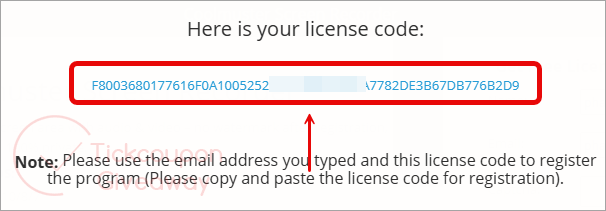
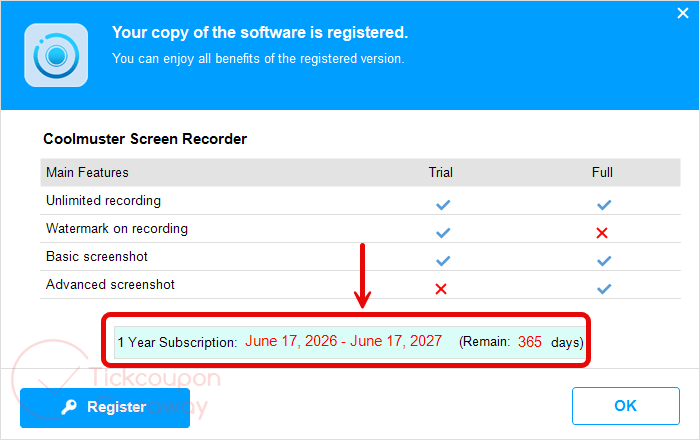
Step 2. Start by downloading the installer and opening the program; once inside, select the key icon then, use your email and the free code to activate your registration.
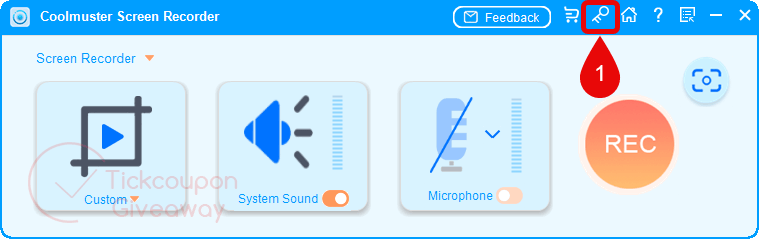
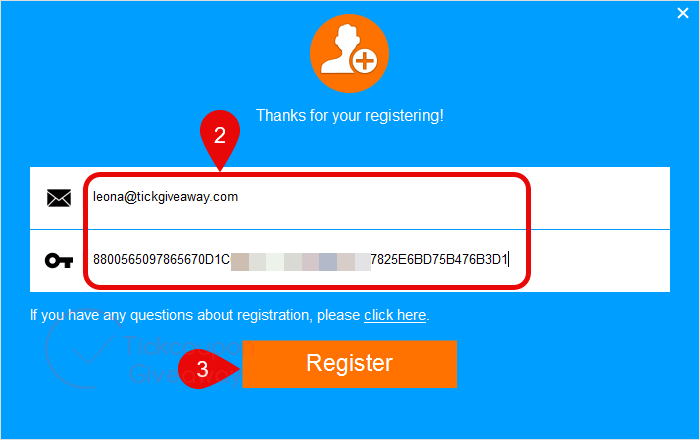
Step 3. Enjoy it for 1-year for free!



64bit windows ONLY, uses LGPLv3 FFMPEG DLLs… Windows 10 or above can capture screen to MP4 already so no need for this rental-ware FFMPEG GUI. It offers NOTHING above the plethora of other FFMPEG GUI screen capture tools, so why give this space on our systems? Especially when other pseudo developers like these offer non-expiring licenses with their giveaways!