

Leawo PowerPoint to Video Pro Key Free – Convert PowerPoint to Video

 jasmine
 Table of Contents
What is the Leawo PowerPoint to Video Pro?
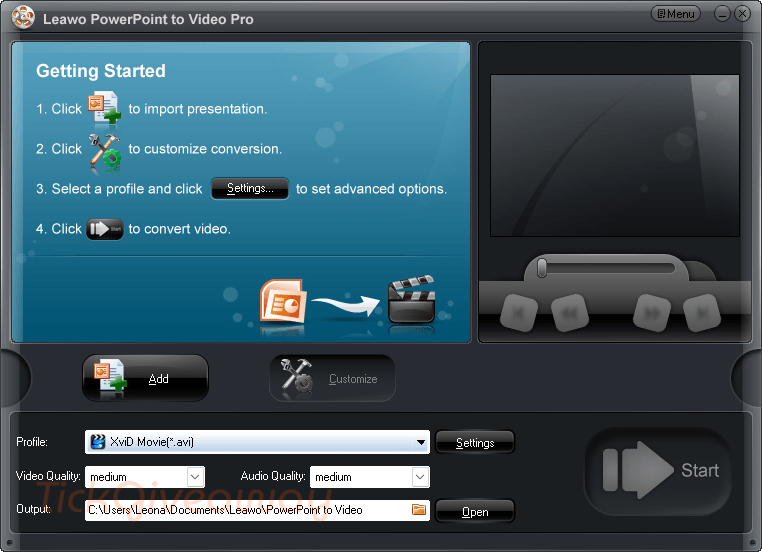
Leawo PowerPoint to Video Pro is a valuable and easy-to-use program that helps users convert any PowerPoint to video files in all popular formats, such as PowerPoint to AVI, MP4, FLV, 3GP, MOV, MPEG, WMV, VOB, MP3, AAC, M4A, etc., with all original features and elements retained for better slideshow enjoyment. The powerful features of PowerPoint to Video Pro make it the best choice for lecturers, teachers, and anyone who wants to share PowerPoint presentations on video-sharing sites.
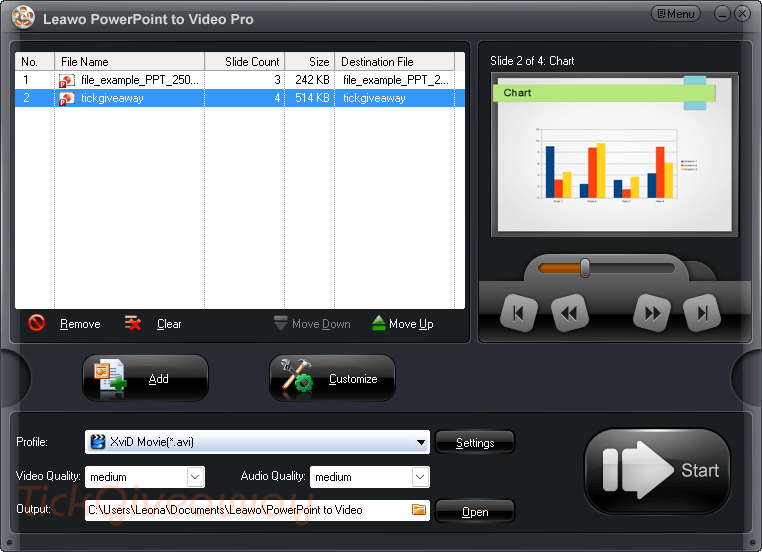
Key Features:
- Convert PowerPoint to many video formats: supports common formats such as MP4, AVI, FLV, MOV, WMV, MPEG, MKV, WEBM, VOB, 3GP, and more.
- Keep original PowerPoint effects: preserves animations, transitions, sounds, and embedded video clips after conversion.
- Export for different devices: lets you convert presentations for Apple devices, tablets, mobile phones, PSP, and other portable devices.
- Add watermark to output videos: helps you place your own mark or logo on the converted video.
- Insert background music: allows you to add music tracks to make the slideshow video more lively.
- Record narration in real time: you can add your own voice to explain the presentation while turning it into video.
- Adjust video and audio settings: supports editing codec, bitrate, frame rate, resolution, aspect ratio, audio sample rate, and other output settings.
- Batch convert multiple PPT files: can process many PowerPoint files at once with no stated number limit.
- Fast conversion process: designed to convert PowerPoint files quickly and also shows detailed progress for each file.
- Preview during conversion: lets you check the output video in real time while the conversion is running.
- Multi-language interface: includes a simple interface with support for 7 languages, such as French, German, Italian, and Chinese.
Supported OS: Microsoft Windows 7, Windows 8, Windows 8.1, Window 10, Windows 11
Price: $44.95/year
How to get the Leawo PowerPoint to Video Pro license key for free?
Step 1. Go to this Leawo PowerPoint to Video Pro giveaway page
Leawo PowerPoint to Video Pro
Get 30% Off Leawo PowerPoint to Video Pro Coupon Code
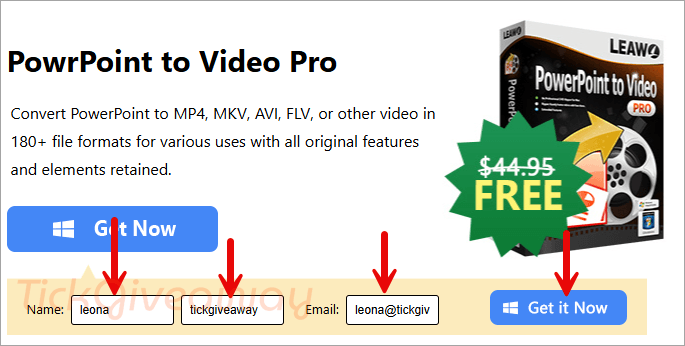
Step 2. Check your email to get your registration code and the download link
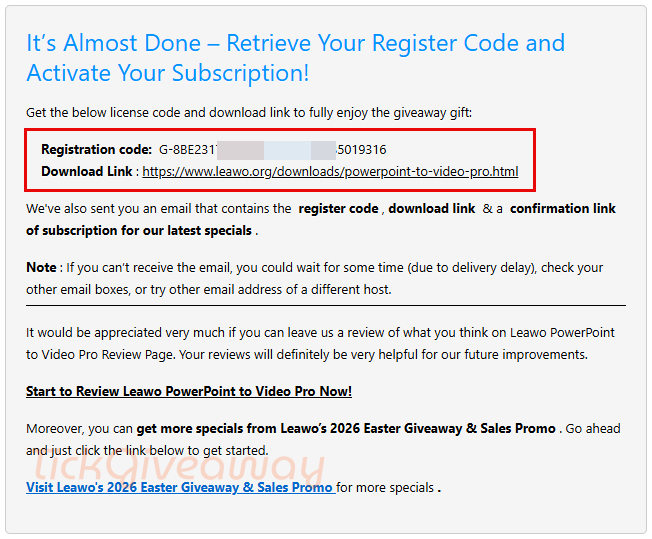
Step 3. Download and install the software on your computer —> leawo_ppt2video_setup.exe
Register it with your license code above:
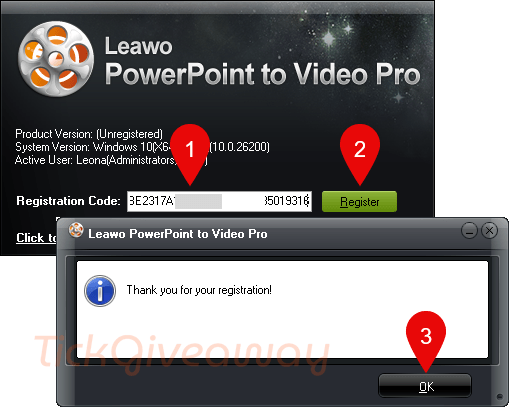
Step 4. Enjoy it!
Terms & Conditions
- This is a 1-year license for 1 PC.
- You must install and activate it (please connect to the internet to register) during the giveaway running period.
- Free upgrades and technical support (including offline registration) will not be provided for giveaway products.




I just play the powerpoint presentation full screen and use gamebar video and audio capture to capture it all to MP4 for free and I can click on to the next event WHEN I want.