

SoftOrbits Screen Recorder Key Free – Capture Your Screen Effortlessly

 Leona
Leona Table of Contents
What is SoftOrbits Screen Recorder for Windows 11?
There are many great screen recorders on the market, but you should select SoftOrbits Screen Recorder for Windows 11 to help you record 4K/1080p videos with no lag or time limits. It provides a feature-rich, hardware-accelerated screen capture experience tailored to Windows users. This screen recorder delivers exceptional performance, whether your objective is to document your screen activities while engaged in gaming or professional work.
Notably, SoftOrbits Screen Recorder for Windows 11 excels in effortlessly capturing both audio and video, offering the option to record them together or separately. Additionally, the software facilitates voice recording, allowing you to seamlessly integrate voice narrations into your recordings by selecting an audio source. You have the creative freedom to enhance your videos by drawing shapes directly onto the screen, enabling you to emphasize crucial points and create more compelling and informative content.
Key Features
- SoftOrbits Screen Recorder is powerful screen recording software that can instantly start recording your desktop screen.
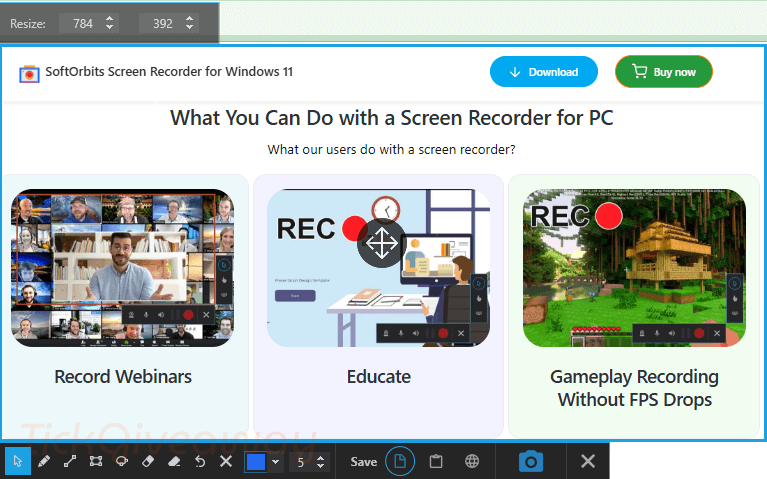
- You can use it to capture important webinars, record your gaming sessions, create educational content, make a Presentation, or create tutorials and provide customer support
- This tool allows you to record 4K/1080p videos with no lags or no time limits for recording.
- It offers screen + webcam recording along with the audio as well.
- It will let you capture screenshots with the same level of ease.
- You are able to record gameplay without experiencing FPS drops and save your footage in MP4/AVI format.
Supported OS: Windows 11/10/8.1/8/7 (32/64 bit)
Price: $17.99/ lifetime
How to get the SoftOrbits Screen Recorder for Windows 11 license key for free?
Step 1. Download and install the software on your computer —> ScreenRecorder.exe
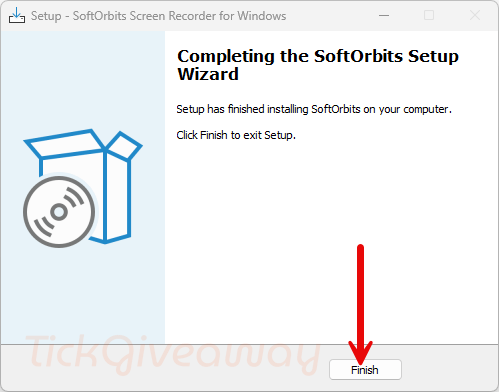
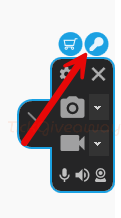
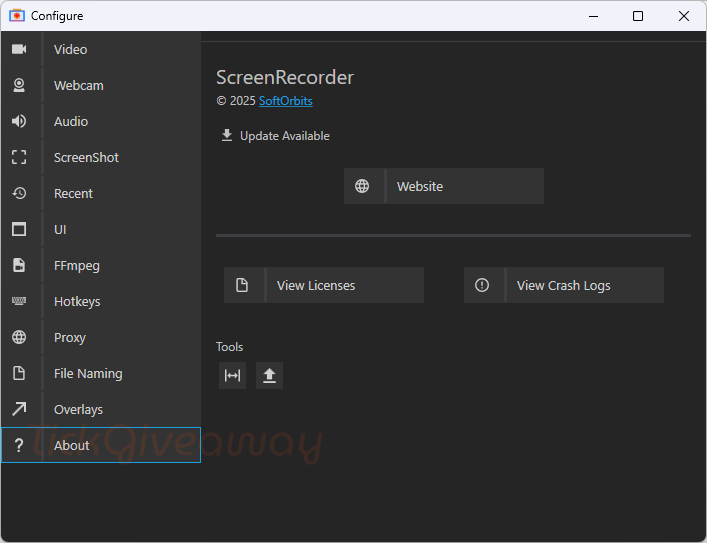
Step 2. Once the installation is complete, launch the program. Click on the key icon on the main screen software. Copy and paste the SoftOrbits Screen Recorder license code to activate it.
Get 50% Off EaseUS RecExperts (Lifetime Upgrades)
52% Off Movavi Screen Recorder - 1 Year Plan Coupon Code
61% Off HitPaw Edimakor Screen Recorder - Lifetime/1 PC Coupon
FocuSee Advanced - Lifetime/ 5 PCs
80% Off coupon code
Giveaway License
License code #1: REC1-WRZSW-UNLNC-RBMZM
License code #2: REC1-EWVSB-VBREM-AZZEH
License code #3: REC1-WBXJK-ABFCP-PAAVB
License code #4: REC1-CVNQZ-TSLBK-EQZHT
License code #5: REC1-HXSQN-QTHMV-AMXVX
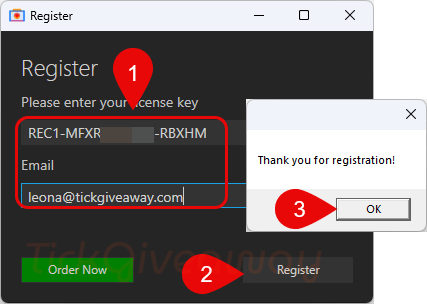
Step 3. Enjoy it for a lifetime for free!
Terms & Conditions
- This is a lifetime license
- Non-commercial usage
- No free updates and tech support



J attend
comment telechargement