
Giveaway: Ashampoo Burning Studio 2026 – Burning software for CDs, DVDs, and Blu-rays

 jasmine
 Table of Contents
What’s Ashampoo Burning Studio 2026?
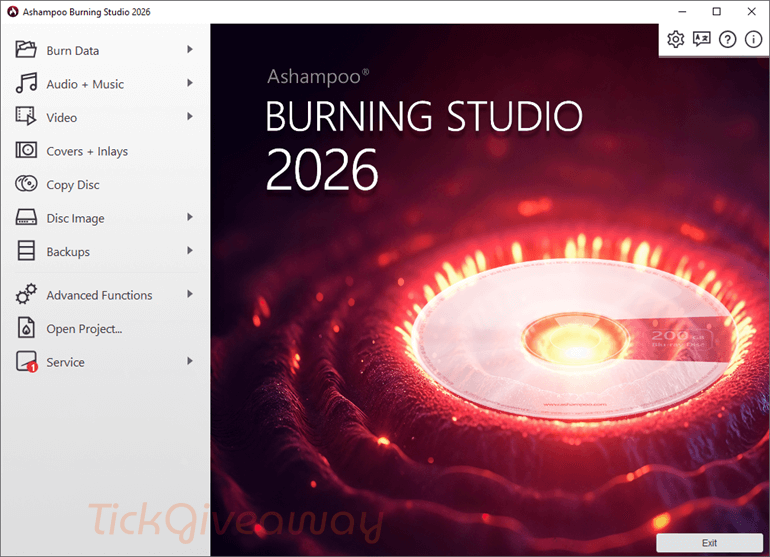
Ashampoo Burning Studio 2026 is a powerful program for burning and copying CDs, DVDs, and Blu-ray discs. With this tool, users have a full list of features to cut, add animated menus, turn their photos into slideshows, add music, and burn them to DVD. Plus, with a few clicks, it can easily back up data features or create disc images from CD/DVD/Blu-ray discs.
Key Features
- Copy CDs, DVDs, and Blu-ray discs with ease,
- Turn memorable photos into slideshows,
- Faster video encoding through Intel Media with many onboard cards,
- History view for the last 20 projects with recovery feature,
- Extensive backup features with encryption and password support,
- Backup external devices like cell phones and tablets,
- Create Audio CDs and MP3/WMA discs,
- Backup data to one or more CDs, DVDs, or Blu-ray discs,
- Print covers and booklets for any disc type,
- Burn password-protected discs.
System requirements: Windows 10/11
Price: $30/lifetime
How to get the Ashampoo Burning Studio Giveaway?
Special Offer
Ashampoo Burning Studio 27 Coupon Code
Instruction
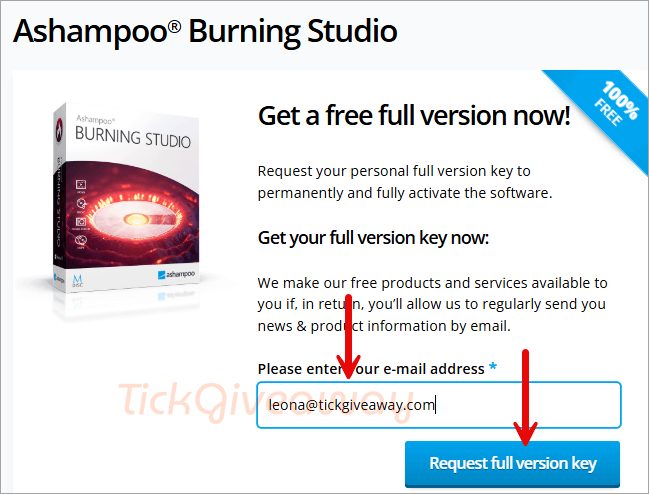
Step 1. Visit the Ashampoo Burning Studio 2026 giveaway page. Enter your email address, then click on the “Request full version key” button
Step 2. To register the license code and manage your subscription, you must have an Ashampoo account. If you already have an account, enter your password and click the LOGIN button. To start a new one, click HERE. After that, your license key will be displayed.
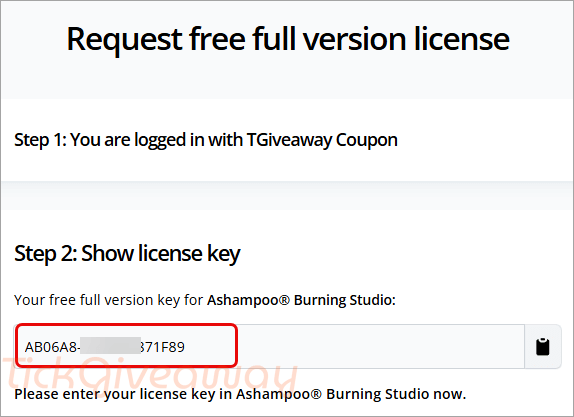
Step 3. Download the giveaway installer for Ashampoo Burning Studio. Install it on your computer. Please copy and paste the license key above to proceed with the installation.
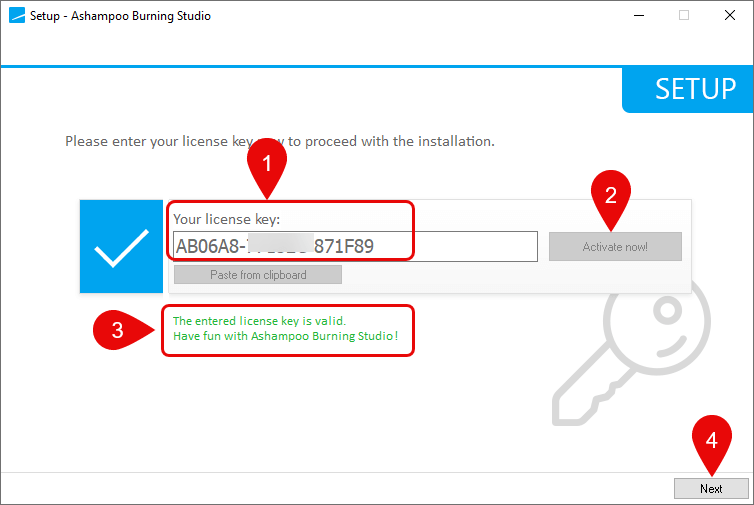
Step 4. Click on the “Next” button to continue the installation process, and now you can enjoy it for a lifetime for free!






E’ una chiave di licenza TRIAL…ho seguito ogni passaggio….
Adesso funziona, non mi ero registrato al “passo 1!.
Sad, but installs only Ashampoo Connect 🙁
Hij werkt gewoon. Nieuwe account aanmaken en activeren, programma installeren en inloggen met je eigen account.
The program asks for a password
Create your own account for free here: https://www.ashampoo.com/en-us/mca
The program asks for a password, what is it?
Create your own account for free here: https://www.ashampoo.com/en-us/mca
✅