

Giveaway: SoftOrbits Batch Picture Protector – Batch Watermark Software for PC

 january
$0.0
$17.99
$0.0
$17.99
Table of Contents
What is the SoftOrbits Batch Picture Protector?
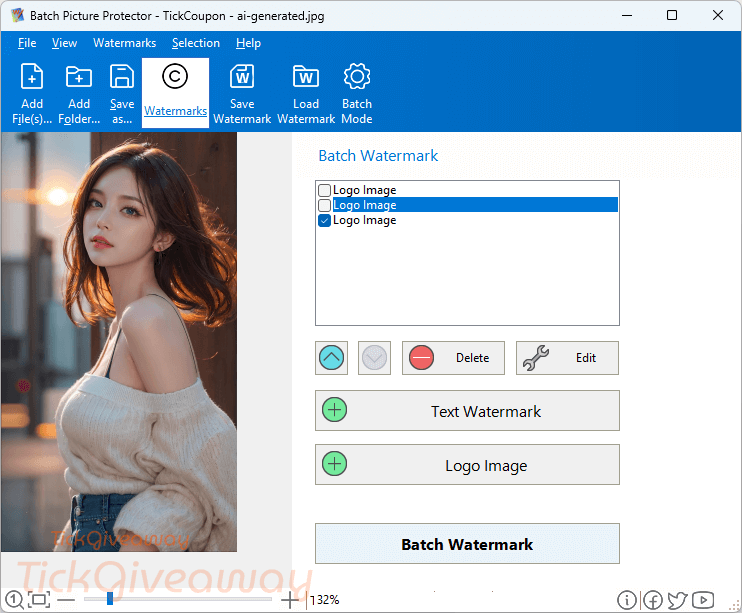
A watermark is a simple and useful way to protect your digital photos. SoftOrbits Batch Picture Protector gives you the ability to add any watermark (including image, text, …) to your photos. This software works with more than 20 major image formats such as PNG, JPEG, JPG, TIF, GIF,… It’s so easy to watermark multiple photos at the same time by using batch mode.
Key Features
- Create transparent logos and watermark images
- Works with all major image formats (20+ formats)
- Use command-line support for complete automation
- The software supports all of the system fonts on your system
- Make a transparent logo by adjusting the transparency setting
- You can add files or folders for watermarking
- You can position the watermark automatically with one click
- The tile effect allows you to fill the entire image with your watermark
- Rotate your watermarks at any angle
- and many more…
Supported OS: Windows 11, 10, 7
Price: $17.99/lifetime
How to get the SoftOrbits Batch Picture Protector license key for free?
Official giveaway
Lifetime license
Non-commercial usage
No free updates
No tech support
Giveaway Link
https://www.softorbits.net/actions/getfreekey...
Go →
License Key
BPP7-ARZKL-RGGNZ-UBTUL
BPP7-ZNRNF-KUQUL-KURMT
BPP7-CUAUG-MYUGJ-YUHRD
Download Link
BatchWatermark.exe
1,748 KB
Download ↓
Special offers
🏆🏆🏆 Special Offer for you: If this giveaway product doesn’t meet your needs or has expired, you may also consider the following alternatives that offer discounted pricing.
30%Off
Vovsoft Watermark Image
$13.30$19
•••PONShow Code
10%Off
Watermark Sense
$16.35$18.17
•••C10Show Code
90%Off
PCWinSoft Photo Watermark Studio
$1.99$19.90
•••OFFShow Code
20%Off
Aoao Photo Watermark
$18.36$22.95
•••OMOShow Code
Instructions
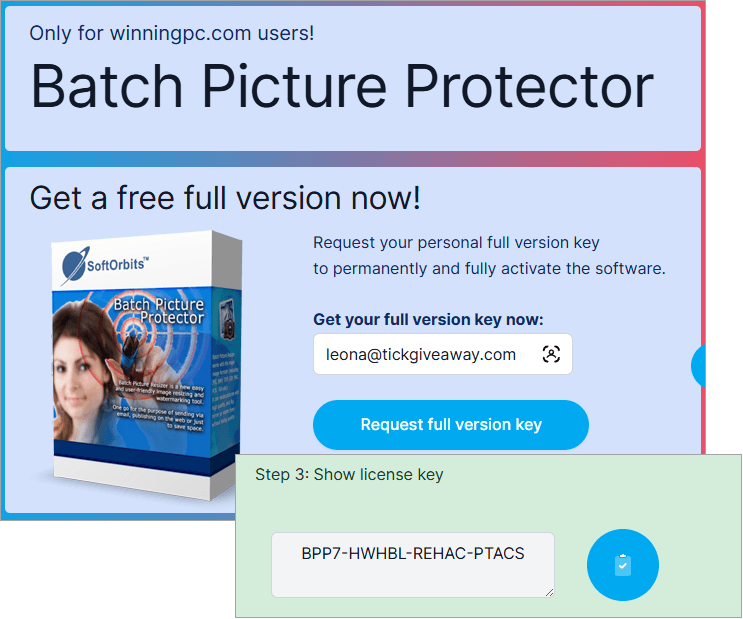
Step 1. Visit the giveaway page and fill in the available form to get your free license key.
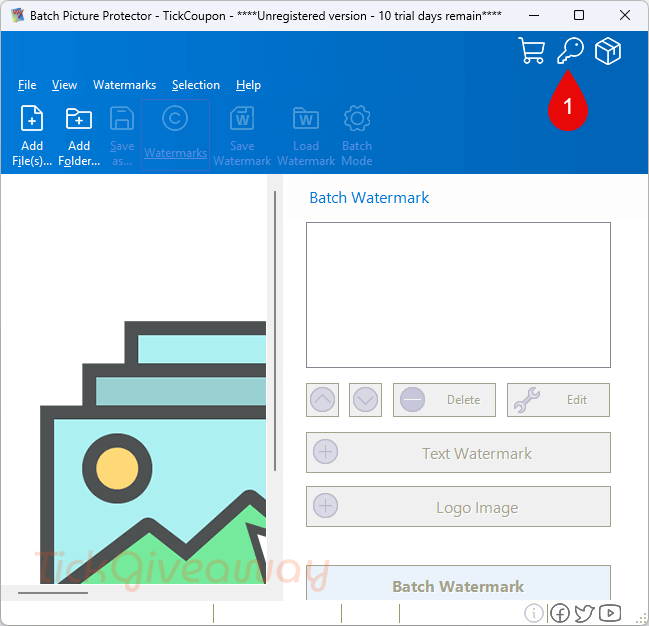
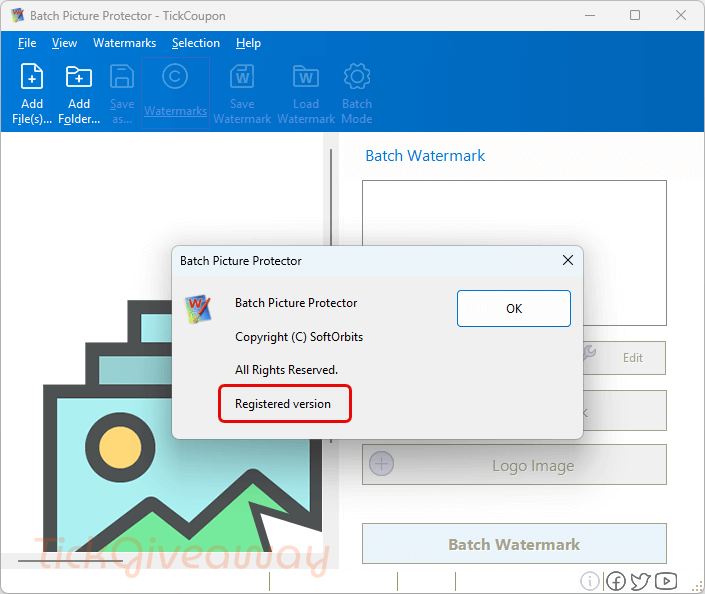
Step 2. Download and install the software on your computer. Use the license code to activate the software.
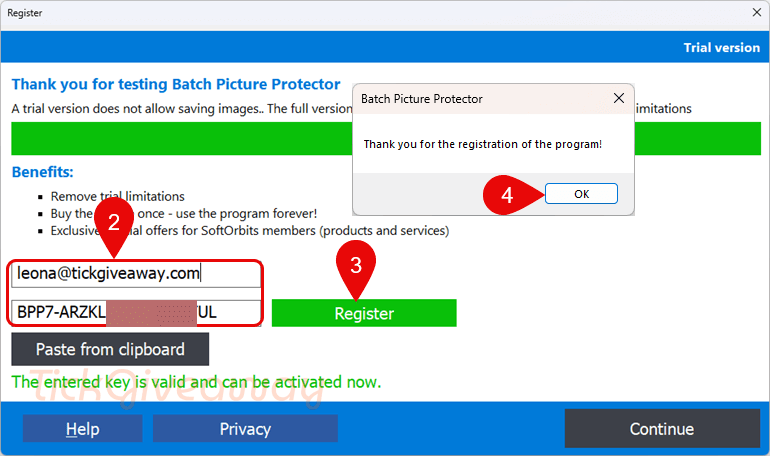
Step 3. Enjoy SoftOrbits Batch Picture Protector for a lifetime, free with full functions!





Thank you! This app is very easy to use for adding watermarks to my photos.
WARNING Softorbits DO NOT RESPECT THE INTEGRITY OF YOUR SYSTEMS. They build their programs and installers to bypass admin protections on program installation to allow non-admins like children and employees to install programs when they are not authorised or allowed to install unauthorised programs. They FORCE installation to the system drive, and force installation into an insecure folder hierarchy in the user AppData folders subfolder which is not write protected against non-elevated malware. I do not recommend the installation of such a self-serving malicious developer on your machines.