
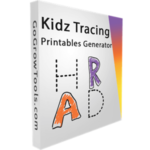
Giveaway: Kids Tracing Printables Generator (Lifetime) – Create A4 Tracing Worksheets

 Leona
Leona What is Kids Tracing Printables Generator?
Kids Tracing Printables Generator creates printable A4 tracing and handwriting worksheets for children. You can choose alphabet, number, handwriting-line, or practice-sheet templates and then adjust text, colors, fonts, spacing, and layout. The program can generate multiple pages and export them as print-ready PDF files. It runs on Windows and works offline, making it useful for teachers, homeschool activities, and sellers preparing printable worksheets for Etsy or Amazon KDP.
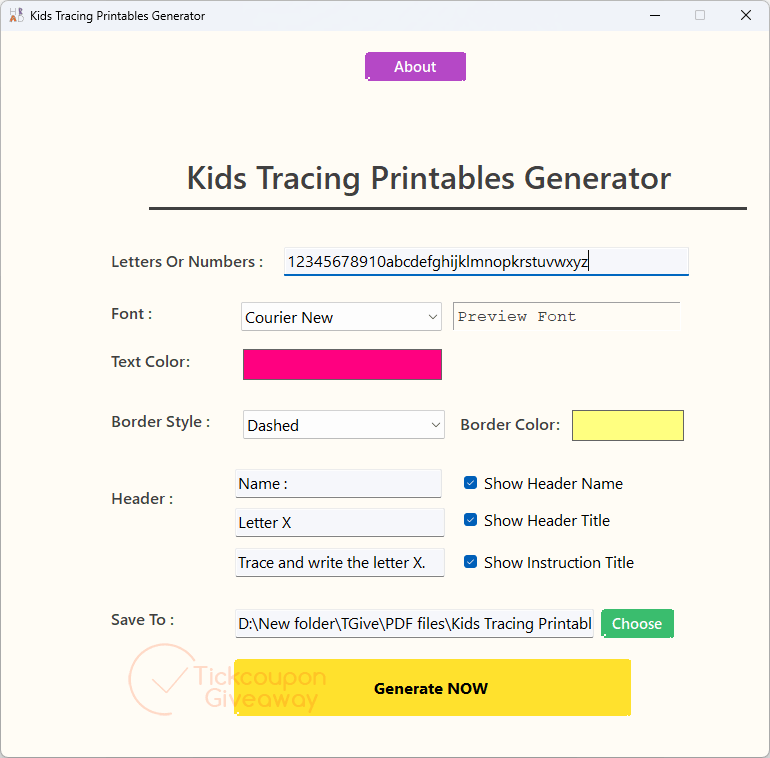
Table of Contents
Key Features
- Export tracing worksheets as print-ready A4 PDF files.
- Adjust colors, text, fonts, spacing, and page layout.
- Generate multiple workbook pages from one setup.
- Create alphabet, number, handwriting-line, and practice-sheet layouts.
- Work locally without an internet connection.
- Prepare printable files for classroom use, Etsy, or Amazon KDP.
- Keep worksheet alignment and margins consistent across pages.
| Version | 1.0.0 (giveaway build) |
| Supported OS | Windows 10/11 |
| File size | 94.6 MB |
| License type | Lifetime License, personal license on 2 PCs with commercial use rights |
| Publisher | GoGrowTools |
| Category | PDF Creator |
Our Quick Test
Based on the activation process, this giveaway uses an account-based key rather than a public serial. You submit the order, sign in, copy the code, then activate the installed app. The supplied terms allow use on two PCs, so extra machines are outside this license. Updates, upgrades, and customer support are included under the supplied giveaway terms. This deal suits teachers and printable sellers who want reusable tracing-sheet output without recurring access fees.
How to Get the Free License Key
Instructions
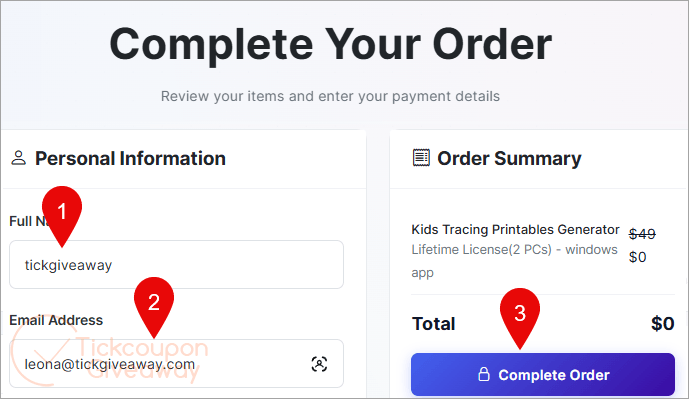
Step 1. Submit your name and email through Complete Order on the giveaway page without payment.
Step 2. Sign in, open Apps, select the product entry, and choose Manage App to copy the code.
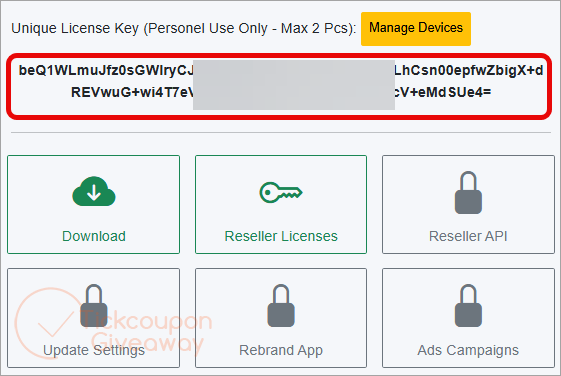
Step 3. Use the installation file to install the software on your computer. Run the software and enter the license key shown in your account to activate it.
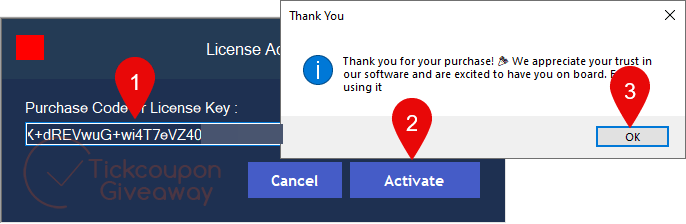
Step 4. Got it for free!
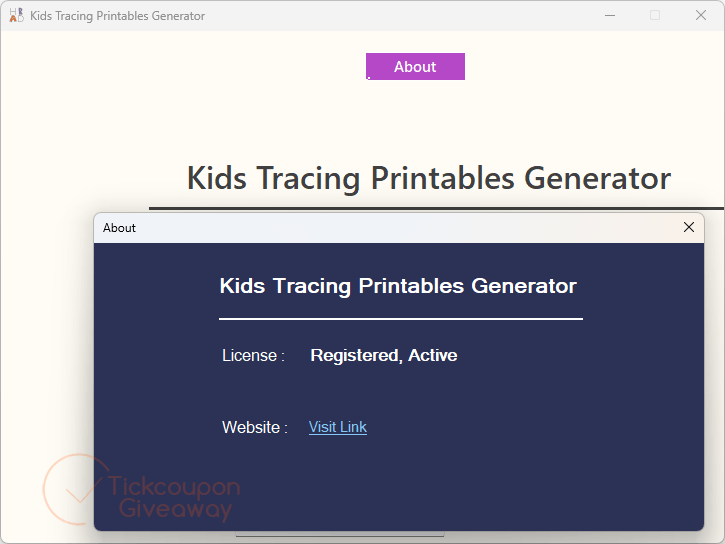
Troubleshooting
- The key is invalid. Use the giveaway installer named above and enter the code from your account.
- Your account shows the wrong app name. The supplied instructions mention “Smart File Renamer.” That name does not match this giveaway.
- No more keys are available. Leave a comment on the giveaway page so the team can check availability.



obtaining the license is convoluted having to navigate aggressive upsell attempts but eventually one can login using an unverified email address and a password they provide and manage the apps added to your account and download them. The program DOES NOT support UNICODE characters so non-english character sets are NOT supported as the tracing font which presents the chosen characters as traceable dot pattern is a non-Unicode font file. So limited utility… you’re likely to use this once and to produce a single multi-page PDF with all the characters you are interested in teaching and then you’ll just print off the pages you want for the current lessons and not generate a PDF of just A and a and then for the next day B and b. Program seems portable except for license state as it is tied to the hardware the license was activated on. It tries to check the license on every execution so is not truly an offline only program.
Cannot do tracings for cursive writing fonts to teach joined up writing… so only good for block capitals non-cursive lowercase and numbers.
Changing the Font using the GUI does NOT affect the Font used in the produced PDF… its setting is ignored during PDF generation, might as well not be there! And the UI reverts to default settings on each startup… it does NOT remember anything from prior executions. I confirm you just want to add all the characters you might be interested in ever printing out and producing a single PDF and never use it again… really they could just do the generation server side and just offer a PDF of all standard characters and forget trying to sell the single use program that just about everyone will use once to produce the comprehensive PDF file and then just print pages they need each time and never bother with the cranky program again.
This vendor/developer is stealing LGPLv3 licensed wkhtmltoimage.exe and wkhtmltopdf.exe and wkhtmltox.dll by incorporating them into their closed source product without giving the projects attribution and providing a copy of the LGPLv3 license files.