


 Leona
Leona What is SeeSpect?
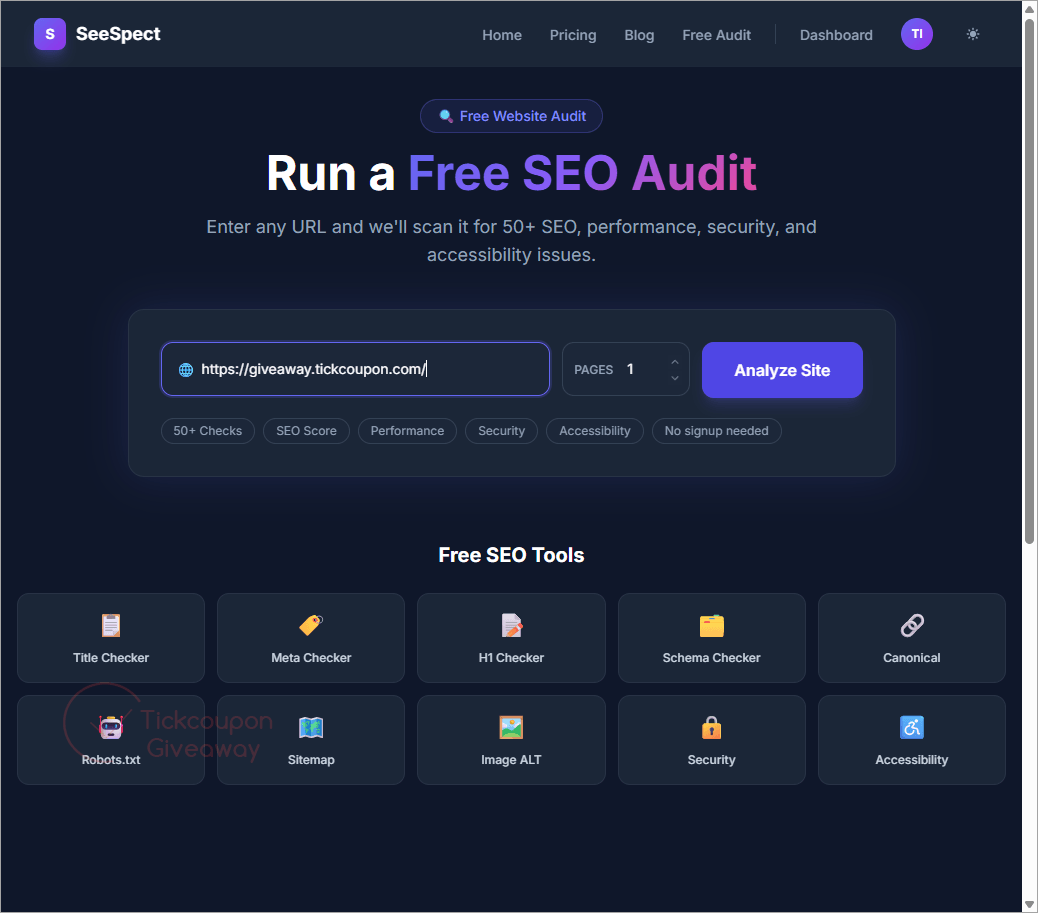
SeeSpect is a browser-based SEO audit platform that checks websites for technical, content, security, accessibility, mobile, and performance issues. It reviews page titles, meta descriptions, headings, images, links, schema markup, HTTPS settings, and other ranking factors across more than 50 checks. The service also provides separate scores for key audit areas, PDF reports, score tracking, and a prioritized list of fixes. This giveaway grants SeeSpect Pro access for a randomly assigned period of 1 to 24 months, with no credit card required.
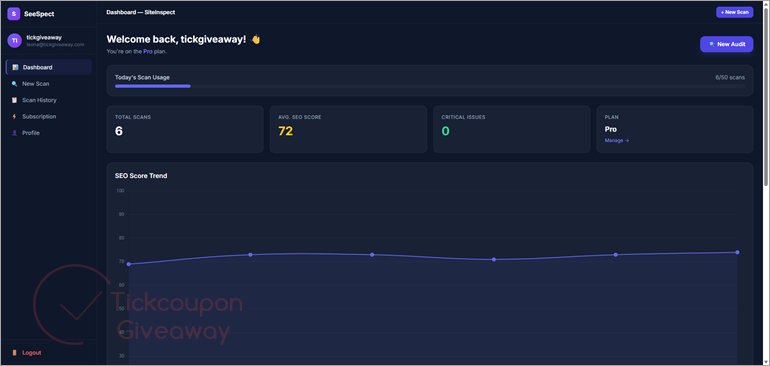
Table of Contents
Key Features
- Find missing titles, meta descriptions, canonical tags, and indexing problems.
- Score SEO, performance, accessibility, security, content, mobile, EEAT, and AEO.
- Detect broken links, redirects, and pages with weak internal linking.
- Flag missing image alt text, large images, and broken image addresses.
- Check HTTPS, mixed content, CSP, HSTS, and frame protection headers.
- Export completed audit results as PDF reports.
- Build a prioritized list of fixes based on score impact.
| Version | Pro – Web app; no version number |
| Supported OS | Any operating system with a modern web browser |
| License type | Pro plan, randomly assigned for 1–24 months |
| Publisher | SeeSpect |
| Category | SEO Tools |
Our Quick Test
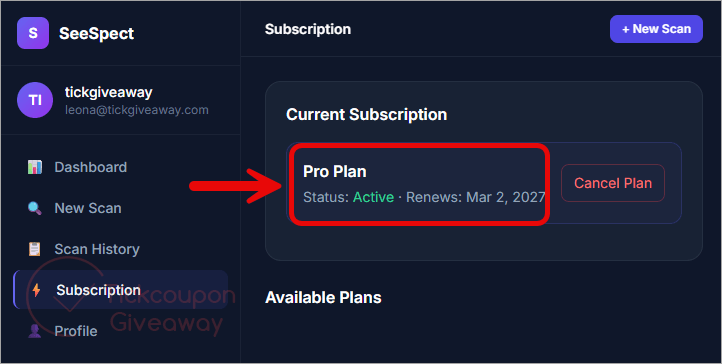
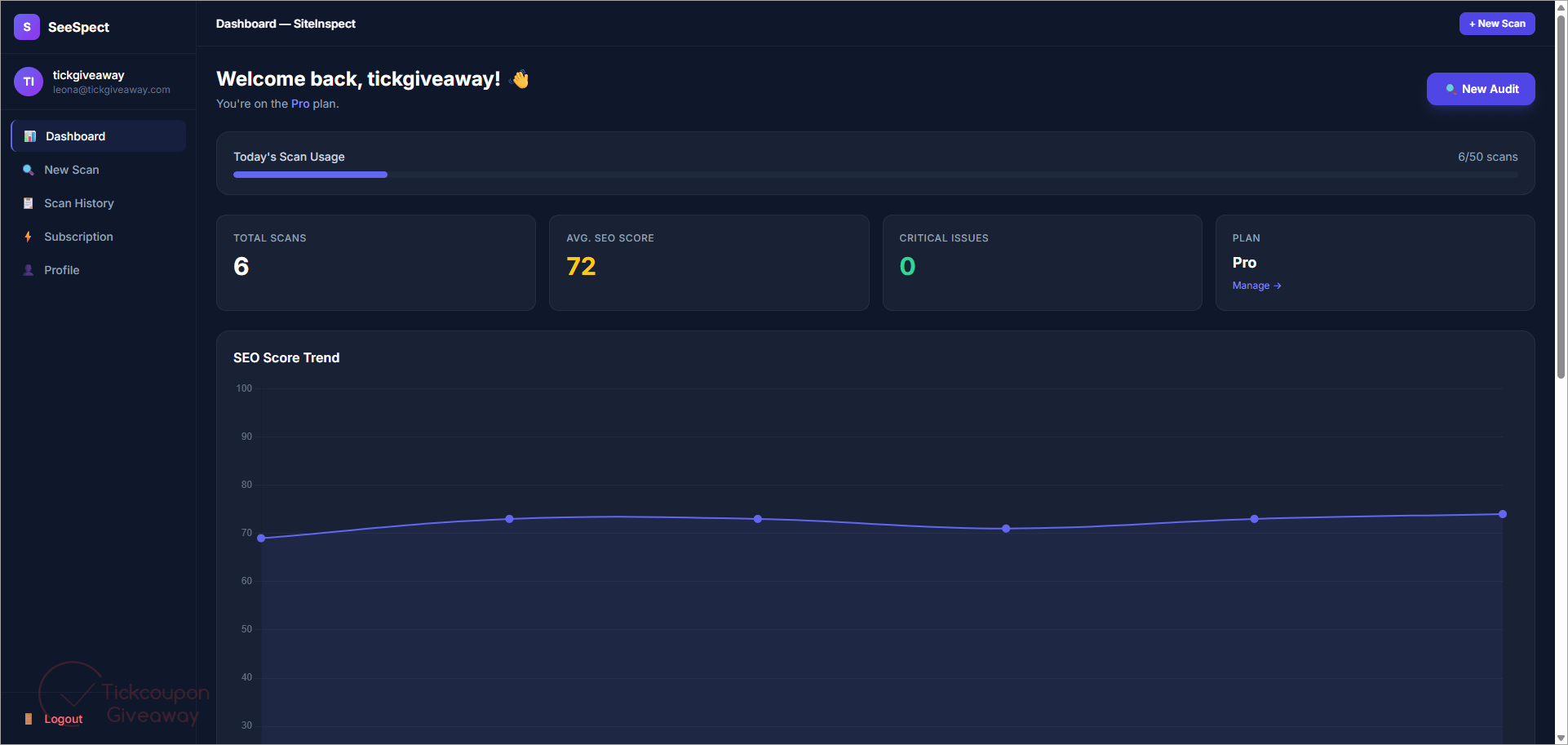
Based on the activation process, claiming the reward requires registration or an existing account login. New users provide a name, email address, and password. The account dashboard then displays the assigned access period.
The largest limitation is the random duration. You may receive one month rather than the maximum term. The audit also works only with publicly reachable websites, so it cannot inspect private staging pages. This giveaway is most useful for site owners who need repeated audits and PDF exports without entering card details.
How to Get the Free License Key
Instructions
Step 1. Open SeeSpect’s official giveaway page by sharing this giveaway on any network.
Step 2. Register with your name and email, or log into your existing account.
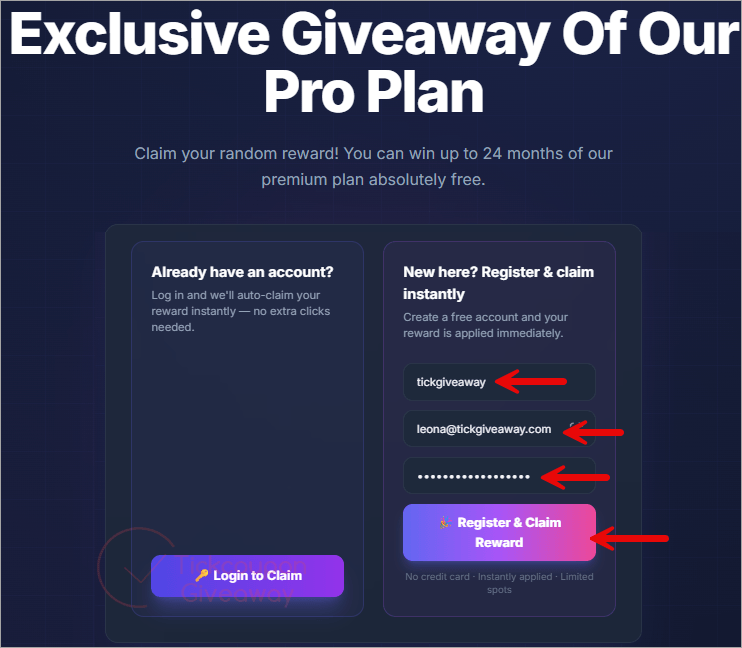
Step 3. Complete the claim and check the assigned duration in your dashboard.
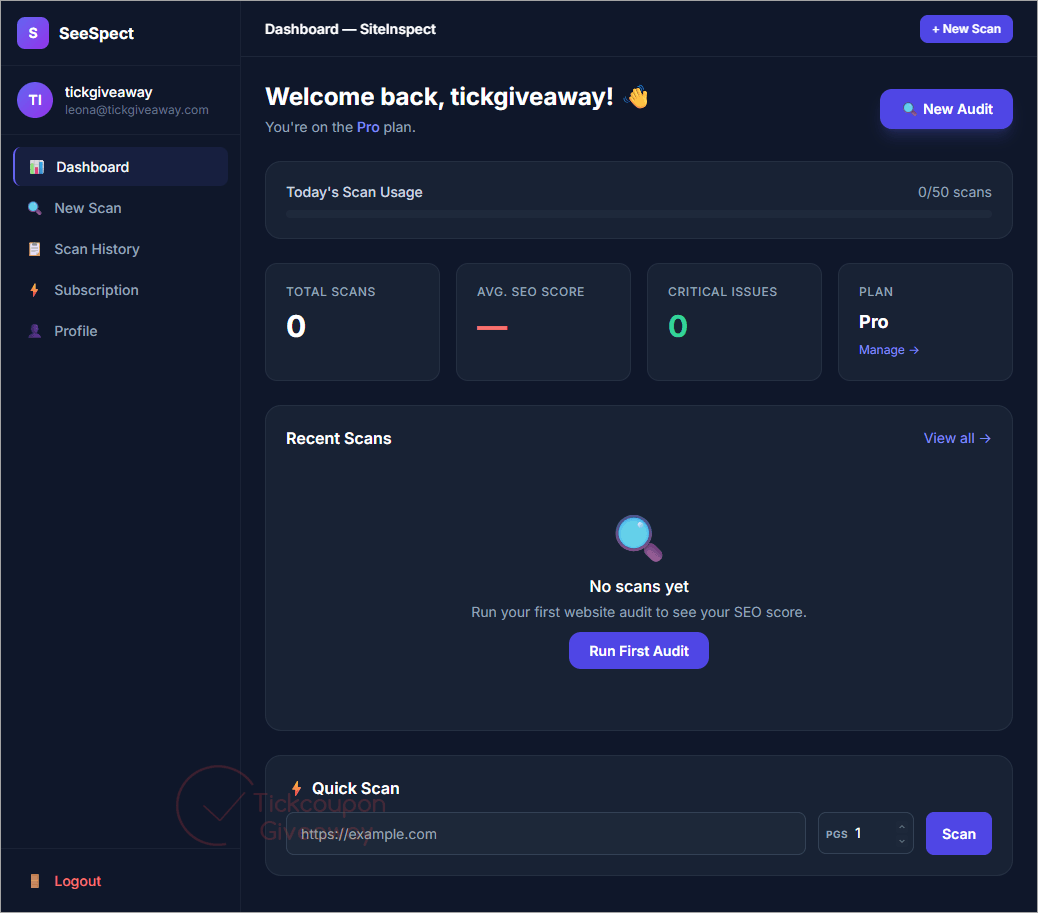
Step 4. Paste a publicly accessible website address into the audit field.
No download or installer is required. The service runs through your browser. The official page states that access is applied immediately without a credit card.
Troubleshooting
- The Pro reward does not appear after registration
Log out, then sign back into the account used on the giveaway page. Check the dashboard before creating another account. - The website cannot be scanned
Confirm that the address opens publicly without a password or local network connection. Include the full HTTP or HTTPS address. - The giveaway page no longer accepts claims
The vendor says availability depends on remaining slots. Once those slots are filled, new rewards may stop without a fixed closing date.
More screenshots!
Special Offer
RankDots Starter (monthly billing)
RankDots Starter (annual billing)
SEO PowerSuite Professional - 1 Year
Rank Tracker Professional - Yearly
Site Visualizer Pro (Single User License) 12 Months


From above:
License “Pro plan, 1–24 months (randomly assigned at claim)”
Err I don’t gamble and see no reason to waste my time on potentially a ONE month license! What a STUPID promotion!