
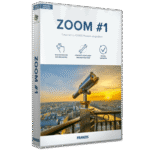
Giveaway: Franzis Zoom #1 (Lifetime) – High-quality Image Scaling with Deep Learning

 Leona
Leona Table of Contents
What is Franzis Zoom?
Franzis Zoom Professional is a photo editing tool that provides high‑quality image scaling with Deep Learning and smart AI. You can choose any zoom level, upscale images by up to 10,000%, and keep strong detail and contour sharpness. It supports scaling up to 1000 megapixels, six quality modes, and eight specialized image layers and includes a three‑level Sharpness Overdrive feature.
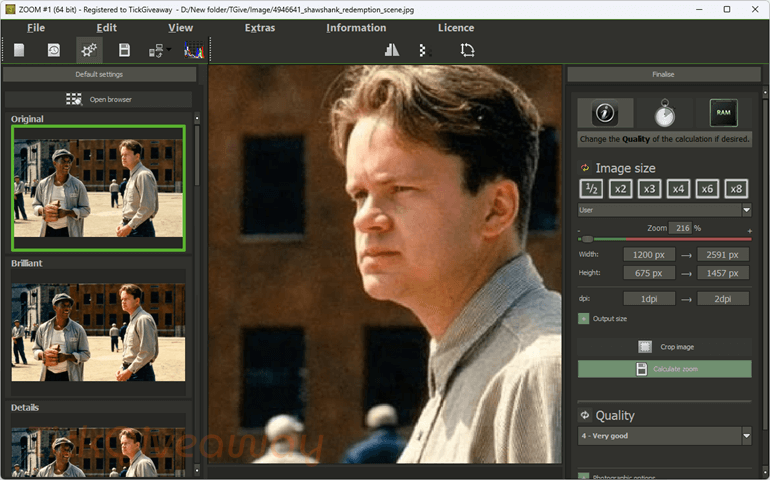
Franzis Zoom Professional uses SSP (Super Symmetric Smart Patches), a Deep Learning method that analyzes data and improves results through repeated learning. It maintains sharp contours and performs built‑in blur correction for clean, professional‑level enlargements. You can enlarge photos for wall prints, improve scanned documents, or scale only a selected area.
Key Features
- Uses SSP technology to enlarge photos by up to 10,000% while keeping contour sharpness and correcting blur.
- Lets you choose any zoom factor and manually enter side lengths to prepare images for printing.
- Handles extremely large image sizes without losing critical detail.
- Offers multiple calculation levels so you can match the output to your project.
- Uses dedicated processing methods for different parts of the image to improve scaling results.
- Adds extra sharpening with Off, Fine, and Intense options for stronger final detail.
- Allows direct use inside supported image editors that accept third‑party plug‑ins.
- Needs an installed editor that supports external plug‑ins to run the plug‑in version.
- The software must be unlocked online before first use.
- Helps clean up distortions during enlargement for clearer output.
- Preset settings help set up images for scaling with minimal effort.
- Lets you fine‑tune color, contrast, and brightness after scaling.
- Improves results when enlarging small or highly compressed images.
- Allows you to tailor the AI process to the subject for better scaling performance.
- Each section can be repositioned, and every control includes a helpful description.
- Presets appear on the left, the zoomed image preview sits in the center, and size and quality settings are on the right.
- Needs Windows 8/10 (64‑bit), 4 GB RAM, an Intel i3 or comparable AMD processor, a DirectX‑compatible graphics card, and a 1600×900 screen.
Supported OS: Windows 8/10 (64-bit)
Price: $20/year
How to get the Franzis Zoom license key for free?
Special Offer
Nero AI Image Upscaler 2026 - Permanent License
Aiarty Image Enhancer + 2 Bonus Gifts (Lifetime/3PCs)
Photoins Photo Enlarger
Ashampoo ZOOM #3
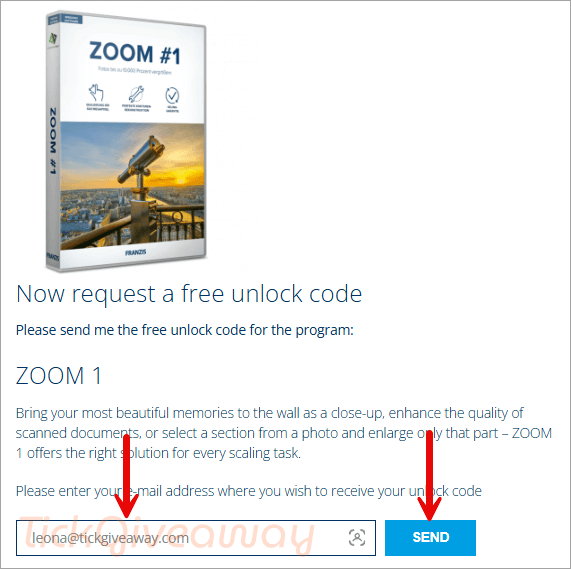
Step 1. Visit the Franzis Zoom giveaway page and complete the form to receive a free license code via email.
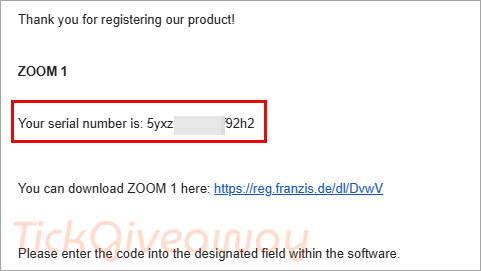
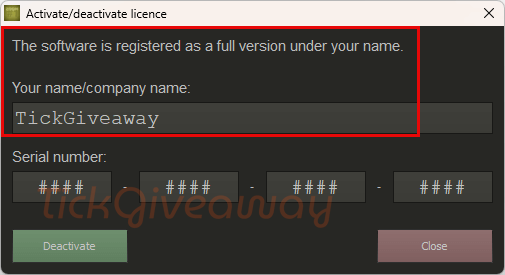
Step 2. Download the installer. Install the application on your computer and launch it. Enter your email address along with the license code received in step 1 to complete the registration.
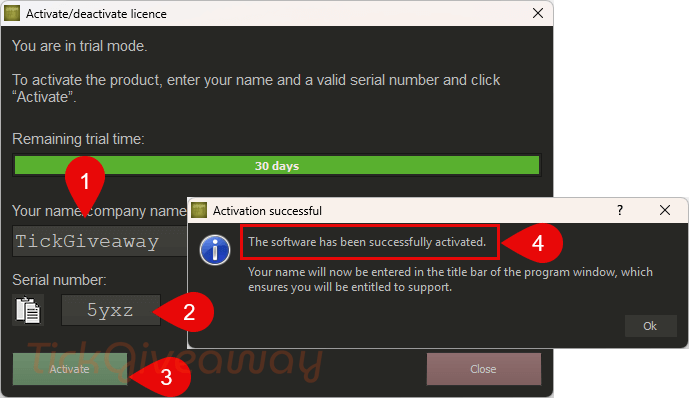
Step 3. Enjoy this software for free for a lifetime!




De download knop werkt niet.