


 Leona
Leona Table of Contents
EasyUEFI Professional Coupon Code
20% Off EasyUEFI Professional - 2 PCs Coupon Code
20% Off EasyUEFI Professional – 2 PCs + Lifetime Free Upgrades Coupon Code
What is EasyUEFI Pro?
EasyUEFI Professional is a powerful Windows system utility that helps you manage UEFI, BCD, and EFI system partitions. It allows you to fix Windows boot issues, such as missing or corrupted UEFI/BCD boot entries or EFI system partitions, quickly and easily. You can also create, delete, edit, back up, and restore EFI/UEFI and BCD boot options without needing to enter the BIOS setup.
EasyUEFI Professional features a user-friendly interface and supports the creation of Windows PE emergency disks to assist with boot troubleshooting and recovery. It is compatible with UEFI-based systems running Windows Vista through Windows 11, including Windows Server editions from 2008 and later.
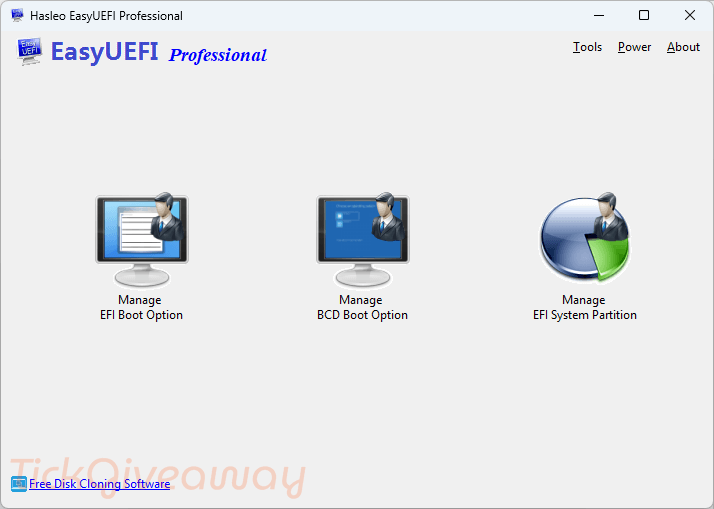
Key Features
- Manage EFI/UEFI boot entries directly from Windows without entering BIOS/UEFI setup.
- Create, delete, edit, and reorder UEFI boot options with ease.
- Backup and restore EFI/UEFI boot configuration to prevent boot failures.
- Repair damaged or missing UEFI boot entries.
- Manage EFI System Partitions (ESP), including mounting, unmounting, and file access.
- Create new EFI System Partitions and rebuild existing ones.
- Delete unnecessary or invalid EFI boot entries to keep the boot menu clean.
- Create Windows PE emergency disks for boot repair and recovery.
- Boot from EFI files such as .efi applications directly.
- Support for GPT disks and UEFI-based Windows systems.
Supported OS: Windows 11/10/8/7/Vista/2022/2019/2016/2012/2008 (64 & 32 bits)
Price: $29.95/lifetime
How to get the EasyUEFI Pro license key for free?
Step 1. Download installer v6.0.1 —> EasyUEFI_Trial.exe
Install the software on your computer.
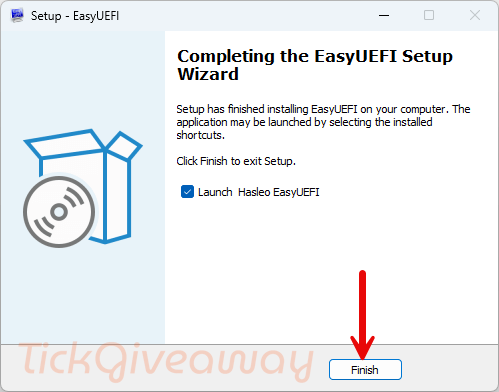
Step 2. Register it with the license key. Use the license key below:
Giveaway License
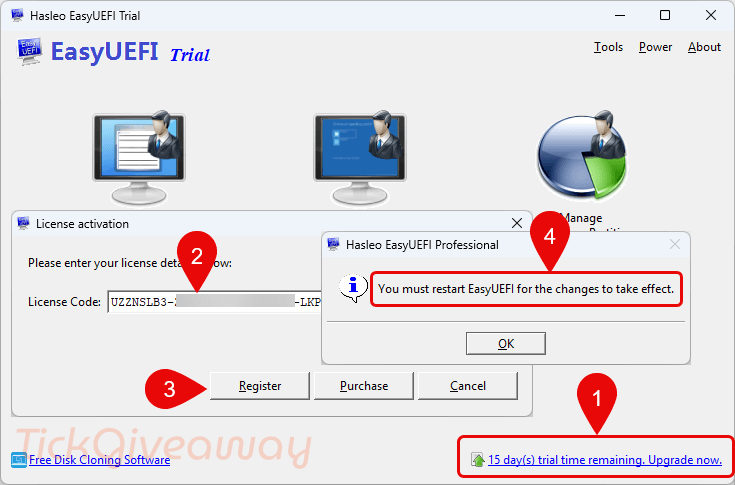
Step 3. Enjoy the full features!
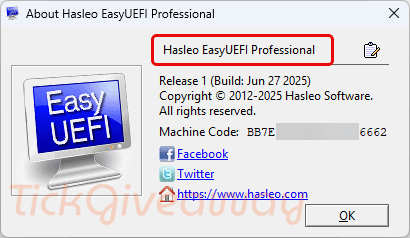
Terms & Conditions
- This is the lifetime license for EasyUEFI Professional
- Non-commercial use only
- No free upgrade
- No free tech support and
- Activate the license before December 31, 2025.





Tried this and it all looks good but changes to the EFI boot order are made to the EFI partition BUT they do not survive a reboot so have only a cosmetic effect until they are needed then they revert to the default order. I’ve had no need or desire the other functions as they may break what is not broken… so not worth the risk of fiddling with. It is also incompatible with and will not install under Vista or Server 2008 as it requires Windows 7 or Server 2008 R2 as a minimum to be recognised as a valid win32 executable just for the installer.
Thanks for the feedback.
Boot order changes normally persist, but some UEFI firmware resets them after reboot. In that case, checking BIOS settings or contacting Hasleo support is recommended.