
 january
Table of Contents
What is AOMEI Backupper Home?
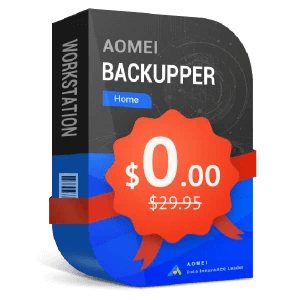
AOMEI Backupper Home is a backup and sync solution designed for Windows users who want peace of mind and complete control over their data. Built with powerful yet easy-to-use tools, it allows you to automatically back up your system, disk, files, and folders, and keep your important data in sync.
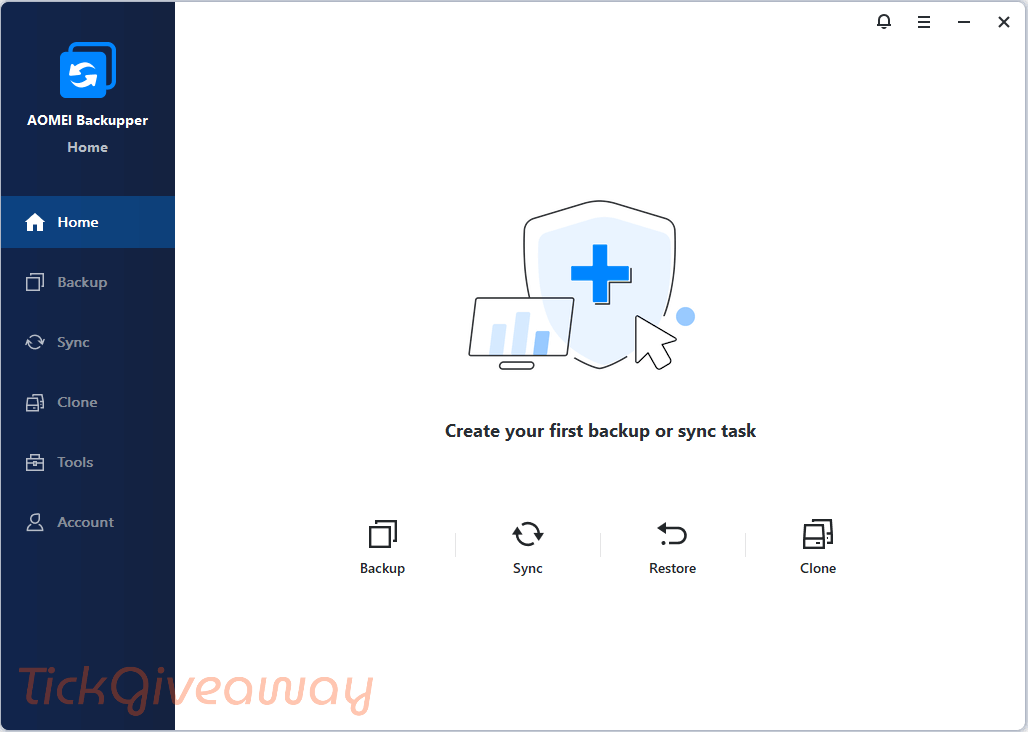
With this Home Edition, you unlock all VIP features, including real-time sync, flexible schedule-based backups, and advanced backup strategies that ensure your files are always protected from loss, damage, or hardware failure.
Key Features
- Back up system, disk, partition, files, and folders
- Schedule backups to run automatically (daily, weekly, monthly)
- Real-time sync to instantly mirror changes in files/folders
- Incremental and differential backup support
- Automatically delete old backups to save space (backup scheme)
- Clone system or entire disk to a new drive (e.g. HDD to SSD)
- Restore backups to different hardware with Universal Restore
- Create bootable rescue USB or CD/DVD for recovery
- Encrypt and compress backups for privacy and storage savings
- Receive backup completion alerts via email
- Save backups to external drives, NAS, network, or cloud folders
Supported OS: Windows 11/10/8.1/8/7
Price: $29.95/ year
How to get AOMEI Backupper Home license key for free?
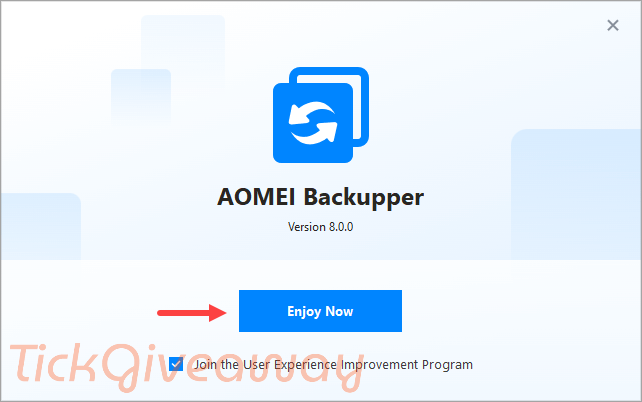
Step 1. Download the installer for AOMEI Backupper Standard version here –> https://www2.aomeisoftware.com/download/adb/AOMEIBackupperStd.exe
And install this software on your computer:
Step 2. Go to the AOMEI Backupper giveaway page here to download the zip file that contains the license code. Use the license key below:
AOMEI World Cup Deals 2026: Up to 80% OFF
Celebrate World Cup 2026 with AOMEI and enjoy savings of up to 80% on trusted backup, partition management, and data recovery solutions for your PC.
76% OFF AOMEI Backupper Professional (Lifetime Upgrades / 1 PC)
74% OFF AOMEI Backupper Pro Family (Lifetime Upgrades / 5 PCs)
Giveaway License
License key: AMAB-KDLU1-TTFFE-IQZFZ
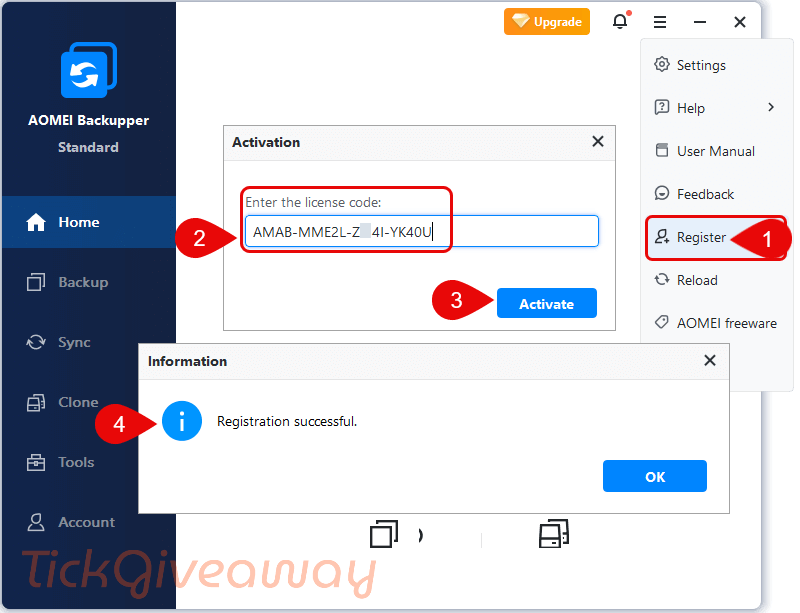
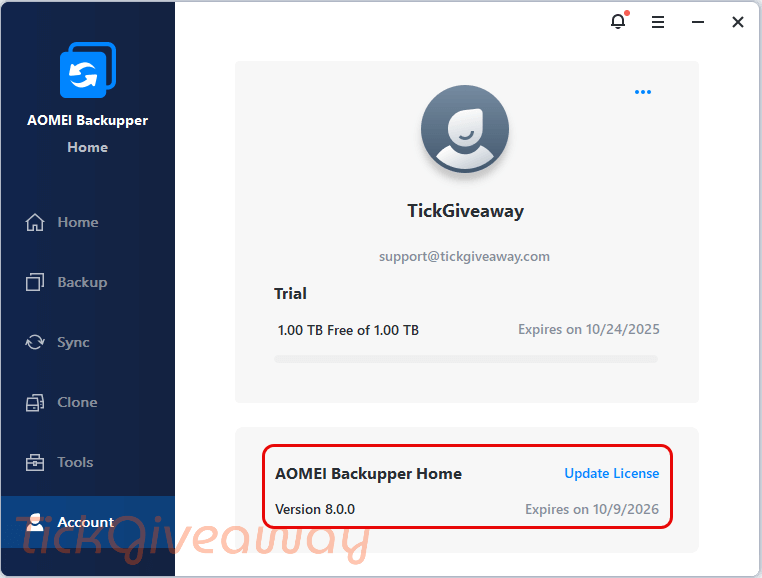
Click the Register button, then copy & paste the code from above to upgrade AOMEI Backupper to the Home edition for free!
Step 3. Enjoy it for one year!
Terms & Conditions
- Please activate before January 1, 2026, after which the code will no longer be activated.
- It is a 1-year code that entitles you to use it for free for one year. There is NO automatic renewal.
- The code is for personal use only; please don’t disclose or sell it online. Or, it will be disabled immediately.



it is not HOME it is Professional .
Shame it does not include cloud CLIENT without having to have the cloud visible to the filesystem on the computer to avoid any ransomware enumerating cloud folders from a local cloud client program like OneDrive or google-drive or Dropbox so that backups can be made securely out of site of ransomware. Backups made to any attached location always visible to windows is vulnerable to ransomware and pointless as a backup location.
Share the AOMEI FastRecovery license key.
We currently do not have any plans for this giveaway.But you can get other data recovery software on our site now.
There is no Home edition available on Aomei’s website. So what is this?
https://www.aomeitech.com/ab/
This is a new edition, and AOMEI will announce it soon.
so it’s an unannounced pre-release beta test?
BTW in terms and conditions you state:
“The code is for personal use only; please don’t disclose or sell it online. Or, it will be disabled immediately.”
BUT you disclose publicly a license code online here on this page… will the disclosed license code be disabled immediately like stated in the T & C?
Thanks for your comment!
– This is a new edition, and AOMEI is currently preparing the official product page — we believe they’ll make a formal announcement soon.
– As for the Terms & Conditions, the developer has authorized us to share both the giveaway link and the license code publicly on this page, so there’s no need to worry — the code won’t be disabled for that reason.
Let us know if you have any other questions! ????