


 Leona
Leona Table of Contents
What is the Vovsoft OCR Reader?
When you want to convert the text in your images or handwriting into a digital copy, let’s use Vovsoft OCR Reader – an image-to-text converter program – to convert images into text without typing by hand. This tool allows for automatically extracting text from PNG, JPEG, TIFF, WEBP, and BMP image files.
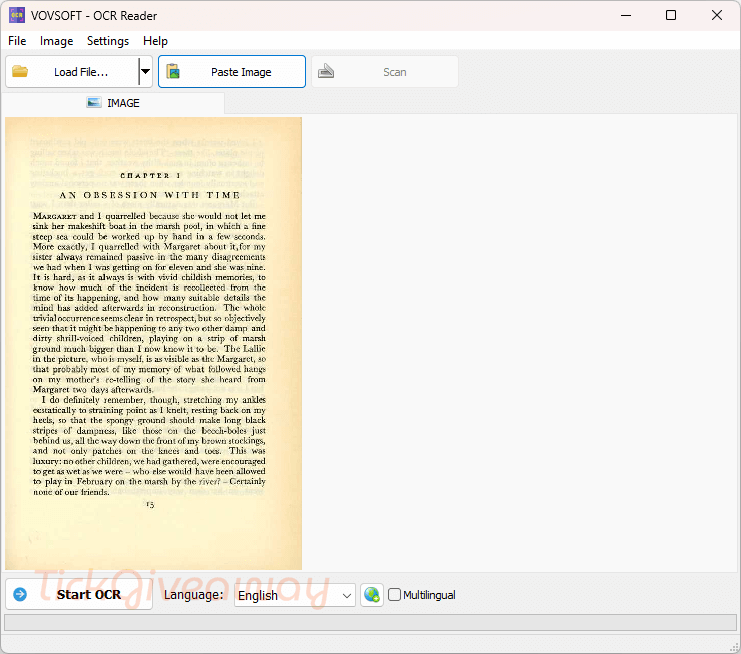
With Vovsoft OCR Reader, you can get all the text you need from your images to help you save a bunch of time and make errors much less likely. With a tool like Vovsoft OCR Reader, your work becomes easier because it supports more than 100 languages, including Arabic, Chinese (Simplified), Czech, English, French, German, Japanese, Korean, Vietnamese, etc.
Key Features
- Image to Text Conversion: Extract editable text from images, scanned documents, screenshots, and photos quickly.
- PDF OCR Support: Read text from PDF files and convert them into searchable and editable content.
- Multi-Language Recognition: Supports recognition of multiple languages for better flexibility with international documents.
- Drag-and-Drop Interface: Easily import files by dragging images or PDFs directly into the program window.
- Screenshot OCR: Capture a selected screen area and instantly extract text from it.
- Fast Text Extraction: Processes files quickly with lightweight system usage.
- Simple User Interface: Clean and beginner-friendly layout that makes OCR tasks easy for all users.
- Clipboard Support: Copy recognized text directly to the clipboard for fast reuse in other applications.
- Offline OCR Processing: Works locally on your computer without requiring cloud upload for better privacy.
- Supports Common Image Formats: Compatible with popular image formats such as JPG, PNG, BMP, TIFF, and more.
Supported OS: Windows 11, 10, 8/8.1, 7 (32-bit & 64-bit)
Price: $19/lifetime
How to get the Vovsoft OCR Reader license key for free?
Step 1. Download the installer from the developer site –> ocr-reader.exe ocr-reader-portable.zip
Install the software on your computer
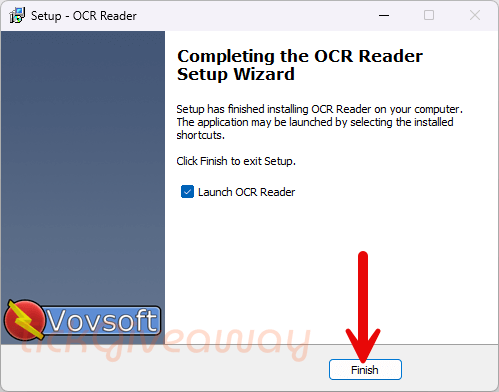
Step 2. Enter your email address into the giveaway form to get the Vovsoft OCR Reader license code to register the software.
30% Off Vovsoft OCR Reader lifetime license coupon code
98% Off Vovsoft Universal License lifetime coupon
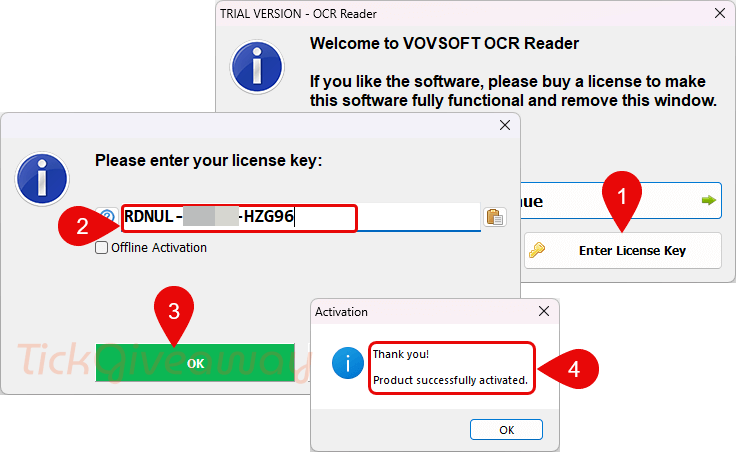
Step 3. Enjoy it for a lifetime for free!
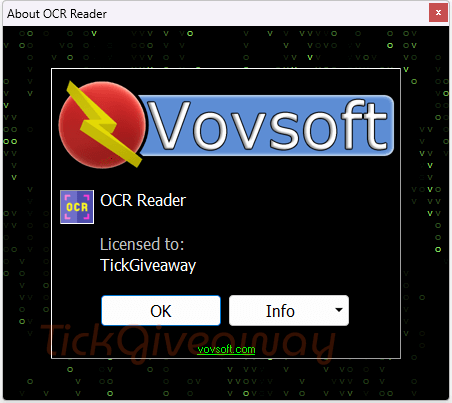
Terms & Conditions
- This is a lifetime license for v4.2
- Non-commercial usage
- No free updates and tech support
- Campaign End: May 18, 2026 GMT+0 08:00




License key has EXPIRED …
License key is invalid!
Please advise how to register…
Sorry! The giveaway is expired!
cant register
Yep, can’t register
Cannot register
yup, the same here!