

Giveaway: MobiKin Assistant for Android- Backup, Restore, Edit & Manage Data on Android Device

 jasmine
 Table of Contents
What is the MobiKin Assistant for Android?
Sometimes, you may need to move a few files on your Android phone rather than all or most of them. So, how can you selectively transfer files from your Android phone to your PC? How, on the other hand, can you selectively transfer files from your PC to your Android phone? It’s as simple as peeling a banana with MobiKin Assistant for Android.
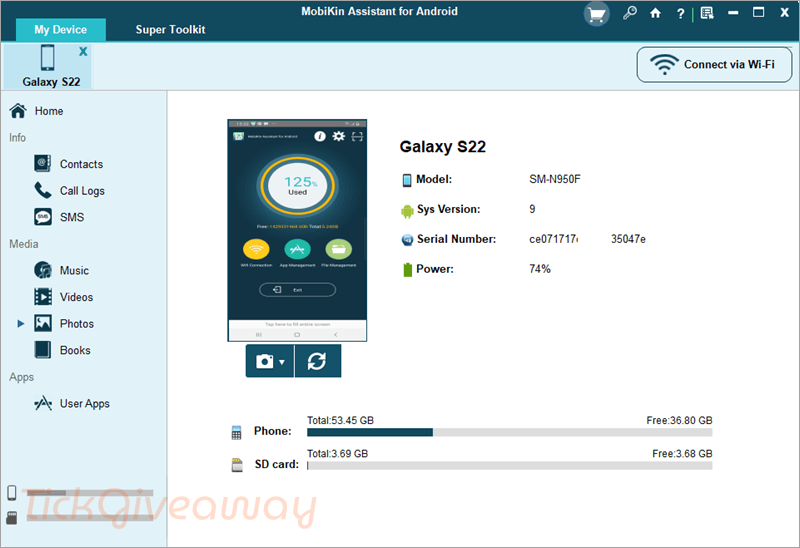
MobiKin Assistant for Android allows you to connect several Android devices to your PC and back up all of their data with a single click. Many Android users say that whenever they utilize a weird option on their Android smartphone, they inadvertently erase something crucial. So, are you sick of losing things from your phone at random? With the assistance of this phone manager program, you can now put an end to the fate of data loss on Android. It allows you to connect numerous Android smartphones to your PC and back up all of their data to your desktop with a single click.
Key Features:
- Transfer Android Data to Computer: Move contacts, messages, photos, videos, music, and documents from your Android device to a computer for backup.
- Import Files to Android Devices: Add files from your computer to your Android phone or tablet quickly and easily.
- Manage Contacts and SMS: view, edit, delete, and export contacts and text messages directly from your computer.
- Backup and Restore Android Data: Create a full backup of your Android data and restore it to your device whenever needed.
- Preview Files Before Transfer: Check contacts, messages, photos, and other files before choosing what to transfer.
- Organize Media Files: Manage music, videos, photos, and other media files on your Android device with simple tools.
- Supports Many Android Devices: works with a wide range of Android phones and tablets from popular brands.
- Simple and Easy Interface: provides a clear layout that makes Android data management easier, even for new users.
Supported OS: Windows 11/10/8/7
Price: $49.95/year
How to get the MobiKin Assistant for Android license key for free?
MobiKin Assistant for Android
One user friendly tool that simplifies Android device management
Special offers
MobiKin Assistant for Android - 1 Year, 1 PC
MobiKin Assistant for Android - Lifetime, 1 PC
MobiKin Assistant for Android (Mac) - 1 Year, 1 PC
Instructions
Step 1. Please enter your email address into the giveaway form below to get your free license code.
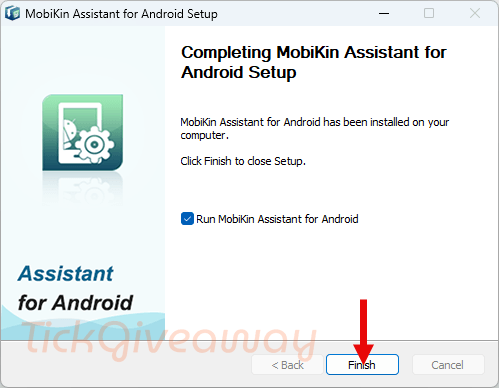
Step 2. Download and install the software –> mobikin-android-assistant.exe
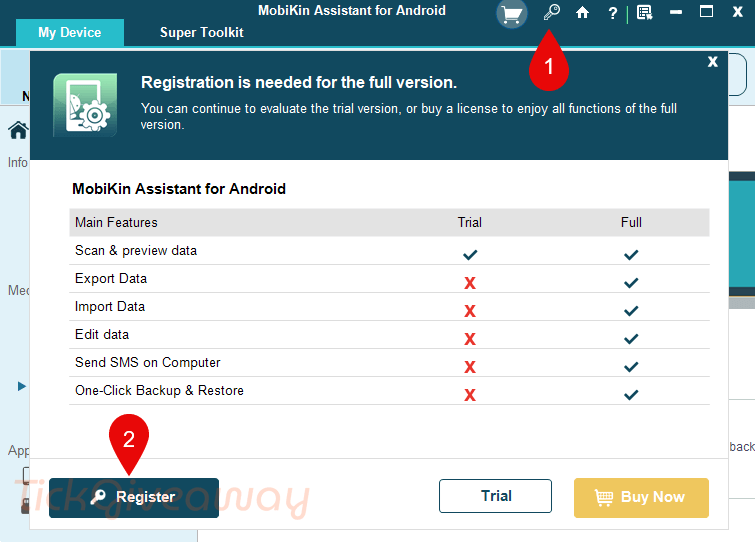
To register the software, on the main application interface, click the “key icon” and then press the “Register” button:
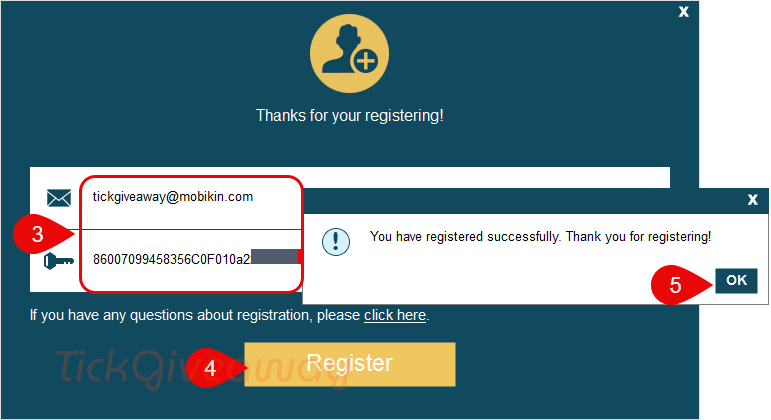
Fill in the registration form with the user info above:
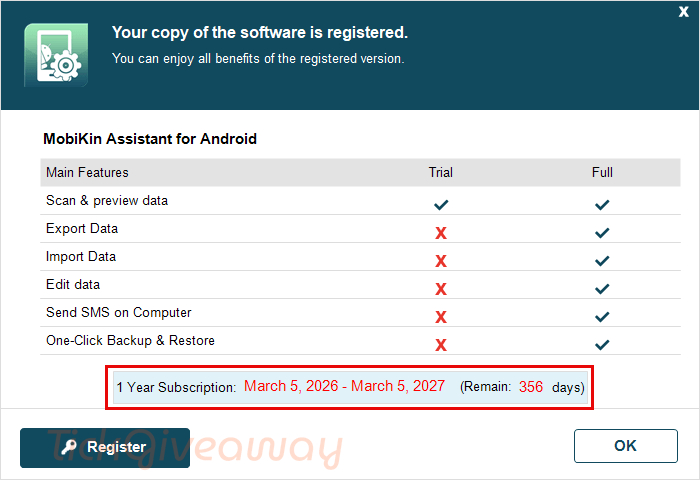
Step 3. Enjoy it for 1 year free!



doesn’t handle app specific data at all just a small subset of data on android devices.